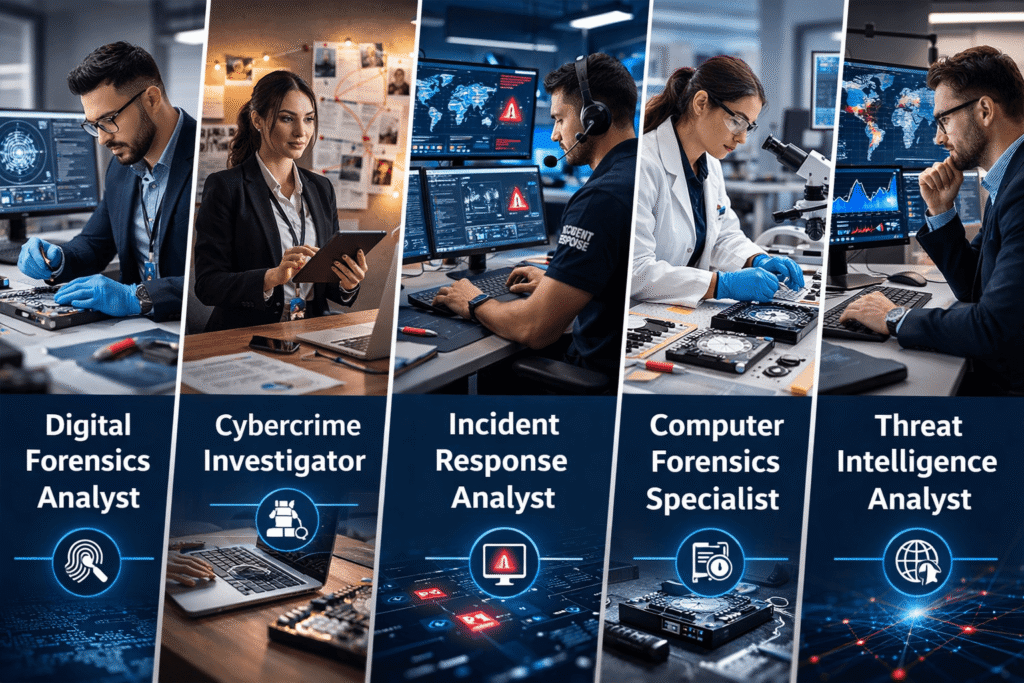
Yes, a digital forensics course online is highly valuable in the UK. With rising cybercrime, companies need skilled professionals. Therefore, this course improves your employability in cyber security roles. Moreover, certification adds credibility to your profile.


Course Curriculum
| Course Overview | |||
| Course Overview | 00:06:00 | ||
| Building Your Forensics Lab Environment Using VirtualBox | |||
| Lab – Installing CSI Linux | 00:13:00 | ||
| Lab – Creating a Kali Live (Forensic Mode) VM Using VirtualBox | 00:06:00 | ||
| Lab – Create a Virtual Install Kali Image Using VirtualBox | 00:07:00 | ||
| Lab – Create Virtual Install of Windows 10 Using VirtualBox | 00:08:00 | ||
| Install Additional Tool Using Katoolin3 | 00:10:00 | ||
| Using Kali Forensic Mode and Autopsy | |||
| Lab – Simulate Creating a Disk Image for a Forensic Analysis | 00:11:00 | ||
| Lab – Examining a forensic Disk Image Using Autopsy | 00:12:00 | ||
| Digital Forensics Case Management | |||
| Lab -Digital Forensics Using Autopsy Part I | 00:11:00 | ||
| Lab – Digital Forensics Using Autopsy Part II | 00:07:00 | ||
| Lab – Installing the WebMap-Nmap Dashboard | 00:12:00 | ||
| Open-source intelligence (OSINT) | |||
| Lab – Conducting OSINT Using CSI Linux Investigator | 00:08:00 | ||
| Lab – Find Social Media Accounts Using Sherlock | 00:07:00 | ||
| Computer Forensics | |||
| Attaching an External USB Device in Kali | 00:07:00 | ||
| Lab – Memory Forensics Using the Volatility Framework | 00:18:00 | ||
| Lab – Acquiring a Forensic Copy of the Windows Registry | 00:15:00 | ||
| Lab – Analyzing the Windows Registry for Evidence | 00:14:00 | ||
| Using Shodan to Search for Vulnerable devices | |||
| Lab – Preparing CSI Investigator to Use Shodan | 00:05:00 | ||
| Lab – Using Shodan to Find Vulnerable Devices | 00:16:00 | ||
| Lab – Using Shodan to Search for Vulnerable Databases | 00:08:00 | ||
| Stenography | |||
| Lab – Using the EXIFtool to Read and Write EXIF Tags | 00:11:00 | ||
| Using the EXIFtool to Read and Write EXIF Tags | 00:10:00 | ||
| Network forensics Using Wireshark | |||
| Overview of Wireshark 3.2 | 00:11:00 | ||
| Wireshark Capture Options | 00:07:00 | ||
| Wireshark Toolbar Icons | 00:04:00 | ||
| Lab – Capturing a 3-way TCP Handshake Using Wireshark | 00:05:00 | ||
| Lab – Installing a Wireless Adapter in Kali | 00:09:00 | ||
| Lab – Hacking a Wireless Network Using Kali Linux | 00:14:00 | ||
| Capturing Wireless Traffic Using Wireshark | 00:05:00 | ||
| Practice What You Have learned | |||
| Lab – CTF Lab Build for HA: Forensics | 00:11:00 | ||
| Lab – Capture flag #1 | 00:12:00 | ||
| Lab – Capture flag #2 | 00:10:00 | ||
| Lab – Capture flag #3 | 00:20:00 | ||
| Lab – Capture flag #4 | 00:09:00 | ||
| Assignment | |||
| Assignment – Level-4 Digital Forensics for Cyber Professionals | 00:00:00 | ||
| Order Your Certificate | |||
| Order Your Certificate | 00:00:00 | ||
Related Courses