Popular Courses

Brand
Awarding body image

Overview​ of MS Office Course

The Microsoft Office Training – MS Word, Excel, Access, and PowerPoint course is a full training programme designed to help beginners become specialists in the world’s most popular office suite, including tools from Microsoft 365 for modern, cloud-based productivity. This Essential Computer Skill course is ideal for anyone wishing to increase efficiency, streamline workflows, and develop career-ready abilities. By covering everything from fundamental functioning to sophisticated capabilities, learners acquire hands-on experience that will allow them to confidently tackle real-world jobs.

With 24-hour student support, learners can resolve questions in real time, access resources instantly, and stay on track. Whether you want to increase productivity, give a great presentation, or streamline data management, this course will help you achieve.

Whether you want to increase productivity, give a great presentation, or streamline data management, our MS Office Course will help you achieve your goals.

Sneak Peek

Accreditation & Complementary Gifts 🎁

  • CPDQS-accredited proficiency
  • Free Enrollment Letter
  • Free Course 01: Presentation Skills
  • Free Course 02: Interview Skills: Ace the Interview

Description of MS Office Course

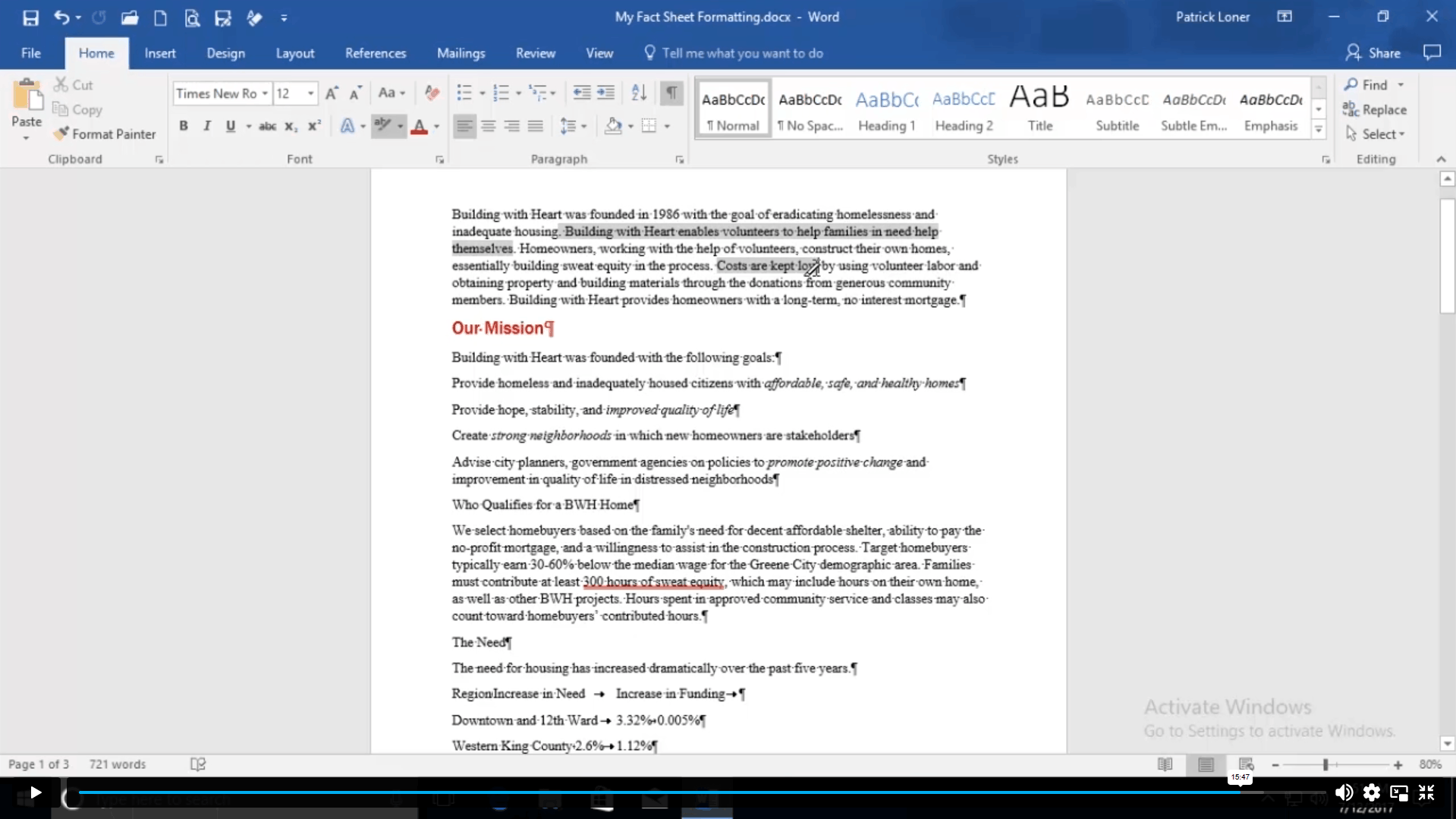
By completing this Microsoft Office Specialist course, learners will develop strong practical skills in Microsoft Word, Excel, PowerPoint, and Access, enabling them to work confidently in office, administrative, and business environments. You will learn how to create, format, and manage professional documents, control page layout and appearance, add tables and graphics, and prepare documents for publishing. The course also focuses on improving efficiency through smart formatting, list management, and productivity tools commonly used in the workplace.

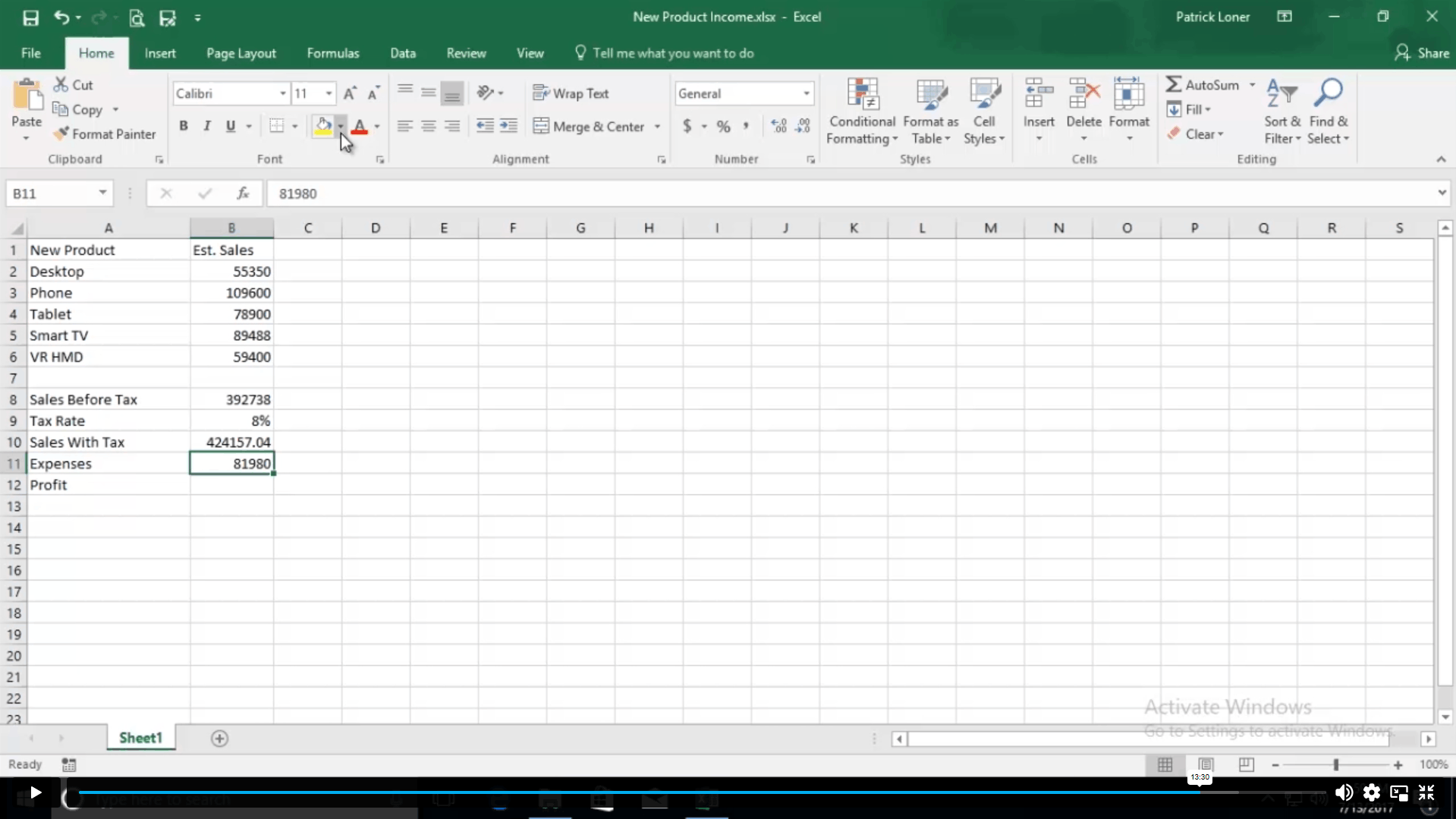
You will gain in-demand Microsoft Excel skills, including performing calculations, using formulas and functions, modifying and formatting worksheets, managing and printing workbooks, and presenting data using tables and charts. Learners will understand how to organise, analyse, and present data clearly, improving accuracy and decision-making.

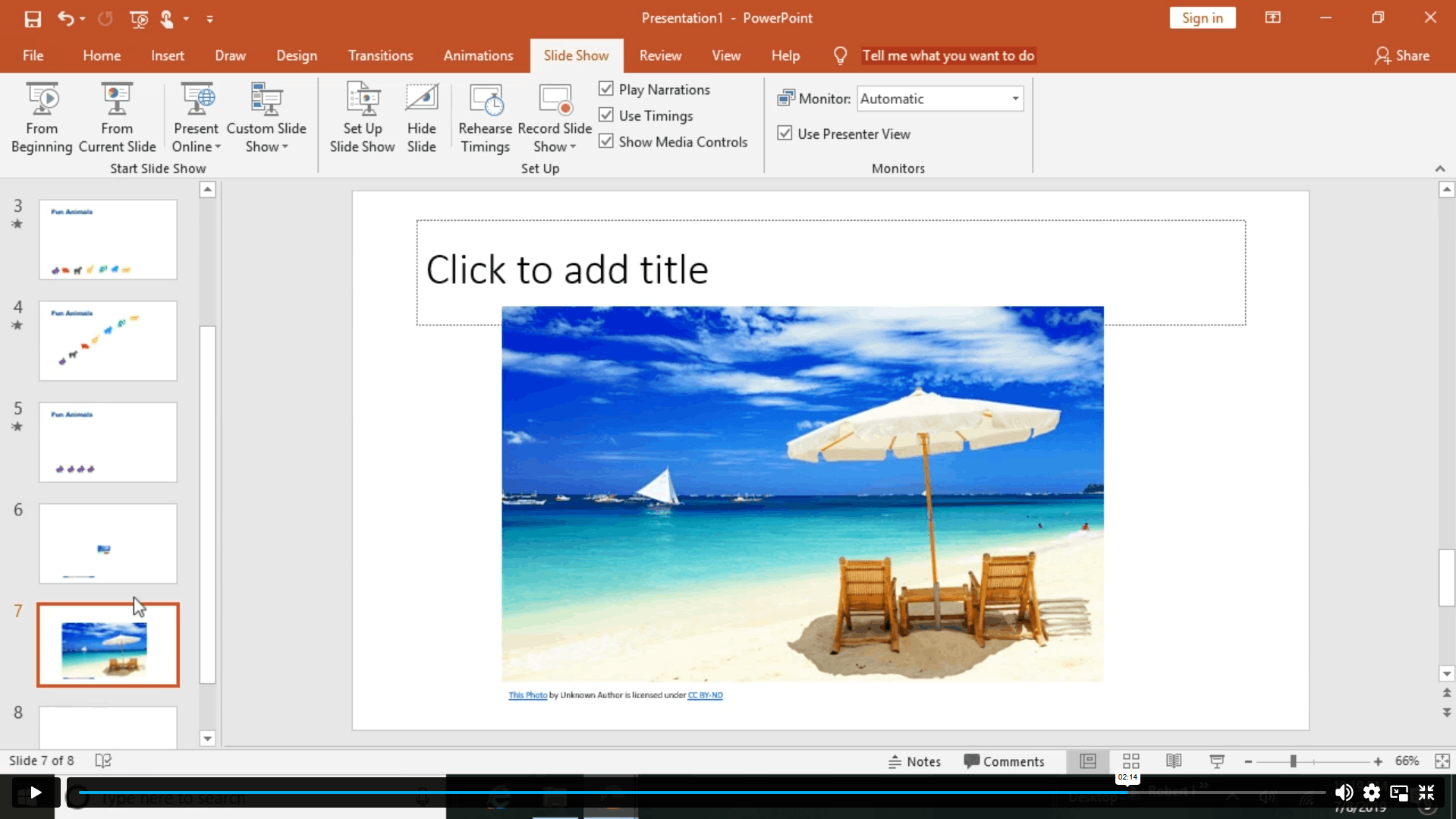
In PowerPoint, you will learn presentation fundamentals, slide formatting, object handling, visual design, and how to create clear, engaging presentations suitable for meetings, training, and professional use.

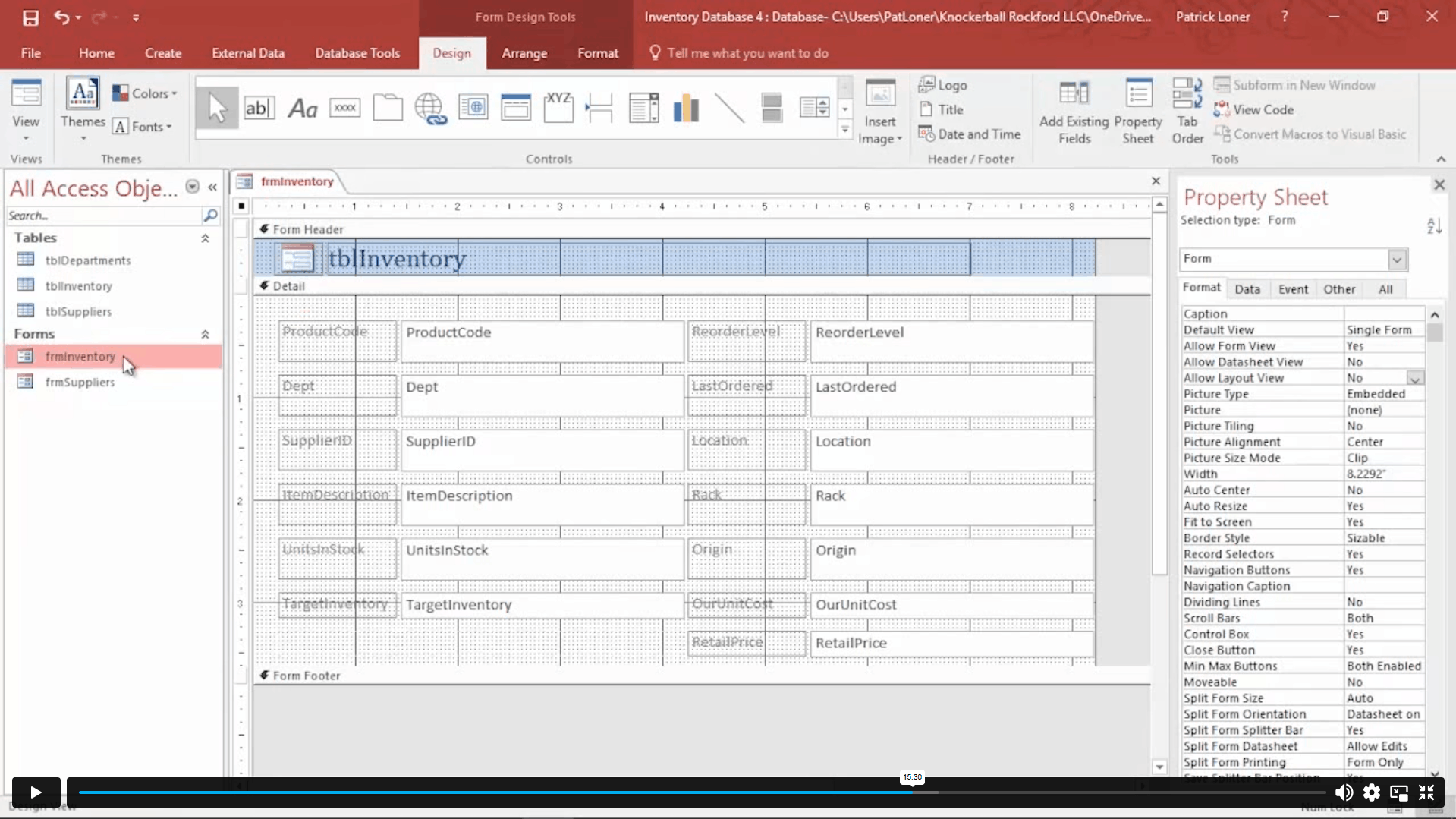
The course also builds essential database management skills using Microsoft Access. You will learn how to create and modify data, work with queries, design user-friendly forms, and generate professional reports.

By the end of the course, you will be able to use Microsoft Office applications together effectively, apply your skills to real-world workplace tasks, improve productivity, and enhance your CV with practical, job-ready Microsoft Office expertise.

Demand for Microsoft Office Skills

Microsoft Office is in high demand, with 78% of office positions requiring fluency in software such as Excel, Word, and PowerPoint — often referred to together as Excel PowerPoint skills by recruiters. Employers see these abilities as crucial, and 85% of hiring managers appreciate Microsoft Office course certificates.

Starting Salary Potential

Professionals who are proficient in Microsoft Office can expect to be paid desirable pay. Starting salaries for entry-level positions such as administrative assistants or data analysts range from $35,000 to $55,000 per year, with advanced positions paying much more.

Why This Course is Necessary

In today’s digital workplace, Microsoft Office knowledge is essential. From writing professional documents to analysing large data sets, this course will easily prepare you for real-world work. You’ll acquire confidence in creating professional-grade spreadsheets, managing databases, designing effective presentations, and formatting accurate papers.

Course Curriculum Overview: Microsoft Office (Word, Excel, PowerPoint & Access)

Microsoft Excel: Data Analysis, Productivity & Reporting Skills

In this module, learners develop strong Excel skills essential for data handling, analysis, and reporting in modern workplaces.

You will learn how to:

  • Use the latest Excel features, including advanced formulas and improved data visuals

  • Navigate the Excel interface and manage workbooks efficiently

  • Enter, organise, and modify data accurately

  • Create formulas and apply built-in functions for calculations

  • Format worksheets using styles, themes, and conditional formatting

  • Build professional reports with page layout, headers, and printing options

  • Manage worksheets, views, and workbook properties confidently

Why this matters professionally:

  • Excel skills are highly valued across administration, finance, HR, and operations

  • Enables faster data analysis and more accurate decision-making

  • Improves productivity and reporting quality in any office role

Microsoft Word: Professional Document Creation & Formatting

This module focuses on creating polished, professional documents for business, education, and administrative use.

You will learn how to:

  • Work with modern Word features such as inking tools, learning aids, and translation tools

  • Create, edit, and save professional documents

  • Format text, paragraphs, lists, and layouts consistently

  • Insert and manage tables, images, symbols, and graphic elements

  • Use styles to streamline formatting and improve efficiency

  • Control page layout with headers, footers, borders, and watermarks

  • Prepare documents for publishing, accessibility, and multiple formats

Why this matters professionally:

  • Produces clear, well-structured documents that meet workplace standards

  • Saves time through efficient formatting and editing tools

  • Enhances written communication and document presentation

Microsoft PowerPoint: Impactful Presentations & Visual Communication

This module equips learners with the skills to design and deliver engaging, professional presentations.

You will learn how to:

  • Use the latest PowerPoint features, including morph transitions, zoom, and 3D elements

  • Create and structure presentations from scratch

  • Format text, images, shapes, and objects for visual impact

  • Insert tables and charts, including data from Excel

  • Apply animations and transitions effectively

  • Review, print, and deliver presentations with confidence

Why this matters professionally:

  • Strong presentation skills support meetings, training, and client communication

  • Helps convey ideas clearly and persuasively

  • Enhances confidence in public speaking and visual storytelling

Microsoft Access: Database Management & Information Control

This module introduces practical database skills for organising, managing, and reporting on structured data.

You will learn how to:

  • Understand the Access environment and new feature updates

  • Create and manage databases and tables

  • Modify, sort, and filter records accurately

  • Build queries to analyse data and perform calculations

  • Design user-friendly forms for data entry

  • Create and format professional reports for analysis and printing

Why this matters professionally:

  • Supports accurate record-keeping and data organisation

  • Improves reporting and information management

  • Valuable for administrative, data-driven, and office support roles

Practical Assignments & Certification

To reinforce learning and ensure real-world application, the course includes practical assignments.

By completing this course, you will:

  • Apply your Microsoft Office skills through hands-on tasks

  • Build confidence using Office tools in real scenarios

  • Have the option to order an official certificate to demonstrate your skills to employers

Why Choose Us?​

Certificate of Achievement

Upon successful completion, you will instantly get a free UK and internationally recognised CPD Accredited certificate.

Nextgen Certificate

Quality Licence Scheme Endorsed Certificate of Achievement

Upon successful completion of the course, you will be eligible to order a QLS Endorsed HardCopy Certificate titled ‘Advanced Diploma in Microsoft Office at QLS Level 7’, providing tangible proof of your newly acquired skills. These certificates are not just tokens; they can be a valuable addition to your CV, enhancing your employability and opening doors to a myriad of career opportunities in this field.

Endorsement

The Quality Licence Scheme (QLS) has endorsed this course for its high-quality, non-regulated provision and training programmes. The QLS is a UK-based organisation that sets standards for non-regulated training and learning. This endorsement means that the course has been reviewed and approved by the QLS and meets the highest quality standards.

Who Is This MS Office Course For?​

Requirements​

The Microsoft Office course requires no prior degree or experience. All you require is English proficiency, numeracy literacy and a gadget with a stable internet connection. Learn and train for a prosperous career in the thriving and fast-growing industry of Microsoft Office – MS Word, Excel, Access & PowerPoint, without any fuss.

While the course can be completed with standalone software, learners with a Microsoft 365 subscription can take advantage of additional cloud features and collaboration tools.

Career Progression After Completing the Microsoft Office – MS Word, Excel, Access & PowerPoint Course

This Microsoft Office course is designed to build job-ready digital skills that support career development across administrative, analytical, and business-support roles. By strengthening proficiency in Excel training, Word certification skills, PowerPoint presentation skills, and Microsoft Access database training, learners gain practical capabilities valued across almost every sector.

Potential Career Pathways and Average UK Salary Ranges

Administrative Assistant
Support daily office operations through document preparation, scheduling, data entry, and reporting using Microsoft Word and Excel.
Average UK salary: £21,000 – £28,000 per year

Data Analyst (Entry-Level / Junior)
Use Excel and Access to organise, analyse, and present data for reporting, performance tracking, and decision support.
Average UK salary: £25,000 – £35,000 per year

Office Manager
Oversee office systems, reporting processes, presentations, and database records while coordinating teams and workflows.
Average UK salary: £28,000 – £40,000 per year

Presentation Designer / Business Support Specialist
Create professional presentations, reports, and visual content using advanced PowerPoint and Excel integration.
Average UK salary: £26,000 – £38,000 per year

Database Administrator (Junior / Support Role)
Manage and maintain structured data using Microsoft Access for internal systems, reporting, and record management.
Average UK salary: £27,000 – £42,000 per year

Freelance Office Support or Digital Consultant
Provide remote or on-site Microsoft Office support services to businesses, including reporting, document design, and data management.
Earnings vary based on clients, experience, and specialisation

Order Your Certificate

To order QLS endorsed Certificate, we kindly invite you to visit the following link:

FAQs About Microsoft Office - MS Word, Excel, Access & PowerPoint

You’ll gain hands-on skills in Microsoft Word, Excel, PowerPoint, and Access, including document creation, data analysis, presentations, and database management used in real workplaces.

This course is ideal for beginners, job seekers, office professionals, students, and career switchers who want practical Microsoft Office skills and certification-ready training.

Yes. Microsoft Office refers to the classic desktop applications (Word, Excel, PowerPoint, Outlook, Access), while Microsoft 365 (Office 365) is a subscription with cloud services and updates. Our MOS course teaches the core Office applications used across both versions.

The fastest way is a structured course that blends taught lessons with hands-on projects — just like our MOS course, designed to take you from beginner to confident user quickly.

Learn MS Office fast by following guided lessons, practising real tasks in Word, Excel, PowerPoint and more, and using expert tips — all included in the MOS course.

With our MOS training, most learners gain solid working skills in a few weeks, with deeper mastery and certification readiness in a couple of months with consistent practice.

Yes — if you commit to focused learning. Our MOS course breaks Excel into clear modules so you can rapidly learn key functions, formulas and practical tools in just a few weeks.

Common foundational Excel formulas you’ll learn in our MOS training include SUM, AVERAGE, COUNT, MAX, MIN, IF, and VLOOKUP/XLOOKUP — essential for workplace productivity.

Yes — but self-study can be slow and unfocused. Our MOS course gives structured lessons, exercises and assessments to help you learn faster and more confidently than going it alone.

Not with the right training. The MOS course is designed for beginners and makes learning Office intuitive and practical through real-world case tasks and expert guidance.

While free tutorials exist, the most effective way to learn Microsoft Office comprehensively is with structured training like our Microsoft Office Specialist (MOS) course, which includes guided lessons, hands-on projects and certificate preparation.

You can with online courses — and our Microsoft Office Specialist course is perfect for home learners, giving you full video lessons, downloadable resources, and step-by-step guidance.

The best beginner training covers core apps, basics to advanced features, and real examples. That’s exactly what our MOS course delivers for Word, Excel, PowerPoint, Outlook and Access.

The Microsoft Office Specialist (MOS) certification is ideal for beginners — and our MOS course prepares you specifically for these certifications.

Yes. Microsoft Office skills are required in most office and admin roles. Completing this course strengthens your CV, productivity, and employability across multiple industries.

Microsoft Learn is helpful for basics. But for structured progression, practice tasks, feedback and a certificate-ready pathway, our MOS course is better for beginner success.

Microsoft Word is a word-processing program used to create, edit, and format documents such as letters, reports, CVs, and business files. In this course, you’ll learn how to use Microsoft Word professionally for real-world workplace tasks.

Open Microsoft Word, select New Document, choose a blank or template file, and start typing. In this course, you’ll learn how to create, format, save, and manage Word documents professionally.

The best way is through hands-on, structured training that covers slide design, animations, and real presentations. This course teaches PowerPoint step by step using practical, workplace-focused examples.

The 5-5-5 rule means no more than 5 words per line, 5 lines per slide, and 5 text-heavy slides in a row. In this course, you’ll learn how to apply this rule properly to create clear, professional presentations.

The 7-7-7 rule means using no more than 7 words per line, 7 lines per slide, and 7 slides per presentation section. This course teaches how to apply this rule effectively to create clean, engaging, and professional PowerPoint presentations.

Basic Microsoft Access skills can be learned in 2–4 weeks, while advanced database skills may take longer. In this course, you’ll learn Access step by step with practical, job-focused examples.

Yes. MS Access is beginner-friendly when taught properly. This course simplifies databases, tables, queries, forms, and reports so learners can understand and use Access confidently.

The main components are Tables, Queries, Forms, Reports, Macros, Modules, and Relationships. All of these are covered in this course with real-world use cases.

Course Curriculum

Microsoft Excel
Microsoft Excel New Features
Introduction to Microsoft Excel New Features 00:07:00
CONCAT 00:02:00
IFS 00:01:00
MAXIFS 00:01:00
MINIFS 00:01:00
SWITCH 00:02:00
TEXTJOIN 00:01:00
Map Chart 00:02:00
Funnel Chart 00:01:00
Better Visuals 00:06:00
Pivot Table Enhancements 00:02:00
Power Pivot Updates 00:01:00
Getting Started with Microsoft Excel
Navigate the Excel User Interface 00:28:00
Use Excel Commands 00:10:00
Create and Save a Basic Workbook 00:19:00
Enter Cell Data 00:12:00
Use Excel Help 00:05:00
Performing Calculations
Create Worksheet Formulas 00:15:00
Insert Functions 00:17:00
Reuse Formulas and Functions 00:17:00
Modifying a Worksheet
Insert, Delete, and Adjust Cells, Columns, and Rows 00:10:00
Search for and Replace Data 00:09:00
Use Proofing and Research Tools 00:07:00
Formatting a Worksheet
Apply Text Formats 00:16:00
Apply Number Format 00:07:00
Align Cell Contents 00:09:00
Apply Styles and Themes 00:12:00
Apply Basic Conditional Formatting 00:11:00
Create and Use Templates 00:08:00
Printing Workbooks
Preview and Print a Workbook 00:10:00
Set Up the Page Layout 00:09:00
Configure Headers and Footers 00:07:00
Managing Workbooks
Manage Worksheets 00:05:00
Manage Workbook and Worksheet Views 00:07:00
Manage Workbook Properties 00:06:00
Microsoft Word
Microsoft Word New Features
Introduction to Microsoft Word New Features 00:14:00
Inking Tools 00:03:00
Inking Tools 1 00:07:00
Learning Tools 00:07:00
Microsoft Translate 00:03:00
LaTeX 00:05:00
Smart Lookup 00:04:00
Side to Side Scrolling 00:02:00
Scalable Vector Graphics 00:03:00
Getting Started with Word
Navigate in Microsoft Word 00:12:00
Create and Save Word Documents 00:24:00
Manage Your Workspace 00:06:00
Edit Documents 00:16:00
Preview and Print Documents 00:04:00
Customize the Word Environment 00:08:00
Formatting Text and Paragraphs
Apply Character Formatting 00:17:00
Control Paragraph Layout 00:19:00
Align Text Using Tabs 00:07:00
Display Text in Bulleted or Numbered Lists 00:03:00
Apply Borders and Shading 00:04:00
Working More Efficiently
Make Repetitive Edits 00:06:00
Apply Repetitive Formatting 00:10:00
Use Styles to Streamline Repetitive Formatting Tasks 00:14:00
Managing Lists
Sort a List 00:05:00
Format a List 00:06:00
Adding Tables
Inserting a Table 00:07:00
Modify a Table 00:06:00
Format a Table 00:03:00
Convert Text to a Table 00:04:00
Inserting Graphic Objects
Insert Symbols and Special Characters 00:04:00
Add Images to a Document 00:11:00
Controlling Page Appearance
Apply a Page Border and Color 00:03:00
Add Headers and Footers 00:06:00
Control Page Layout 00:05:00
Add a Watermark 00:04:00
Preparing to Publish a Document
Check Spelling Grammar and Readability 00:07:00
Use Proofing and Research Tools 00:07:00
Check Accessibility 00:03:00
Save a Document to Other Formats 00:04:00
Workbooks - Microsoft Word (Beginner)
Workbooks – Microsoft Word (Beginner) 00:00:00
Microsoft PowerPoint
Microsoft PowerPoint New Features
Introduction to Microsoft PowerPoint New Features 00:06:00
Highlighting 00:02:00
Morph Transition 00:03:00
Zoom 00:03:00
Vector Graphics 00:03:00
SVG Icons to Shapes 00:04:00
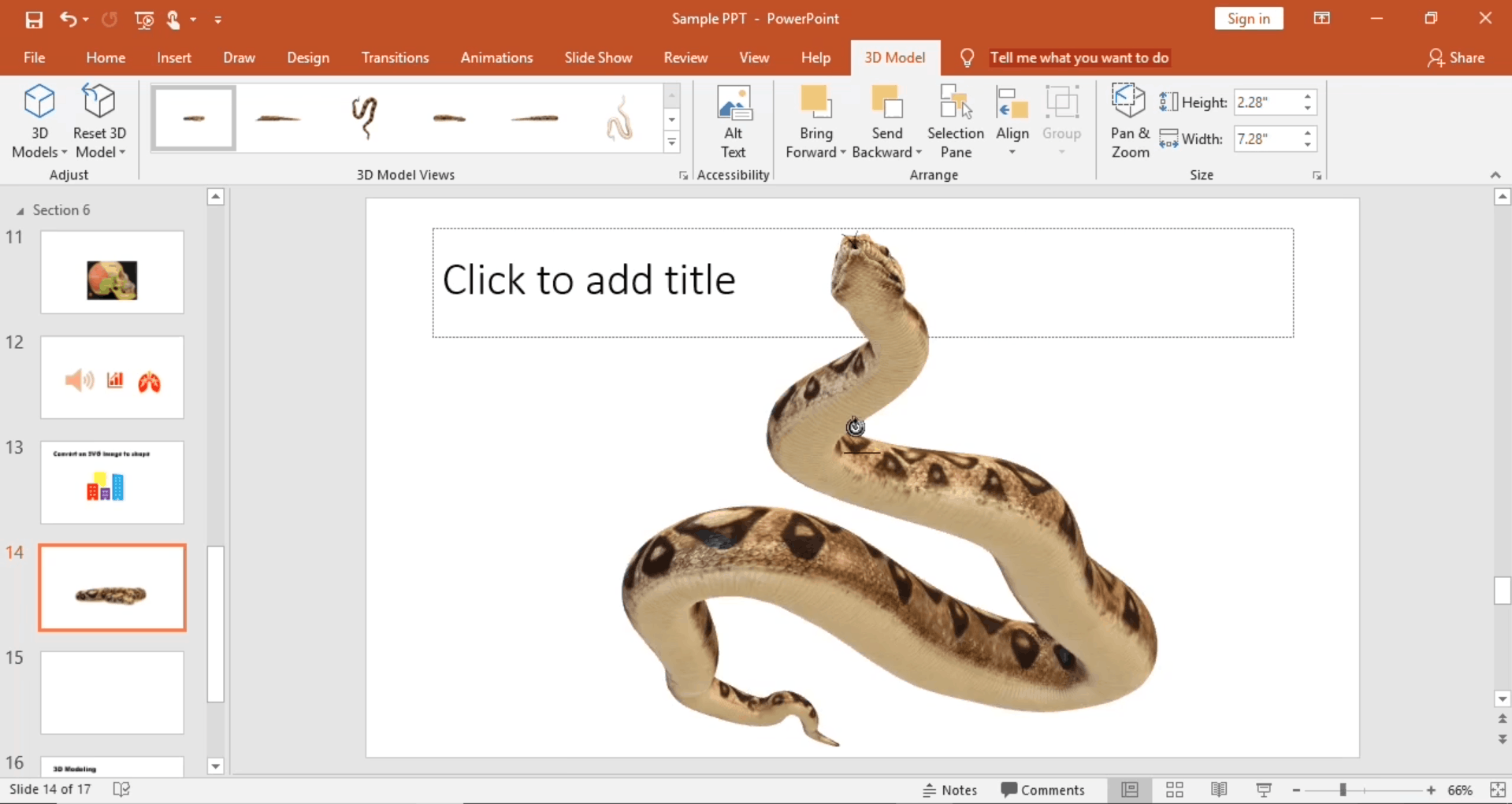
3D Modeling 00:04:00
Background Removal 00:03:00
4K 00:03:00
PowerPoint Interface
Navigate the PowerPoint Environment 00:28:00
View and Navigate a Presentation 00:15:00
Create and Save a PowerPoint Presentation 00:13:00
Use PowerPoint Help 00:10:00
Presentation Basics
Select a Presentation Type 00:08:00
Edit Text 00:13:00
Build a Presentation 00:27:00
Formatting
Format Characters 00:11:00
Format Paragraphs 00:16:00
Format Text Boxes 00:09:00
Inserting Options
Insert Images 00:10:00
Insert Shapes 00:15:00
Working with Objects
Edit Objects 00:16:00
Format Objects 00:06:00
Group Objects 00:04:00
Arrange Objects 00:07:00
Animate Objects 00:07:00
Table
Create a Table 00:09:00
Format a Table 00:03:00
Insert a Table from Other Microsoft Office Applications 00:06:00
Charts
Create a Chart 00:10:00
Format a Chart 00:10:00
Insert a Chart from Microsoft Excel 00:05:00
Review and Presentation
Review Your Presentation 00:11:00
Apply Transitions 00:05:00
Print Your Presentation 00:05:00
Deliver Your Presentation 00:08:00
Microsoft Access
Microsoft Access New Features
Introduction to Microsoft Access New Features 00:05:00
Window Resize 00:01:00
Charts 00:02:00
dbf 00:01:00
Large Number 00:01:00
Property Sorting 00:01:00
Introduction to Access
Orientation to Microsoft Access 00:39:00
Create a Simple Access Database 00:10:00
Get Help and Configure Options in Microsoft Access 00:06:00
Modify Data
Modify Table Data 00:17:00
Sort and Filter Records 00:05:00
Working with Queries
Create Basic Queries 00:15:00
Sort and Filter Data in a Query 00:14:00
Perform Calculations in a Query 00:08:00
Access Forms
Create Basic Access Forms 00:07:00
Work with Data on Access Forms 00:23:00
Working with Reports
Create a Report 00:28:00
Add Controls to a Report 00:12:00
Enhance the Appearance of a Report 00:05:00
Prepare a Report for Print 00:03:00
Organize Report Information 00:15:00
Format Reports 00:12:00
Assignment
Assignment – Microsoft Office Bundle 00:00:00
Recommended Courses
Recommended Courses 00:00:00
Order Your Certificate
Order Your Certificate 00:00:00
Order Your QLS Certificate
Order Your QLS Certificate 00:00:00
Thank You For Choosing NextGen Learning
Thank You For Choosing NextGen Learning 00:00:00

Related Courses

A product of

© 2026 NextGen Learning. All rights reserved

Select your currency
GBP Pound sterling