




The 25 Best Free AI Tools (Ranked by Category)
Introduction — Why Free AI Tools Are Now Genuinely Powerful
Not long ago, “free AI tool” meant a basic chatbot with a five-message daily limit and a watermark plastered across every output. In 2026, that is no longer the case. The gap between free and paid AI tools has closed dramatically — and for a growing number of use cases, free tools now deliver professional-grade results.
This guide covers the 25 best free AI tools available right now, ranked within four key categories: video generation, audio and voice, image creation, and productivity and text. We have structured it this way deliberately. Most roundup lists dump 25 tools into a flat, unsorted list. That approach makes comparison nearly impossible. Instead, we rank tools within their category by quality, so you know exactly which tool to reach for and why.
Whether you are a content creator looking for a free AI video generator, a developer wanting access to powerful language models, a student needing a smart research assistant, or a business owner exploring AI without committing to a subscription — this guide is built for you.
Every tool on this list offers a meaningful free tier. We have not included tools that require a credit card to start, tools where the free tier is so limited it is effectively unusable, or tools that have shut down their free access since publication. Where free tier limits are significant, we flag them clearly.
It is also worth noting that the AI landscape moves fast. Several tools in this list — particularly in the video and audio categories — have reached quality levels that would have required expensive software just twelve months ago. Many are fully accessible from a browser with no download required. For a broader context on how the field is evolving, MIT Technology Review’s AI coverage and the UK Government’s AI regulation updates are both excellent reference points for UK readers.
Table of Contents
How We Tested and Ranked These Tools (Methodology)

With hundreds of free AI tools competing for attention in 2026, any list that simply aggregates names without a clear selection process is doing you a disservice. Here is exactly how we evaluated and ranked everything in this guide.
Our selection criteria covered five areas:
• Free tier genuineness: The tool must offer meaningful functionality for free — not just a 30-second trial or a single watermarked export. We excluded anything requiring a credit card up front.
• Output quality: We tested each tool against a standardised set of prompts across its category. For video tools, we used the same cinematic scene prompt across all five platforms.
• Ease of use: We assessed how quickly a first-time user could achieve a usable result without tutorials or technical setup. Browser-based access scored higher than tools requiring local installation.
• Reliability and availability: Tools that frequently go offline, throttle free users heavily, or have unstable servers were ranked lower, regardless of raw output quality.
• UK and EU accessibility: Given that this guide is written for a UK audience, we specifically checked whether each tool is accessible without region restrictions, and flagged any GDPR or EU AI Act considerations where relevant.
Within each category, tools are ranked from best to most basic. The top three in each category receive a tier designation — Gold, Silver, and Bronze — to make the hierarchy immediately clear. This methodology is not sponsored. No tool paid for placement.
🎬 Best Free AI Video Tools in 2026
AI video generation has undergone a transformation in the past 12 months that very few people predicted at this speed. What once required expensive software, a powerful GPU, and hours of rendering time can now be achieved in minutes — directly from a browser, entirely for free. The five tools below represent the best of what is currently available at no cost, ranked by output quality and overall usefulness.

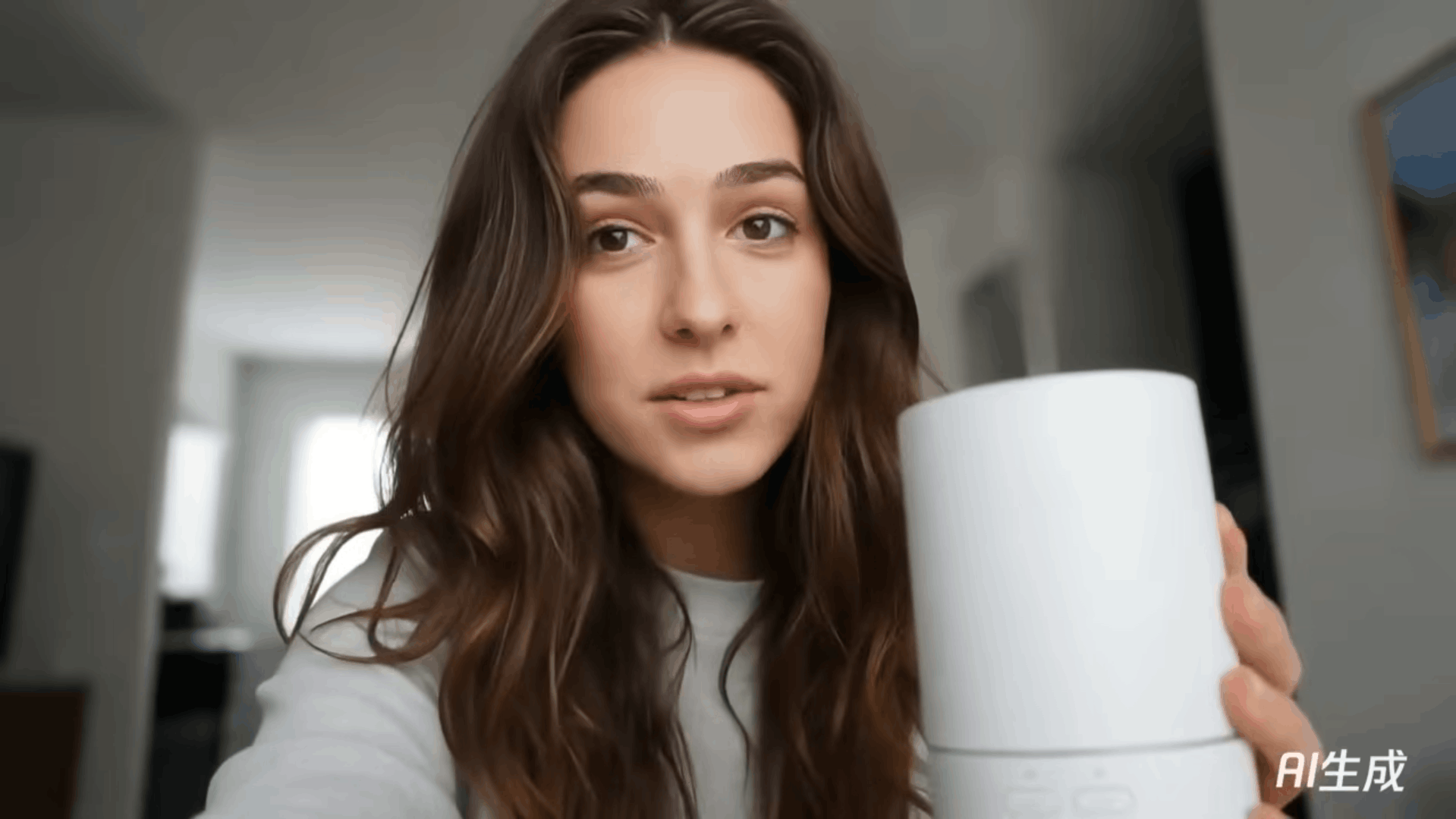
🥇 1. Hunyuan by Tencent — Best for Cinematic Quality
Hunyuan is, by a meaningful margin, the most cinematically impressive free AI video tool available in 2026. Developed by Tencent, it uses a sophisticated diffusion-based architecture that produces motion consistency and physical realism at a level most paid tools struggled to match just a year ago.
What sets Hunyuan apart is its handling of complex, multi-element scenes. Where competing tools often produce flickering backgrounds, inconsistent lighting, or objects that drift unnaturally between frames, Hunyuan maintains spatial coherence throughout the clip.
• Produces near film-level motion consistency across long, complex scenes
• Handles realistic physics — water, cloth movement, and environmental detail — better than any free competitor
• Strong prompt adherence means what you describe is reliably what you see
• Outputs carry cinematic depth of field and colour grading most free tools do not replicate
⚠️ Honest limitation: Hunyuan’s interface is less beginner-friendly than some alternatives. New users may need a short learning curve. Generation times can also be longer than those of lightweight competitors.
✅ Free tier: Available via the Hunyuan platform with generation credits. No credit card required to start.
🎯 Best for: Content creators, filmmakers, and marketers who prioritise output quality above all else.
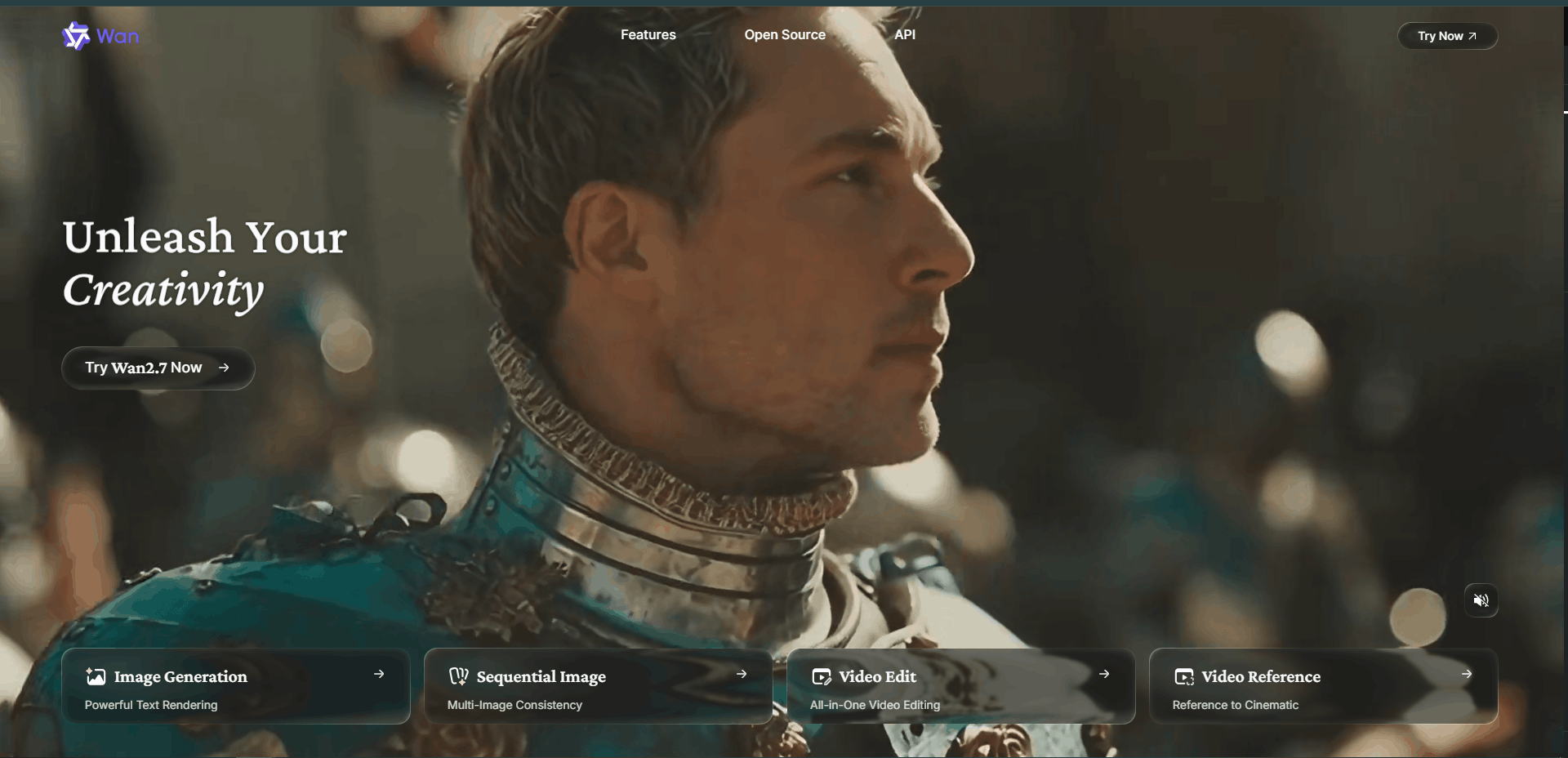
🥈 2. Wan.video (Wan 2.6) — Best All-Round Creator Tool
If Hunyuan is the tool for maximum cinematic quality, Wan.video is the tool for maximum creative control. The Wan 2.6 model supports 4K output and a camera control suite — including pan, zoom, and slow-motion modifiers — allowing you to direct a scene rather than simply describe it.
• 4K output resolution available on the free tier
• Dedicated camera controls (pan, zoom, slow-motion) for directorial precision
• Very strong prompt adherence with consistent style across multiple generations
• More creator-friendly UI than Hunyuan with faster onboarding
⚠️ Honest limitation: Wan.video occasionally falls slightly short of Hunyuan’s cinematic depth on highly complex, multi-layered scenes.
✅ Free tier: Generous free generation allowance. Browser-based with no installation required.
🎯 Best for: YouTubers, social media creators, and video marketers who need both quality and creative control.
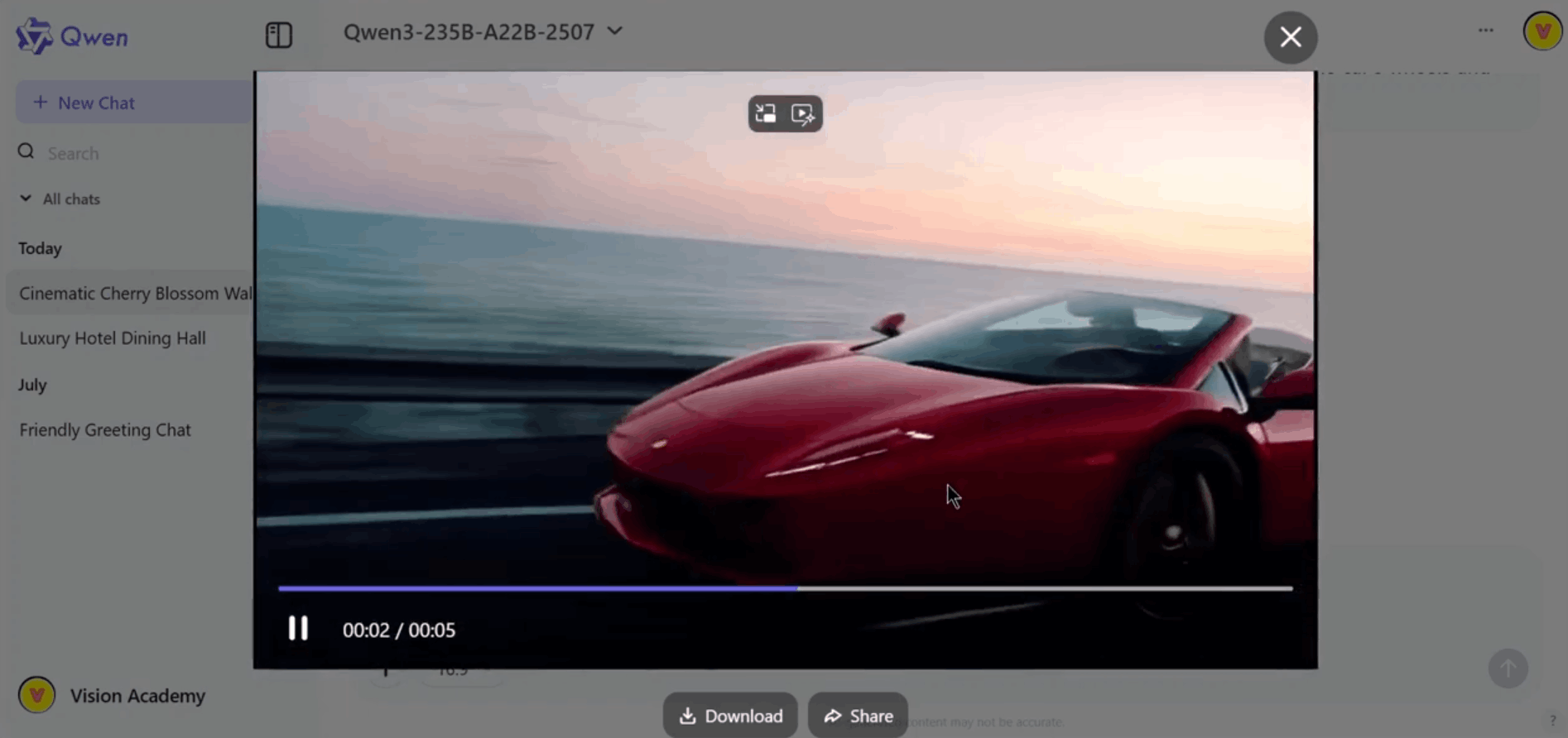
🥉 3. Qwen AI — Best for Experimental Multimodal Workflows
Qwen AI, developed by Alibaba Cloud, operates as a multimodal system — connecting text, image, and video generation within a single workflow. For creators who iterate quickly across formats, this integration is a significant practical advantage during ideation and pre-production phases.
• Multimodal workflow connects text, image, and video in one environment
• Fast iteration cycle makes it excellent for concept development
• Strong prompt understanding for complex compositional descriptions
• Accessible interface suitable for both beginners and intermediate creators
⚠️ Honest limitation: Final video output is less stable and less cinematic than Hunyuan or Wan.video. Better used for creative development than final delivery.
✅ Free tier: Available via the Qwen AI platform with a free access tier.
🎯 Best for: Creators who work across multiple content formats and want a single multimodal environment for rapid creative iteration.

4. Vheer — Best Lightweight Practical Tool
Vheer focuses on delivering fast, clean, usable video outputs with the lowest possible barrier to entry. Generation speeds are noticeably faster than Hunyuan or Wan.video, making it a practical choice when turnaround time matters more than maximum quality.
• Fastest generation times among the five tools on this list
• Clean, beginner-friendly UI requires minimal onboarding
• Reliable 1080p output suitable for most social and web applications
• Consistent results across a wide variety of prompt types
⚠️ Honest limitation: Does not match the cinematic depth or motion realism of the top three tools.
✅ Free tier: Free access available directly on the Vheer platform with no signup barriers.
🎯 Best for: Social media managers, small business owners, and beginners who need quick, functional video outputs.
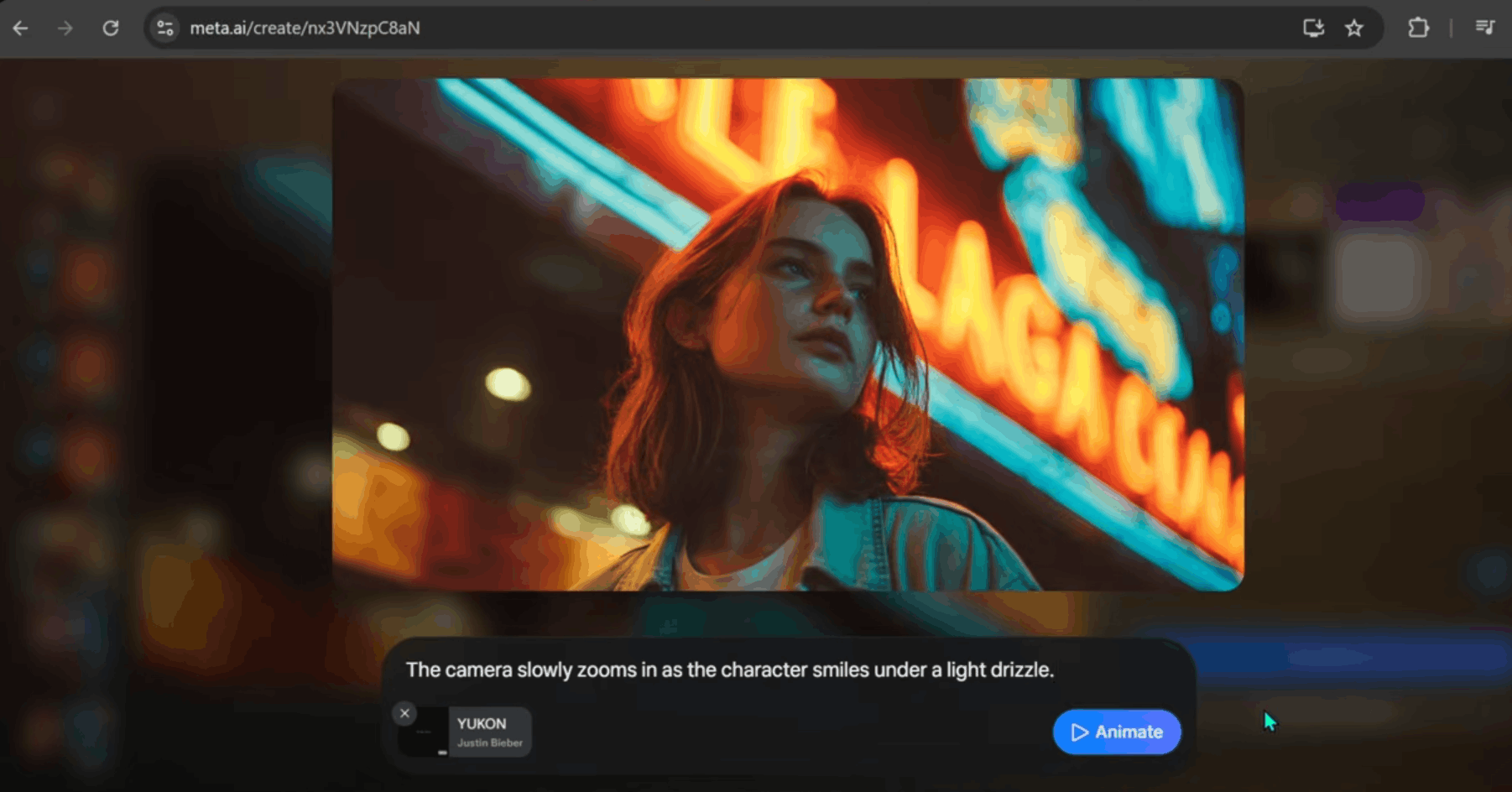
5. Meta AI — Best for Accessibility
Meta AI rounds out the video category not because of output quality but because of its unmatched accessibility. Integrated directly into WhatsApp, Instagram, Facebook, and Messenger, billions of users already have access without creating a separate account.
• Already embedded in apps used by billions of people globally
• Zero additional setup required for existing Meta users
• Conversational interface makes it extremely approachable for complete beginners
• Useful for quick, informal experiments and social sharing
⚠️ Honest limitation: Video output quality is notably inconsistent. Physics simulation, motion consistency, and prompt adherence lag significantly behind dedicated AI video platforms.
✅ Free tier: Fully free as part of Meta’s existing app ecosystem.
🎯 Best for: Casual users and beginners wanting to experiment with AI video inside apps they already use daily.
🎬 AI Video Tools — Quick Comparison


🎧 Best Free AI Audio & Voice Tools in 2026
Audio is the most underrated category in the free AI tool landscape. The quality leap in AI voice generation over the past year has been extraordinary — free tools now produce voices so natural that distinguishing them from a human recording requires careful listening.
🥇 1. Chatterbox by Resemble AI — Best for Voice Cloning Realism
Chatterbox is the most impressive free voice tool available in 2026. Developed by Resemble AI, it delivers voice cloning results that consistently surprise even experienced users who have worked with paid voice platforms. Its emotional expressiveness is what truly separates it — whether the required tone is warm and conversational, authoritative and formal, or energetic and enthusiastic, the output adapts in a way that feels genuinely considered.
• Delivers the most natural, emotionally expressive voice cloning of any free tool currently available
• Handles multilingual content with exceptional consistency and accent accuracy
• Voice replication from a short audio sample produces remarkably close results to the source
• Suitable for professional use including voiceovers, podcasts, explainer videos, and audiobooks
⚠️ Honest limitation: As with all voice cloning technology, responsible use is essential. Resemble AI has built consent and ethical use guidelines into the platform.
✅ Free tier: Credit-based generation with no credit card required to start.
🎯 Best for: Content creators, podcasters, video producers, and marketers who need professional-quality voiceovers.
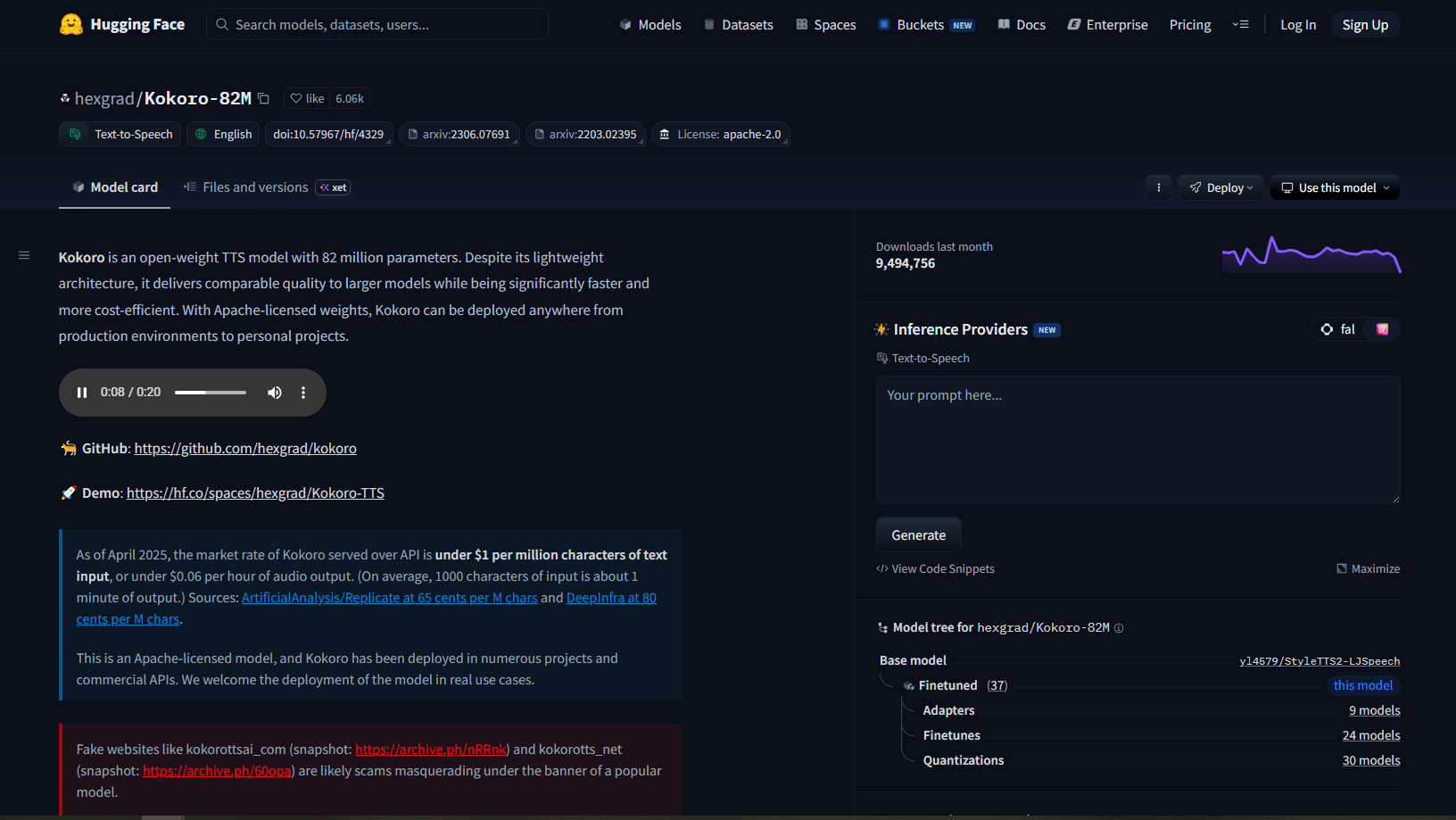
🥈 2. Kokoro TTS — Best Open-Source TTS Engine
Kokoro TTS earns its Silver ranking by offering something none of the other tools on this list can match: a fully open-source text-to-speech engine that runs efficiently even on standard consumer hardware, including CPU-only setups. For developers and researchers who want complete control over their voice generation workflow, Kokoro is the standout choice.
• Fully open-source with no usage restrictions, commercial licensing concerns, or API rate limits
• Runs efficiently on CPU hardware — accessible without a dedicated GPU
• Produces naturally flowing speech with strong prosody for an open-source model
• Actively maintained multilingual support across a growing number of languages
• Ideal for integration into custom applications, pipelines, and developer workflows
⚠️ Honest limitation: Requires more technical confidence than the other tools. Deploying it within a custom workflow requires familiarity with Python environments.
✅ Free tier: Completely free and open-source. Available for testing directly on Hugging Face with no account required.
🎯 Best for: Developers, researchers, and technically confident creators who want a powerful, unrestricted TTS engine.

🥉 3. Crikk — Best for Versatility and Volume
Crikk takes the Bronze position by offering the most feature-rich voice platform in the free tier category. With over 300 voices available, a built-in document reader, and support for a wide range of content formats, Crikk is the most versatile free voice tool for creators who need variety rather than maximum naturalness.
• Over 300 voices across accents, ages, genders, and languages — the largest free voice library on this list
• Built-in document reader allows direct audio conversion from uploaded files
• Straightforward interface suitable for non-technical users
• Strong versatility across narration, e-learning, and social media content types
⚠️ Honest limitation: Does not reach the naturalness ceiling of Chatterbox. Slight mechanical quality in complex emotional passages.
✅ Free tier: Free access available directly on the Crikk platform with a generous voice generation allowance.
🎯 Best for: Educators, e-learning producers, and businesses who need a wide variety of voices and document-to-audio conversion.
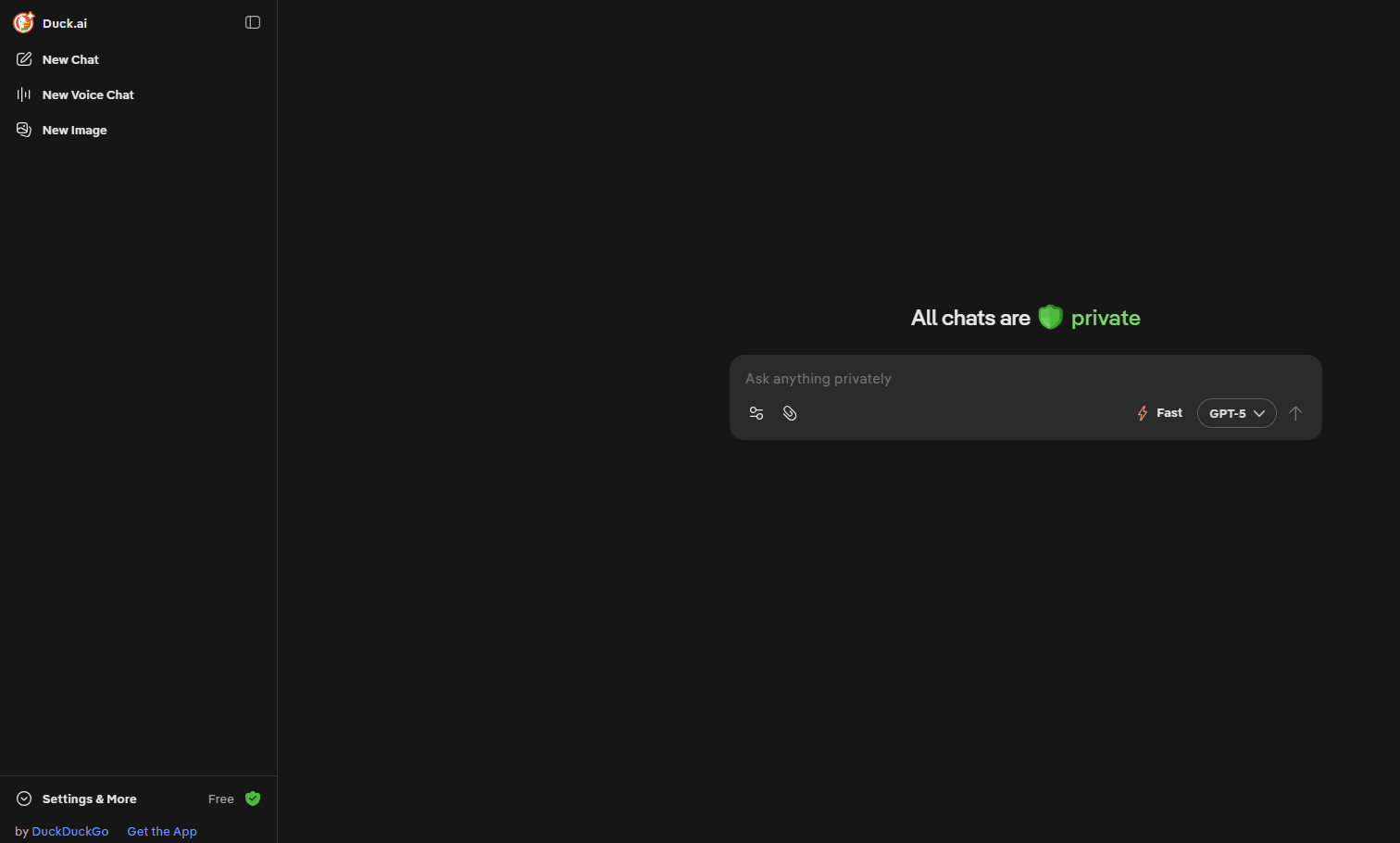
4. Duck.ai — Best for Private Voice Conversations
Duck.ai provides a privacy-first AI voice assistant experience built on DuckDuckGo’s well-established commitment to user data protection. For UK users who are conscious of GDPR implications and data privacy, Duck.ai offers a capable conversational AI voice interface that does not harvest your data to train its models.
• Strong privacy credentials backed by DuckDuckGo’s established data protection reputation
• No conversation storage by default — fully aligned with GDPR principles
• Supports multiple AI models within a single interface
• Genuinely useful for everyday voice-based AI queries without data exposure concerns
⚠️ Honest limitation: Duck.ai is a conversational voice assistant, not a TTS or voice cloning platform. Not suitable for generating voiceovers or audio content for publication.
✅ Free tier: Fully free with no account required.
🎯 Best for: Privacy-conscious individuals and UK professionals handling sensitive information.
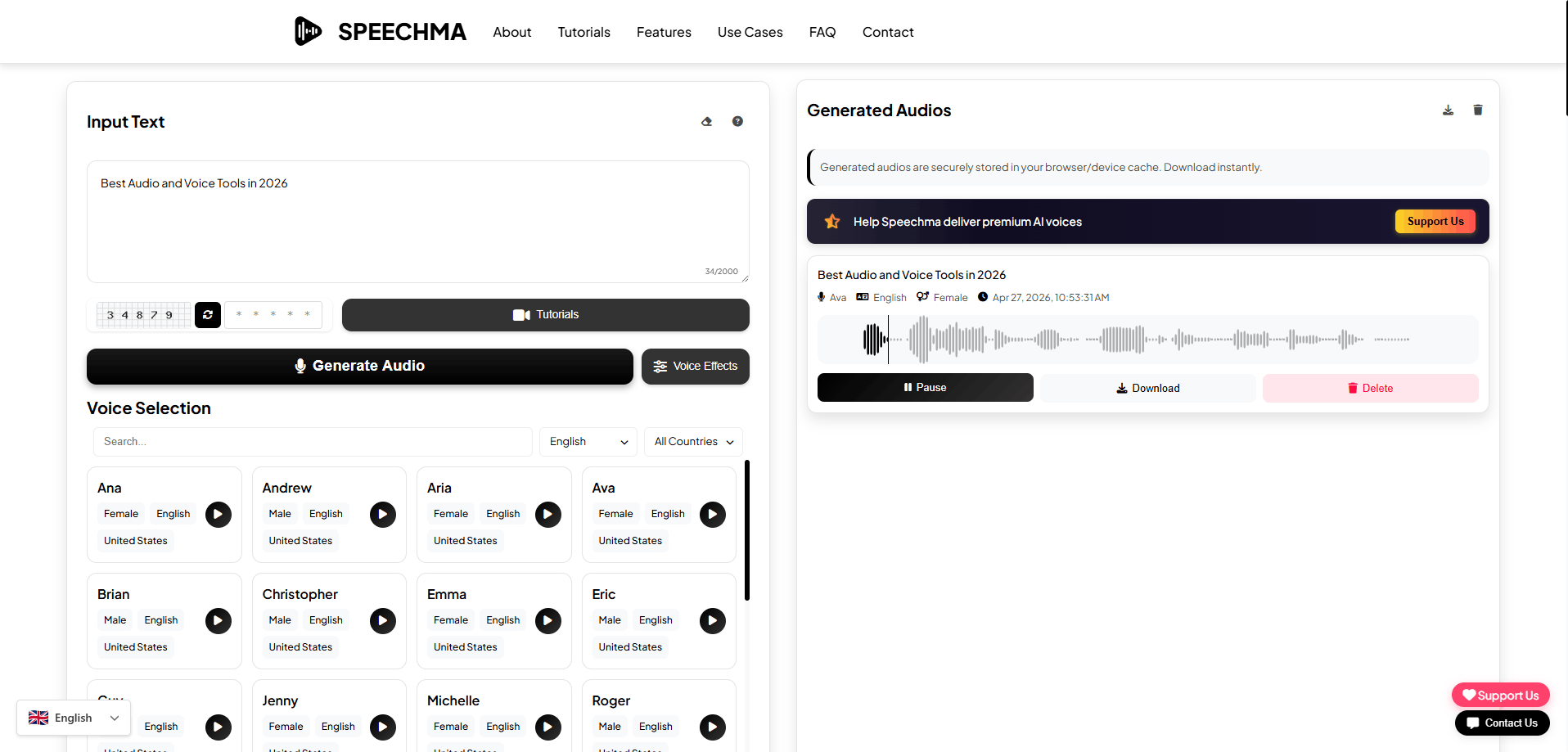
5. Speechma — Best for Simple Unlimited TTS
Speechma focuses on delivering unlimited, functional TTS generation with the lowest possible friction. For users who simply need to convert text to audio quickly, repeatedly, and without worrying about credit limits, Speechma provides a dependable solution.
• Among the most generous free tier allowances for TTS generation volume on this list
• Extremely simple interface suitable for complete beginners
• Fast generation with minimal waiting time
• Functional for basic narration, accessibility tools, and simple content production
⚠️ Honest limitation: Output naturalness is the weakest of the five tools. Voices carry a noticeably synthetic quality that limits usefulness for professional content.
✅ Free tier: Free with generous or unlimited generation on the Speechma platform.
🎯 Best for: Users who need high-volume, no-limit TTS for basic applications, accessibility tools, or draft audio production.
🎧 AI Audio & Voice Tools — Quick Comparison


🖼️ Best Free AI Image Generators in 2026
AI image generation has matured faster than almost any other category in this guide. In 2026, the gap between free and paid image tools has narrowed to the point where several free platforms produce outputs that are genuinely difficult to distinguish from professional digital artwork or photography.

🥇 1. Google ImageFX — Best for Photorealistic Outputs
Google ImageFX sits at the top of the free AI image generation category in 2026, powered by Google’s Imagen model. ImageFX consistently produces images with photorealistic detail, lighting accuracy, and compositional balance that most free tools cannot match. Google’s years of investment in natural language processing translates directly into a tool that interprets complex, nuanced prompts with remarkable accuracy.
• Powered by Google’s Imagen model — one of the most capable image generation architectures available for free
• Exceptional prompt understanding produces accurate, nuanced outputs from complex descriptions
• Outstanding photorealistic quality with natural lighting, shadow detail, and texture rendering
• High aesthetic consistency across multiple generations within a session
• Clean, accessible interface requiring no technical knowledge
⚠️ Honest limitation: Operates within Google’s content policy guidelines, meaning certain creative styles and subject matters are restricted. Access requires a Google account.
✅ Free tier: Free via Google’s AI Test Kitchen. Google account required. Generation limits are generous for most use cases.
🎯 Best for: Photographers, designers, marketers, and content creators who prioritise photorealistic quality and precise prompt adherence.

🥈 2. Venice AI — Best for Privacy and Artistic Quality
Venice AI earns its Silver ranking by solving a problem that Google ImageFX does not address: privacy. Venice AI operates on a privacy-first architecture where your prompts, generations, and creative history are not stored, analysed, or used to train models — a fundamental consideration for UK professionals handling sensitive creative briefs.
• Privacy-first architecture — prompts and outputs are not stored or used for model training
• Strong artistic quality across a wide range of styles including realism, illustration, and concept art
• Multiple model support allows flexible switching between generation approaches
• More permissive content policy than Google ImageFX — greater creative freedom within legal limits
• Fully aligned with GDPR principles — particularly relevant for UK and EU users
⚠️ Honest limitation: Does not consistently match the photorealistic ceiling of Google ImageFX for straightforward real-world photography simulations.
✅ Free tier: Free tier with a daily generation allowance. No credit card required.
🎯 Best for: Privacy-conscious creators, UK professionals working on sensitive briefs, and artists who need broader creative freedom.

🥉 3. AIFreeForever — Best for Multi-Model Flexibility
AIFreeForever provides access to multiple top-tier image generation models within a single free platform. Rather than locking you into a single model’s aesthetic and limitations, it acts as a multi-model hub — allowing you to generate the same prompt across different models and select the output that best serves your creative vision.
• Access to multiple leading image generation models within a single free interface
• Enables direct style comparison by generating the same prompt across different models
• Broad stylistic range covering realism, illustration, concept art, and graphic design
• No technical setup required — fully browser-based
⚠️ Honest limitation: Output quality is dependent on the underlying models available. The platform’s interface is less polished than dedicated tools like ImageFX.
✅ Free tier: Free access with multiple models accessible without registration barriers.
🎯 Best for: Versatile creators and designers who work across multiple visual styles and want to compare model outputs.

4. Pixelbin — Best for Editing and Enhancement
Pixelbin approaches AI image capabilities from an editing and enhancement perspective rather than pure generation. Its genuine strength lies in its AI-powered image editing suite — including upscaling, background removal, noise reduction, and batch processing tools that are exceptionally capable for a free platform.
• Industry-leading AI upscaling produces sharp, detailed enlargements from lower-resolution source images
• Comprehensive editing suite including background removal, noise reduction, and colour correction
• Batch processing capability allows multiple images to be enhanced simultaneously
• Strong practical utility for e-commerce, marketing, and content production workflows
⚠️ Honest limitation: Not primarily a generation tool. If your goal is to create images from text prompts, the tools ranked above it will serve you better.
✅ Free tier: Free tier with a monthly credit allowance covering most standard use cases.
🎯 Best for: E-commerce businesses, marketers, and content creators who need to enhance, upscale, and optimise existing image assets at scale.

5. FreeForAI — Best for Unlimited Generation
FreeForAI earns its position through generosity. Powered by FLUX-based generation models, it offers one of the most permissive free generation allowances currently available — making it the practical choice for creators who need to generate large volumes of images without hitting daily caps.
• Among the most generous free generation allowances of any tool on this list
• FLUX-based model produces solid, consistent outputs across a range of prompt styles
• Fast generation speeds support high-volume workflows
• No complex setup or account management required
⚠️ Honest limitation: Artistic control and stylistic consistency are less refined than the top three tools.
✅ Free tier: Generous to unlimited free generation available.
🎯 Best for: High-volume content producers and social media managers who need large quantities of images quickly.
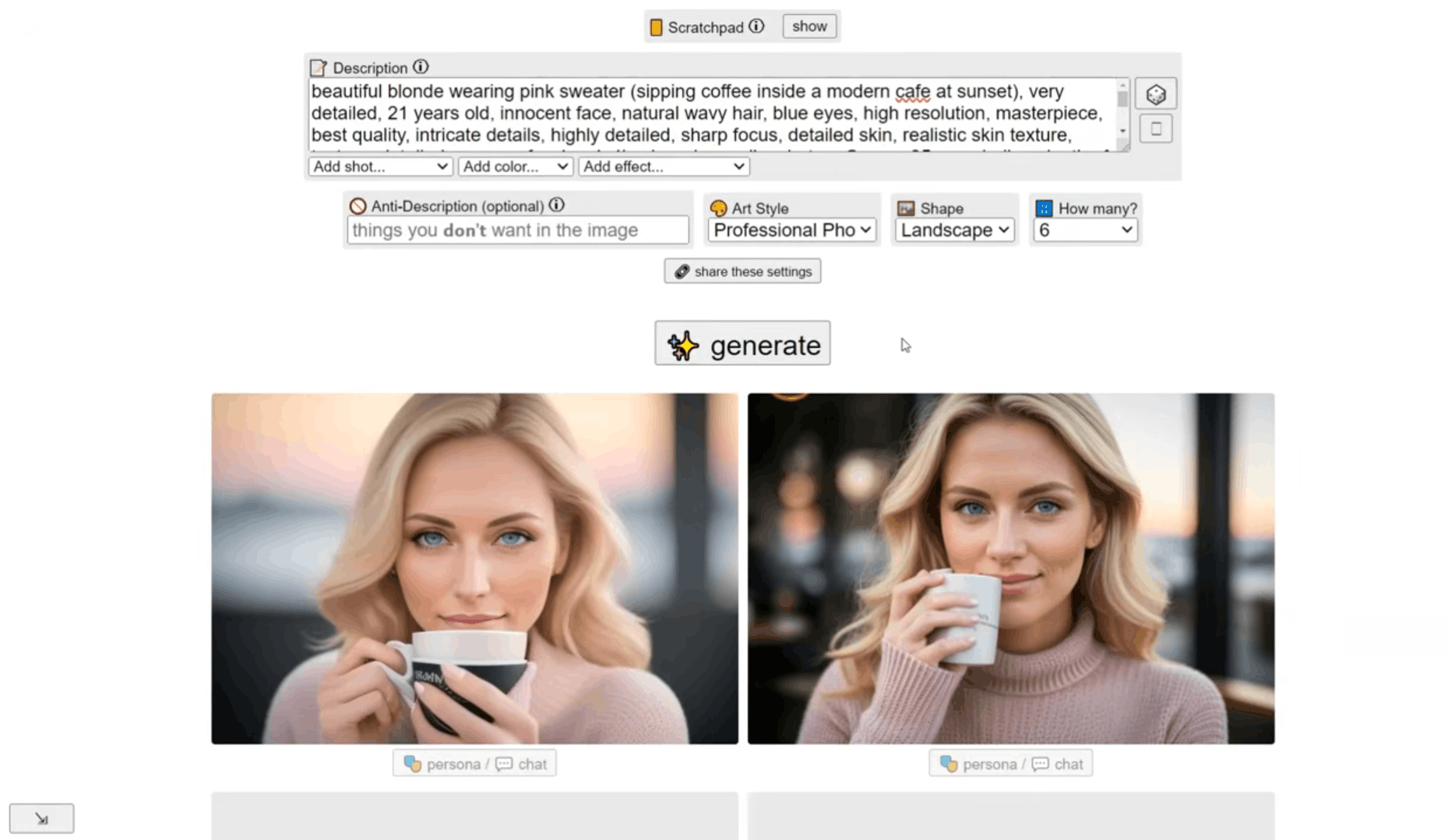
6. Perchance AI — Best for Offline and Privacy-First Use
Perchance AI supports local generation — meaning the image creation process can run directly on your own device without sending your prompts or outputs to an external server. For users with strong privacy requirements or those working in environments with unreliable internet connectivity, this capability is genuinely valuable.
• Local generation capability keeps prompts and outputs entirely on your own device
• No data transmitted to external servers — maximum privacy protection
• Active community ecosystem provides a wide range of shared presets and style configurations
• Accessible without an account for basic generation
⚠️ Honest limitation: Local generation comes with a quality ceiling — realism and detail are noticeably lower without access to cloud computing infrastructure.
✅ Free tier: Fully free. Local generation available without account creation.
🎯 Best for: Privacy-focused users, creators working offline or in low-connectivity environments.
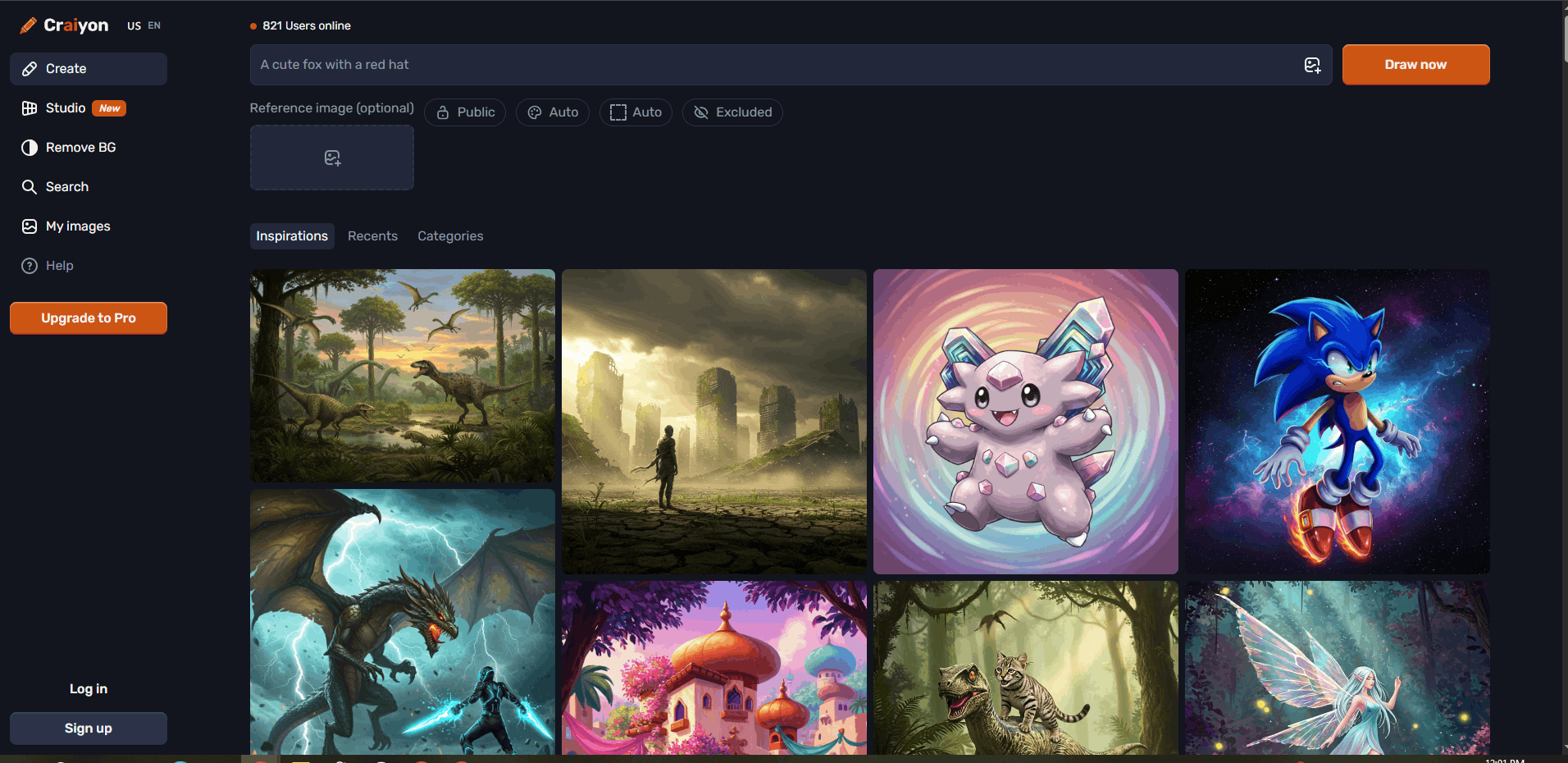
7. Craiyon — Best Entry-Level Generator
Craiyon — formerly known as DALL-E mini — holds a special place in the history of publicly available AI image tools, having been one of the first platforms to bring text-to-image generation to a mainstream audience. In 2026, it remains a valid choice for beginners who want to experiment with AI image generation in the most frictionless way possible.
• The most frictionless entry point into AI image generation on this list
• No account, no setup, and no configuration required
• Generates multiple image variations simultaneously — useful for rapid concept exploration
• Completely free with no generation limits on the basic tier
⚠️ Honest limitation: Output quality is the lowest of the seven tools on this list. Best understood as an introduction to AI image generation rather than a professional tool.
✅ Free tier: Fully free. No account required for basic generation.
🎯 Best for: Complete beginners, students, and curious users taking their first steps with AI image generation.


🧠 Best Free AI Productivity & Text Tools in 2026
The productivity and text AI category is where the free tool landscape is most competitive, most rapidly evolving, and most consequential for everyday users. Whether you are a student, developer, business owner, or professional — the tools in this category have the potential to fundamentally change how you work.
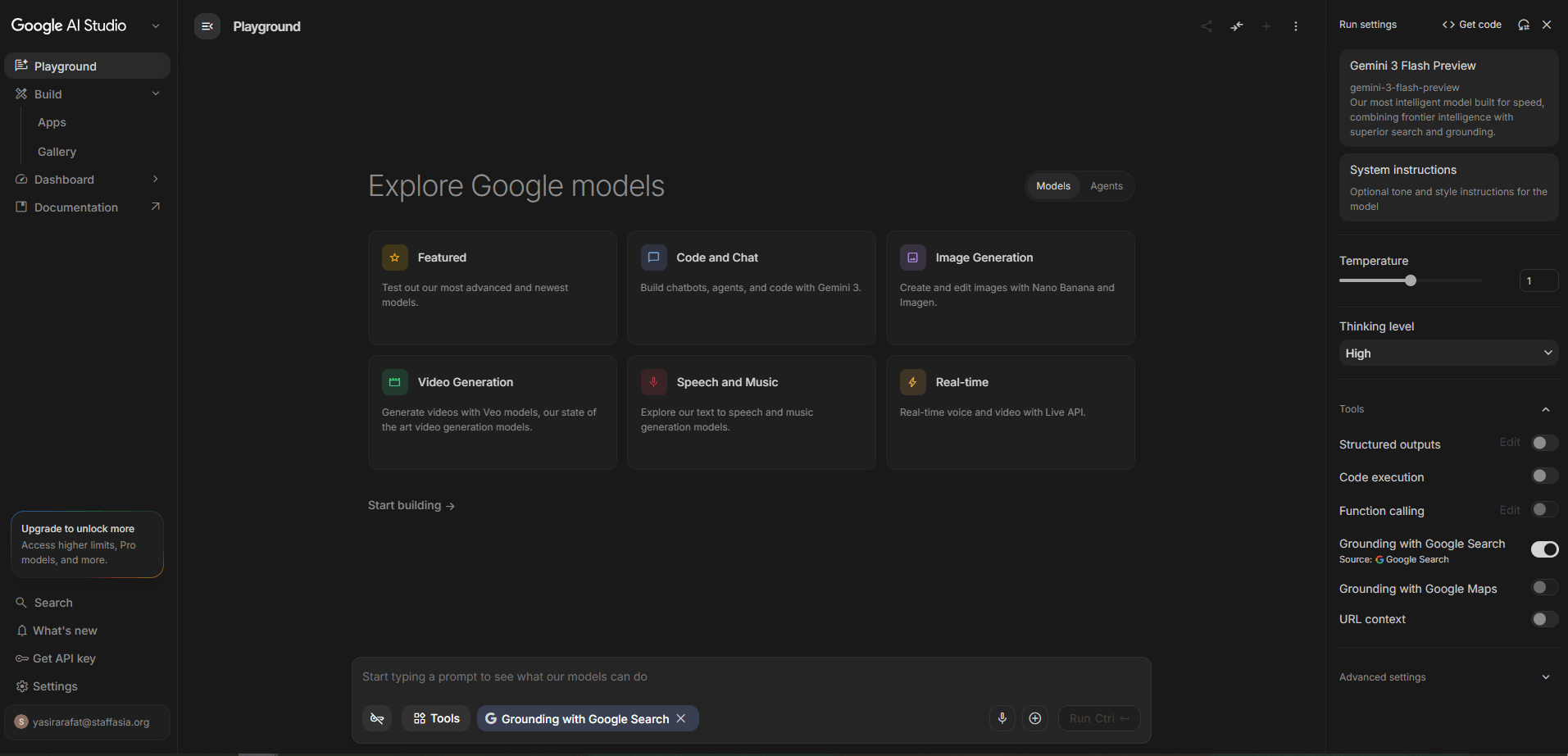
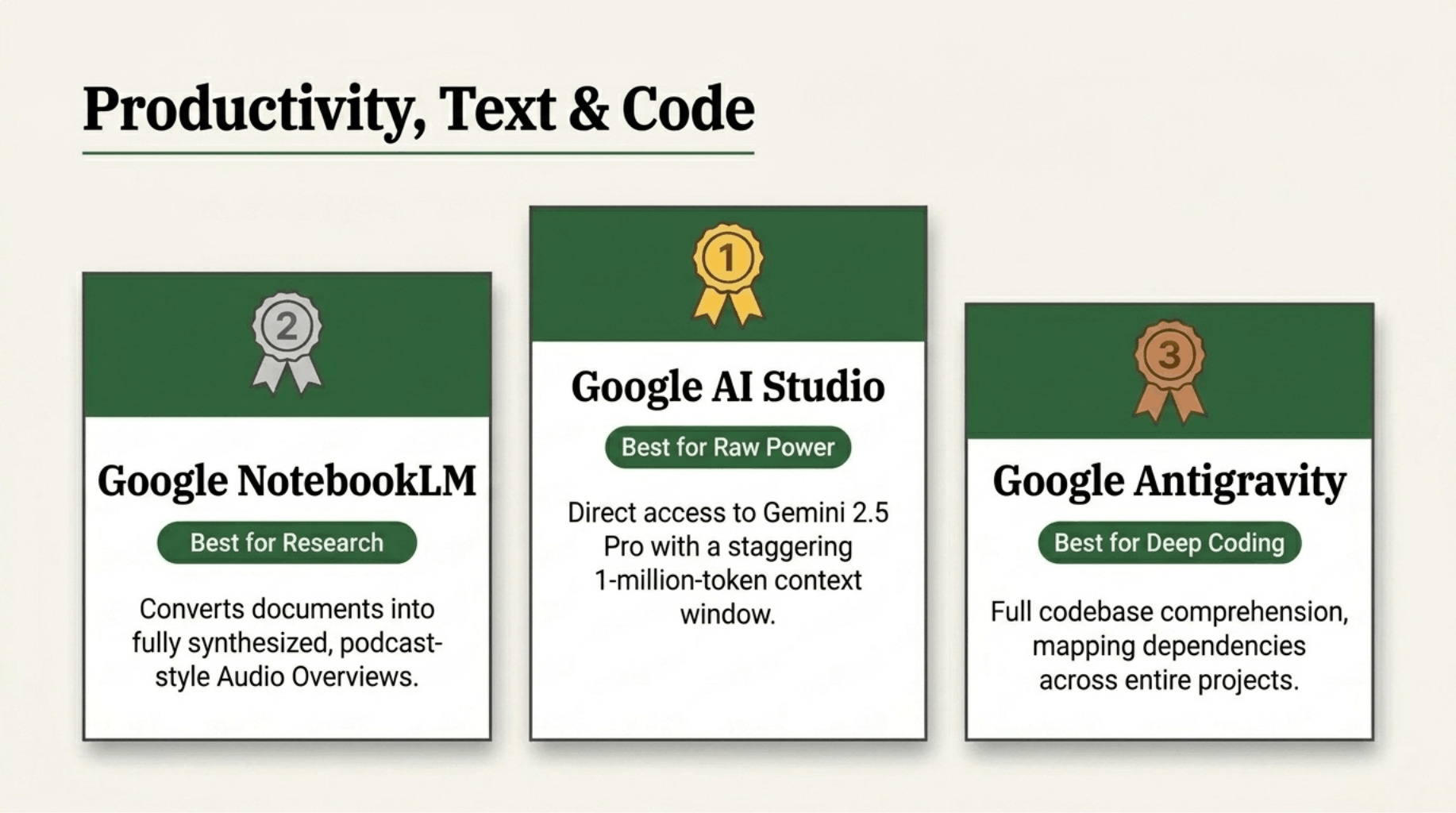
🥇 1. Google AI Studio — Best for Raw Power and Developer Access
Google AI Studio is, without question, the most powerful free AI productivity tool available in 2026. It provides direct, unrestricted access to Gemini 2.5 Pro and Gemini Flash — models that sit comfortably among the most capable large language models currently in existence — entirely for free via a browser-based interface.
The context window alone sets Google AI Studio apart. With support for up to one million tokens in a single context window, it can process entire codebases, lengthy research documents, full book manuscripts, or extensive datasets in a single session. No free tool — and very few paid tools — comes close to this capability.
• Direct access to Gemini 2.5 Pro and Flash — among the most capable LLMs available for free
• One million token context window enables processing of entire codebases and documents in a single session
• Full multimodal capability covering text, image, audio, video, and code
• Direct API access makes it simultaneously a testing environment and a production development platform
• Supports system prompt configuration, temperature controls, and advanced generation parameters
• Genuinely free with no meaningful capability restrictions on the standard tier
⚠️ Honest limitation: Designed with developers and power users in mind. Less polished and less beginner-friendly than consumer-facing tools. Requires a Google account.
✅ Free tier: Free with a Google account. Generous rate limits on both Gemini 2.5 Pro and Flash. API access included at no cost up to specified rate limits.
🎯 Best for: Developers, researchers, data scientists, and power users who need maximum AI capability without paying for a premium subscription.
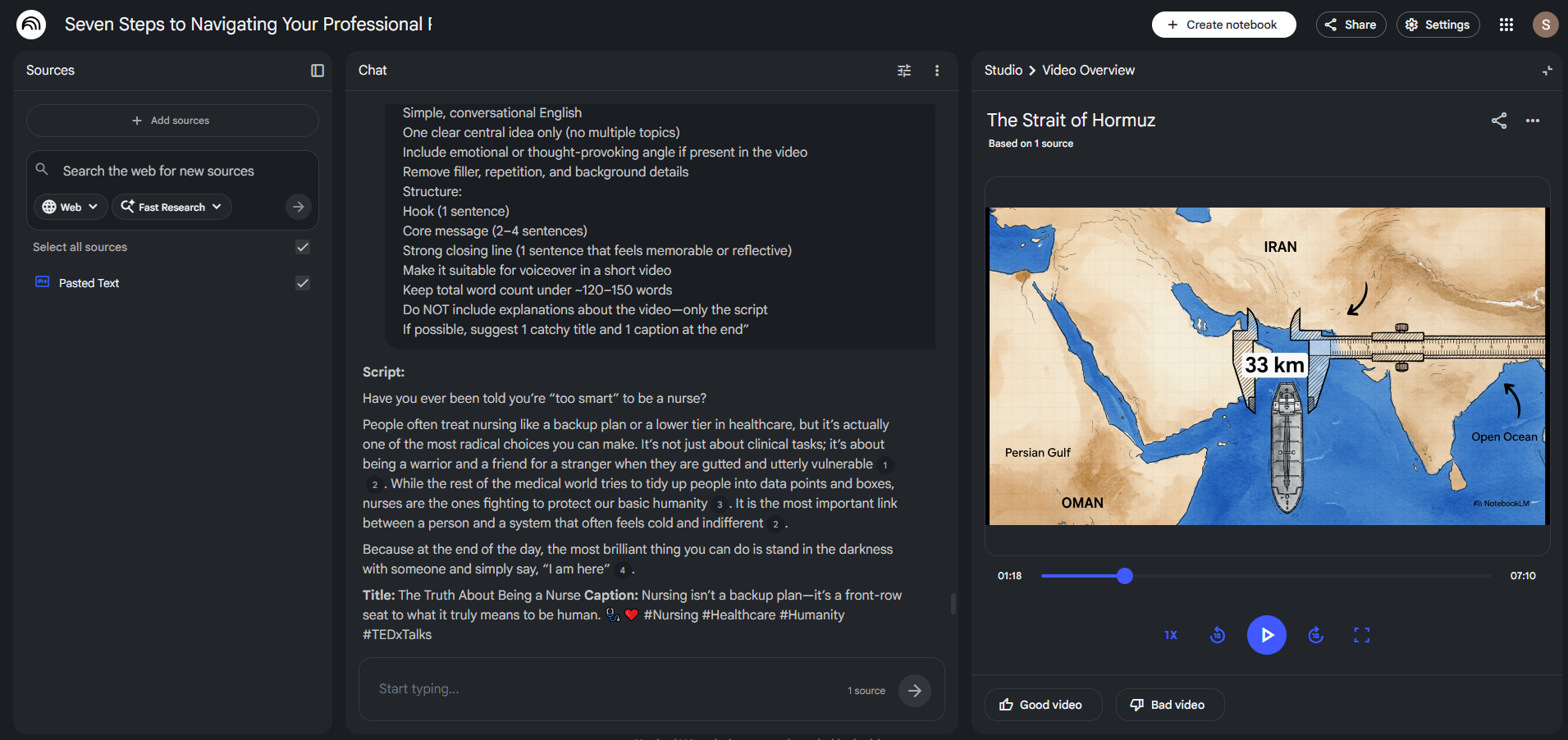
🥈 2. Google NotebookLM — Best for Research and Knowledge Synthesis
Google NotebookLM earns its Silver ranking by doing something no other tool on this list does as well: transforming a collection of source documents into a structured, queryable, deeply understood knowledge base. Rather than operating as a general-purpose AI assistant, NotebookLM is purpose-built for research — and within that specific use case, it is extraordinarily capable.
The Audio Overview feature deserves specific mention. NotebookLM can convert your entire source collection into a natural-sounding podcast-style audio discussion between two AI hosts who analyse, debate, and synthesise your material — a genuinely useful tool for auditory learners and commuters.
• Purpose-built for research — the strongest tool in this specific use case on the entire list
• Grounds all responses in your uploaded source material, dramatically reducing hallucination risk
• Supports PDFs, Google Docs, YouTube transcripts, and web URLs as source formats
• Audio Overview feature converts source collections into natural podcast-style discussions
• Automatically generates structured study guides, briefing documents, timelines, and FAQs
• Completely free with no meaningful restrictions on the standard tier
⚠️ Honest limitation: A specialised research tool, not a general-purpose AI assistant. Performs best when you have a defined set of source documents to work with.
✅ Free tier: Fully free with a Google account. Source upload limits are generous for most research workflows.
🎯 Best for: Students, academics, researchers, journalists, lawyers, and knowledge workers who need to synthesise large collections of source documents.
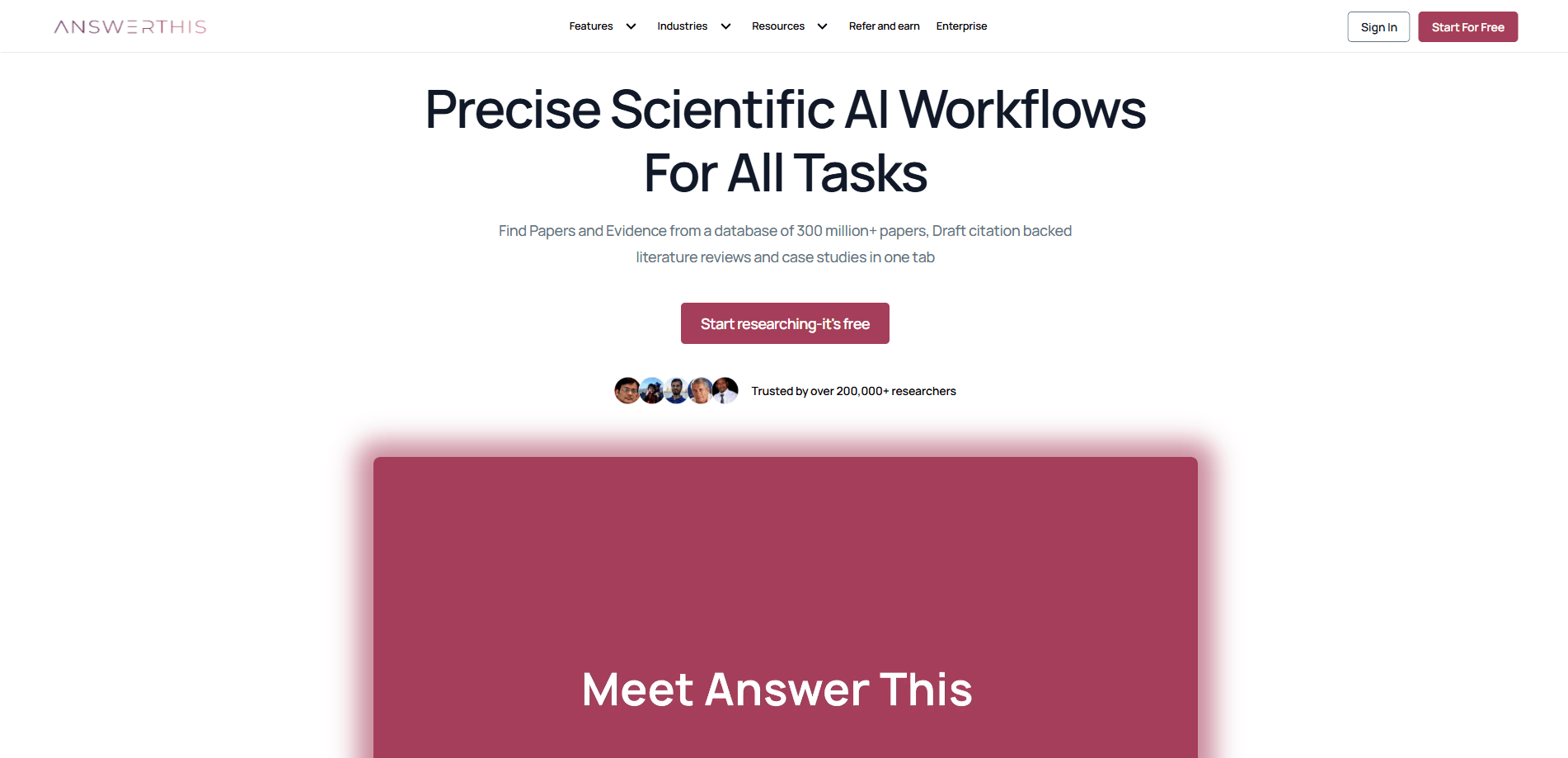
🥉 3. AnswerThis — Best AI Research Assistant for Academic Writing
AnswerThis earns the top spot by focusing on what most AI tools still struggle with: real academic research. While many AI assistants are excellent at generating text, AnswerThis is designed to help users move through the entire research workflow, from identifying research gaps and finding relevant literature to synthesising evidence, drafting academic content, and refining the final paper.
AnswerThis earns the top spot by focusing on what most AI tools still struggle with: real academic research. While many AI assistants are excellent at generating text, Unlike traditional AI chatbots that rely primarily on general knowledge, AnswerThis grounds its responses in published academic literature with clickable citations throughout. It combines AI-powered search, literature review generation, notebook-based writing, evidence synthesis, paraphrasing, and academic writing tools into a single platform, eliminating the need to jump between multiple applications.
For students, researchers, healthcare professionals, and academics, this end-to-end workflow makes AnswerThis significantly more practical than using a general-purpose chatbot alone.
• Purpose-built for academic research rather than general AI conversations.
• Generates literature reviews backed by real published research with clickable citations.
• Identifies research gaps and helps formulate stronger research questions.
• Built-in AI Paraphraser, Notebook, evidence synthesis, and writing tools in one platform.
• Supports systematic reviews, dissertations, case reports, essays, and academic papers
• Reduces hallucinations by grounding responses in peer-reviewed research whenever possible.
• Complete research workflow, from discovery to final draft, without switching between multiple tools.
⚠️ Honest limitation: Optimised specifically for research and academic writing rather than general productivity or coding tasks. Users looking for creative writing or software development assistance may still prefer broader AI assistants alongside it.
✅ Free tier: Free plan available, with Pro unlocking larger research limits, advanced writing tools, and enhanced literature review capabilities.
🎯 Best for: University students, postgraduate researchers, academics, clinicians, medical professionals, evidence-based writers, and anyone producing research-backed documents.

🥉 4. Google Antigravity — Best AI Coding Environment
Google Antigravity takes the Bronze position as the most capable free AI coding environment currently available. Built on Google’s advanced code-understanding models, Antigravity goes significantly beyond standard code completion — it provides full codebase comprehension, understanding relationships, dependencies, and architectural patterns across an entire project rather than treating each file in isolation.
• Full codebase comprehension understands architectural patterns and dependencies across entire projects
• Advanced refactoring suggestions are coherent with existing code structure rather than isolated fixes
• Strong IDE integration supports seamless incorporation into existing developer workflows
• Handles complex, multi-file refactoring tasks that simpler code completion tools cannot approach
• Particularly strong for large, established codebases where architectural consistency is critical
⚠️ Honest limitation: A specialised coding tool that does not serve general productivity or text use cases. Access may require a waitlist registration.
✅ Free tier: Free tier available. Access may require a Google account and waitlist registration.
🎯 Best for: Professional developers and software engineers working on large, complex codebases who need AI assistance that understands architectural context.

5. DeepSeek Chat — Best Free General-Purpose Chat AI
DeepSeek Chat has established itself as the strongest free general-purpose AI assistant available in 2026 outside of Google’s ecosystem. Its ability to work through complex multi-step problems — whether mathematical, logical, analytical, or strategic — is markedly stronger than most free chat AI alternatives.
DeepSeek also offers a transparent chain-of-thought feature that shows its reasoning process before delivering a final answer — both educationally valuable and practically useful for verifying complex outputs.
• Reasoning capabilities rival paid AI alternatives at no cost
• Chain-of-thought transparency shows the reasoning process before delivering final answers
• Strong performance across mathematics, logic, analysis, coding, and strategic problem-solving
• Minimal free tier restrictions make it genuinely useful for everyday high-volume use
⚠️ Honest limitation: UK and EU users should be aware that DeepSeek is a Chinese company — data handling policies and geopolitical considerations are worth reviewing before using it for sensitive professional content.
✅ Free tier: Generous free access. No credit card required. Rate limits are reasonable for most everyday use cases.
🎯 Best for: Students, professionals, writers, and analysts who need a powerful AI assistant for general-purpose reasoning and writing.
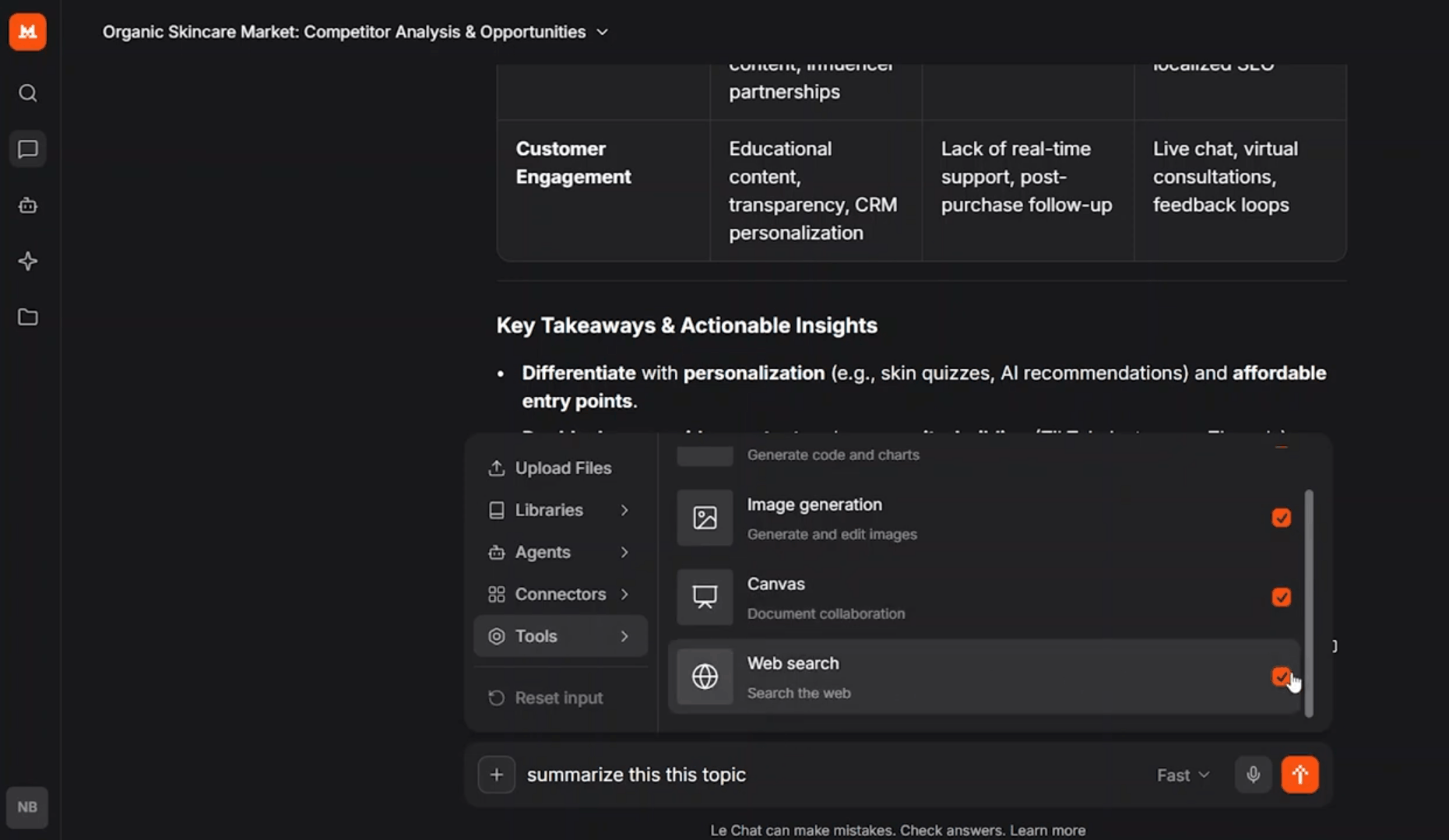
6. Le Chat by Mistral — Best EU-Compliant AI Assistant
Le Chat, developed by French AI company Mistral AI, offers something that matters specifically to UK and European users: a capable, high-quality AI assistant built and operated entirely within the European Union’s regulatory framework. In the post-EU AI Act landscape of 2026, data sovereignty and regulatory compliance have become genuine business considerations rather than abstract concerns.
• Built and operated entirely within the EU — fully compliant with GDPR and EU AI Act requirements
• Strong performance across writing, summarisation, analysis, and translation tasks
• Clean, efficient interface with minimal friction for everyday professional use
• Mistral’s models are well-regarded for performance efficiency relative to model size
• Particularly relevant for UK businesses with EU data handling obligations
⚠️ Honest limitation: Sits slightly behind Google AI Studio and DeepSeek Chat on raw reasoning performance for the most complex analytical tasks.
✅ Free tier: Free access with generous usage limits. No credit card required.
🎯 Best for: UK professionals, EU businesses, legal teams, and organisations with GDPR or EU AI Act compliance requirements.
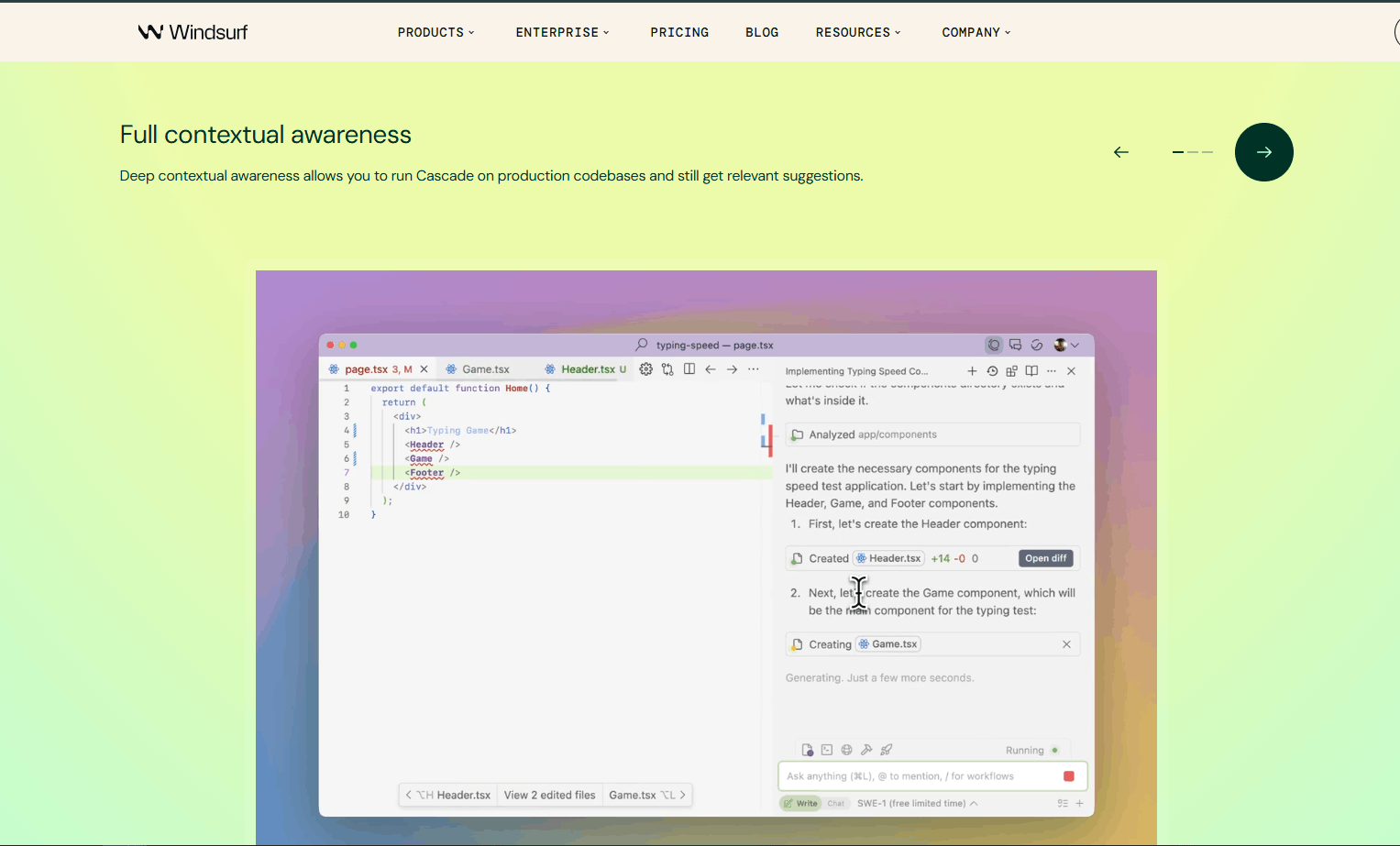
7. Windsurf — Best Coding Assistant for Practical Developer Workflows
Windsurf — formerly known as Codeium — has built a strong reputation among working developers as the most practically integrated free AI coding assistant available. Where Google Antigravity excels at deep architectural understanding, Windsurf wins on day-to-day developer workflow integration — fitting seamlessly into the tools developers already use.
• Comprehensive IDE integration covers VS Code, JetBrains, Neovim, and other popular development environments
• AI assistance appears directly within your existing editor — no context switching required
• Strong code suggestion and completion quality across Python, JavaScript, TypeScript, Rust, Go, Java, C++, and more
• Active development and frequent model updates maintain competitive performance
⚠️ Honest limitation: A coding-specific tool that does not serve general productivity, writing, or research use cases. Free tier usage limits may affect power users.
✅ Free tier: Free tier with a monthly usage allowance covering most individual developer workflows.
🎯 Best for: Professional developers and software engineers who want seamlessly integrated AI coding assistance within their existing development environment.

8. QuillBot — Best for Rewriting and Paraphrasing
QuillBot has occupied a unique and defensible position in the AI writing tool landscape for several years. It remains the strongest free tool available for language transformation — offering multiple rewriting modes (Standard, Fluency, Formal, Academic, Simple, Creative, and Expand) each producing meaningfully different transformations of the same source text.
• The most capable free paraphrasing and rewriting tool available — purpose-built for language transformation
• Multiple rewriting modes serve diverse writing contexts from academic to creative
• Integrated grammar checker and summariser extend utility beyond core paraphrasing
• Clean, intuitive interface accessible to users at all levels of technical confidence
• Consistently strong output quality — noticeably better than general-purpose AI tools used for the same task
⚠️ Honest limitation: A specialist tool, not a general-purpose AI assistant. The free tier also limits word count per paraphrase session.
✅ Free tier: Free tier with word count limits per session. Core paraphrasing and grammar features are accessible without payment.
🎯 Best for: Students, academics, content writers, ESL professionals, and anyone who regularly needs to rephrase or formalise existing written content.
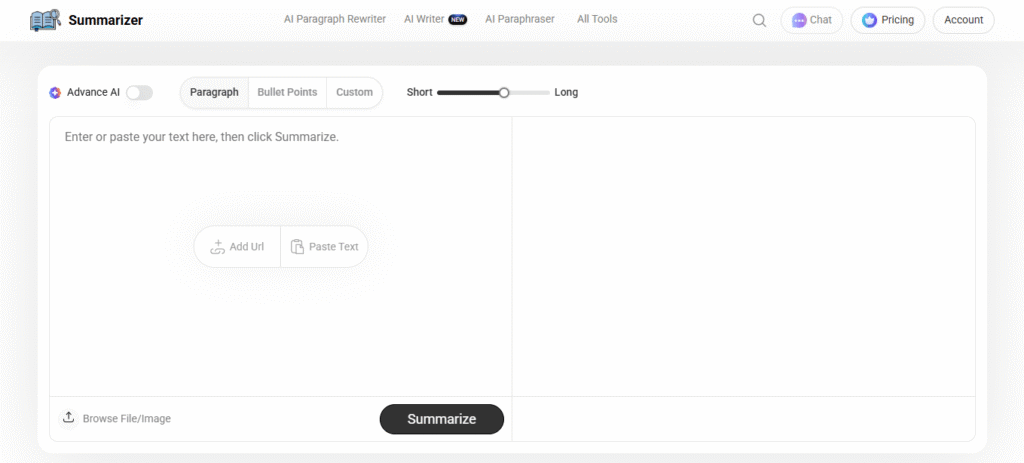
Bonus Tool: AI Summarizer- Effective Platform to Streamline Content Writing Workflow
AI Summarizer initially started as a summarising tool that focused on generating concise summaries of long content pieces. Today, it has evolved into a wide suite of AI tools that help students, writers, and marketers to quickly handle everyday writing tasks efficiently.
You can use it to instantly generate conclusions of articles, draft personalised emails, write complete blog posts, refine existing content, and proofread for grammar, AI, and plagiarism issues. Its tools are especially admired for their simple interface, wide range of features, and accurate working.
Includes 30+ AI tools such as AI Rewriter, Humaniser, AI Writer, Grammar Checker, Conclusion Generator, and more
Every tool is carefully designed with different helpful features to give you full control over results
The fast and precise working mechanism of each tool delivers high-quality results in seconds
Supports rewriting, expanding, shortening, and simplifying content in multiple styles
⚠️ Honest limitation: While extremely feature-rich, its advanced features are locked in the free versions and may require a premium upgrade for full access.
✅ Free tier: Gives free access to almost all the tools.
🎯 Best for: Students, content writers, bloggers, copywriters, and proofreaders who need an all-in-one writing toolkit for summarising, rewriting, and improving content quickly.
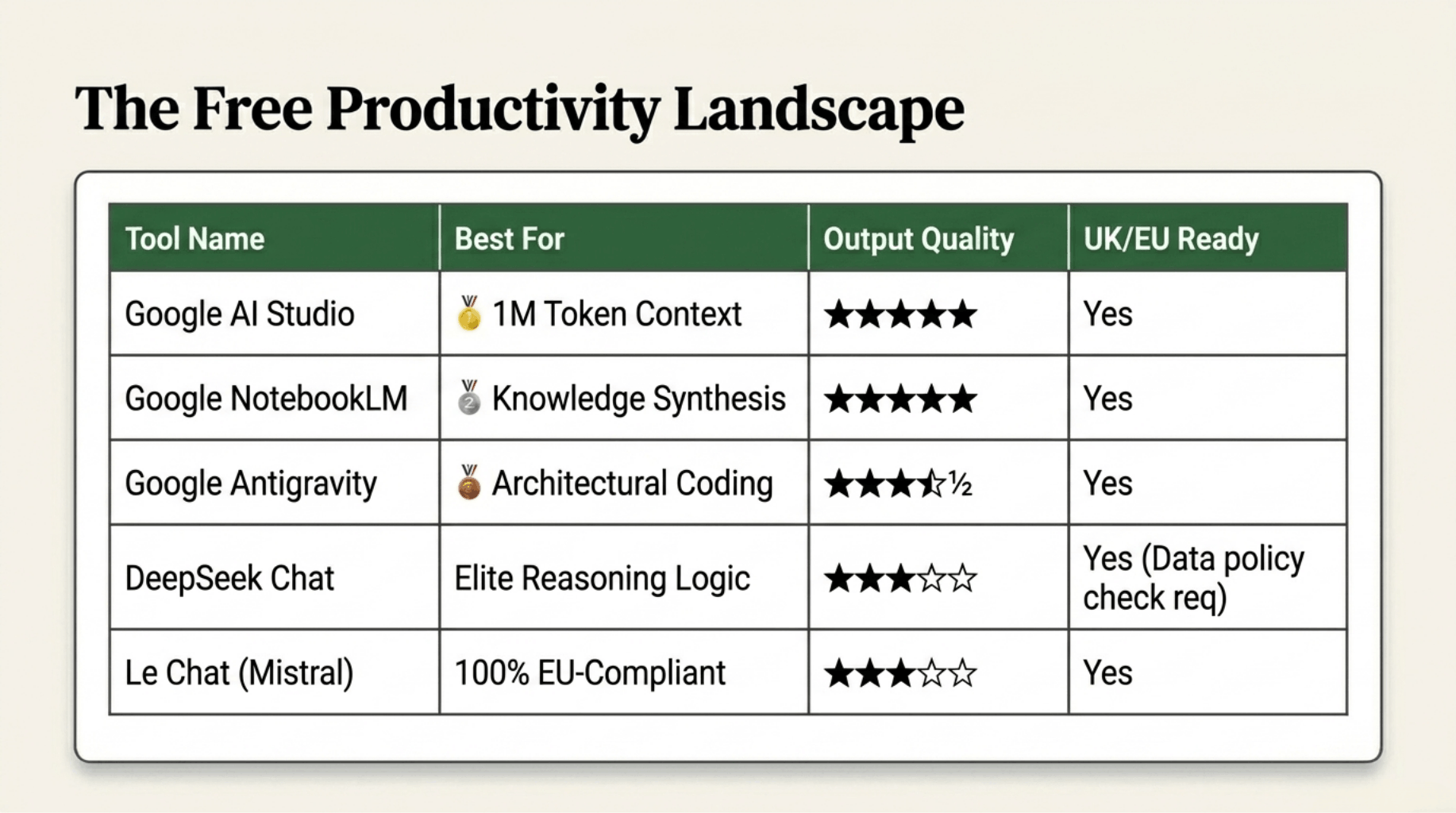
🧠 Productivity & Text Tools — Quick Comparison
Quick Reference — All 25 Best Free AI Tools at a Glance
Use the tables above to navigate each category in detail. Below is the top pick from each category for instant reference.
| Category | Top Free Tool | Why It Leads |
|---|---|---|
| 🎬 Video | Hunyuan | Highest cinematic output quality of any free tool |
| 🎧 Audio | Chatterbox | Most natural voice cloning realism available for free |
| 🖼️ Image | Google ImageFX | Best photorealistic quality powered by Google Imagen |
| 🧠 Productivity | Google AI Studio | Most powerful free LLM with 1M token context window |
How to Choose the Right Free AI Tool for Your Needs

With 25 tools across four categories now laid out in full, the natural next question is: where do you actually start? The honest answer is that the best free AI tool is not the most powerful one — it is the one that most precisely matches what you are trying to accomplish.
Start With Your Primary Use Case
The most important filter is category. Before comparing individual tools, identify which category your primary need falls into. Focusing on the right category first saves significant time and prevents the common mistake of adopting a powerful but mismatched tool.
However, many serious content creators and professionals will ultimately benefit from tools across multiple categories. A YouTuber, for example, might use Wan.video for video generation, Chatterbox for voiceovers, Google ImageFX for thumbnails, and Google NotebookLM for research and scripting — building a complete free AI production pipeline.
Consider Your Technical Comfort Level
Several tools on this list — particularly Google AI Studio, Kokoro TTS, and Google Antigravity — are designed with technically confident users in mind. If you are new to AI tools entirely, starting with more accessible options will produce faster early results.
Factor in Privacy and Data Handling
For UK professionals and businesses, data privacy is not a secondary consideration — it is often a contractual or regulatory requirement. Tools with strong privacy credentials for UK users include:
• Venice AI — prompts and outputs not stored or used for training
• Duck.ai — no conversation storage by default, DuckDuckGo privacy architecture
• Perchance AI — local generation keeps data entirely on your device
• Le Chat — EU-based, fully GDPR-compliant data handling
• Kokoro TTS — open-source, self-hostable for complete data control
Final Verdict — The Best Free AI Tools in 2026

The Headline Finding: Free AI Is Now Genuinely Professional-Grade
The most important takeaway from this entire guide is one that would have seemed implausible just two years ago. In 2026, free AI tools are not a compromise. They are not a temporary stepping stone toward paid alternatives. Across video, audio, image, and productivity categories, the best free tools on this list produce outputs that rival — and in several specific use cases, match — what paid subscriptions delivered twelve months ago.
Hunyuan produces cinematic video that professional filmmakers are using in real production workflows. Chatterbox clones voices with a naturalness that makes paid voice talent alternatives a genuine strategic choice rather than an obvious default. Google AI Studio provides access to one of the world’s most capable large language models — with a one-million-token context window and full API access — at absolutely no cost. These are not marginal improvements. They represent a structural shift in what free AI tools are capable of delivering.
Category-by-Category Verdict
🎬 Video: Hunyuan leads on cinematic output quality. However, Wan.video is the more practical daily tool for most creators — its combination of 4K output, camera controls, and creator-friendly interface makes it the stronger all-round choice for YouTube, social media, and marketing content.
🎧 Audio: Chatterbox is the clear leader and represents a genuine leap forward in what free voice AI can deliver. Developers and technically confident users should also explore Kokoro TTS as an open-source alternative offering complete control and no usage restrictions.
🖼️ Images: Google ImageFX leads on photorealistic quality and is the right default choice for most image generation tasks. If privacy is a concern, Venice AI is the answer. If you need style variety across multiple models, AIFreeForever delivers flexibility that ImageFX cannot match.
🧠 Productivity: Google AI Studio is the most powerful free AI tool on this entire list. However, Google NotebookLM deserves equal attention for research-heavy workflows. For EU and UK compliance-conscious users, Le Chat provides a capable, trustworthy alternative that operates entirely within European regulatory frameworks.
A Final Word on Building Your Free AI Toolkit
The most effective approach to free AI tools in 2026 is not to find a single tool and rely on it exclusively. It is to build a small, deliberate stack of two to four tools that collectively cover your most important use cases — and to use each tool for the specific task it does best.
The tools are available. They are capable. And crucially, they are free. The only remaining variable is how deliberately and strategically you choose to use them.
Frequently Asked Questions About Free AI Tools
Generally, yes — but with important caveats. Most reputable free AI tools implement content moderation, data encryption, and user protection measures that make them safe for everyday use. However, for professional use involving client data or personal data subject to GDPR, review each tool’s privacy policy carefully and prioritise tools with strong data protection credentials.
If forced to name one tool, Google AI Studio is the most capable free AI tool available in 2026 by raw capability — offering access to Gemini 2.5 Pro, a one-million-token context window, multimodal processing, and API access entirely for free. However, ‘best overall’ depends entirely on use case.
This varies significantly between tools and requires careful checking of each platform’s terms of service. Kokoro TTS as an open-source tool and Venice AI explicitly support commercial use of outputs on their free tiers. Before using any AI-generated content commercially, always read the relevant terms of service and, where necessary, seek legal advice.
Several tools offer effectively unlimited free generation. Craiyon and FreeForAI offer very generous to unlimited image generation. Speechma provides generous unlimited TTS. Kokoro TTS has no usage limits when self-hosted. However, the highest-quality tools operate on credit or daily allowance systems.
What is the difference between freemium and open-source AI tools?
Freemium tools — like Chatterbox and QuillBot — are commercial products offering a free tier as part of a business model. Their free tiers can change based on business decisions. Open-source tools — like Kokoro TTS — are free because their code is publicly available. They can be self-hosted for complete independence and cannot be ‘taken away’ by a company changing its pricing strategy.
Not for all of them. Several tools require no account creation — including Craiyon, Duck.ai, Vheer, and Perchance AI. Others require a Google account but no separate registration. Overall, the barrier to starting with most tools on this list is genuinely low.

0 responses on "The 25 Best Free AI Tools (Ranked by Category)"