





The Advanced Video Animation Training With Vyond course teaches the principles of professional video animation, scriptwriting, storyboarding, voiceover integration, scene design, and visual storytelling using the Vyond platform.
Advanced Video Animation Training With Vyond

183 Students



Course Curriculum
| Advanced Video Animation Training With Vyond | |||
| Lesson 01: Overview | 00:01:00 | ||
| Lesson 02: Video Script From Existing Video | 00:03:00 | ||
| Lesson 03: Video Script From Existing Audio | 00:03:00 | ||
| Lesson 04: Creating Video Scripts from An Existing Article Document | 00:01:00 | ||
| Lesson 05: Creating Video Scripts From Existing PowerPoints | 00:02:00 | ||
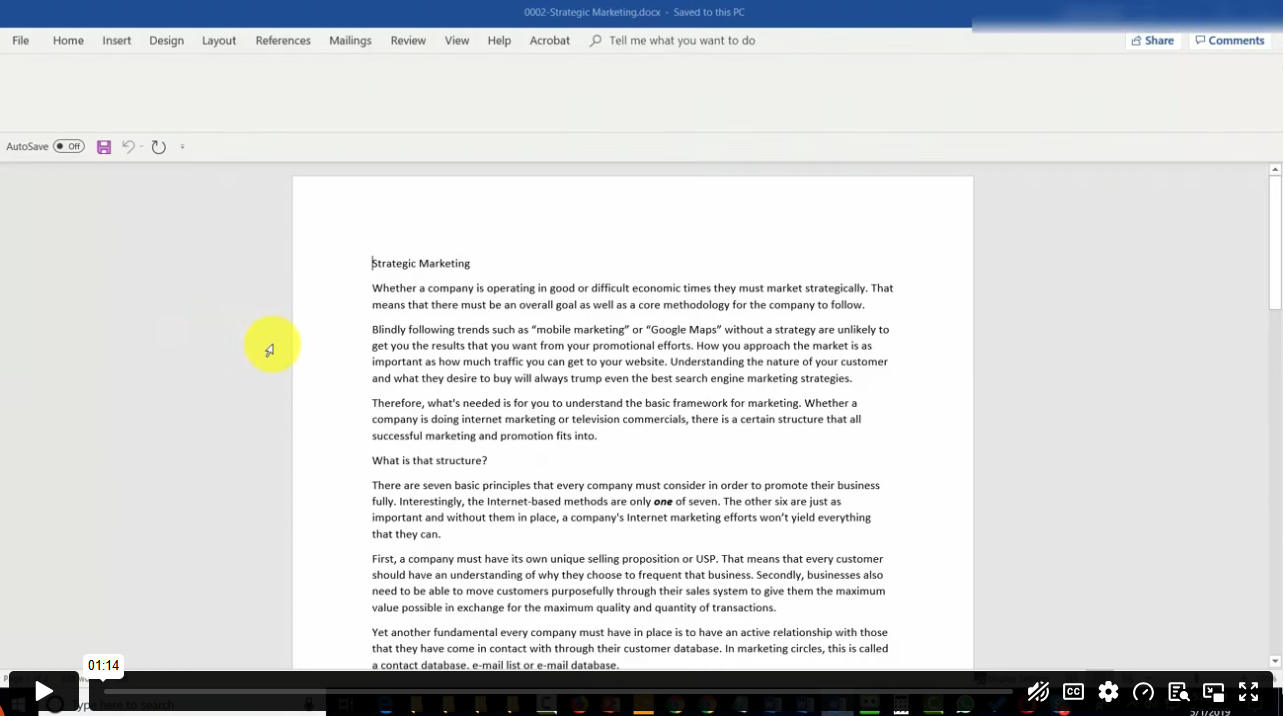
| Lesson 06: Structuring Your Script and Storyboard Document | 00:03:00 | ||
| Lesson 07: Setting Up for the Audio Recording and Voiceover Process | 00:02:00 | ||
| Lesson 08: Narration of your Audio Script | 00:03:00 | ||
| Lesson 09: Creation of Scene Timings | 00:02:00 | ||
| Lesson 10: Uploading The Audio to Vyond | 00:01:00 | ||
| Lesson 11: Adding In Music | 00:03:00 | ||
| Lesson 12: Scene Theme Selections | 00:02:00 | ||
| Lesson 13: Storyboarding Scenes | 00:02:00 | ||
| Lesson 14: Business and Contemporary Vs Whiteboard Style | 00:02:00 | ||
| Lesson 15: Storyboarding Whiteboard Style Videos | 00:03:00 | ||
| Lesson 16: Adding Images to Whiteboard Style Videos | 00:03:00 | ||
| Lesson 17: Adding the Camera and Exit Effect to Images | 00:03:00 | ||
| Lesson 18: Changing the Background and the Text | 00:02:00 | ||
| Lesson 19: Adding Scene Transitions to Sync Up Your Audio and Video | 00:00:00 | ||
| Lesson 20: Conclusion | 00:00:00 | ||
| Order Your Certificate | |||
| Order Your Certificate | 00:00:00 | ||
Related Courses