





Yes, this is designed for complete beginners. Therefore, you can start with an introduction to coding and build confidence step by step. Moreover, lessons stay simple and practical.
Introduction to Coding With HTML, CSS, & Javascript
Kickstart your coding journey with HTML, CSS, & JavaScript. Build stunning websites and gain foundational skills for a thriving tech career.

907 Students




Course Curriculum
| Getting Started | |||
| Introduction | 00:03:00 | ||
| Course Curriculum | 00:05:00 | ||
| How to Get Course requirements | 00:02:00 | ||
| Getting Started on Windows, Linux or Mac | 00:02:00 | ||
| How to ask a Great Questions | 00:01:00 | ||
| FAQ’s | 00:01:00 | ||
| Setting up Development Environment | |||
| Introduction | 00:05:00 | ||
| Choosing Code Editor | 00:06:00 | ||
| Installing Code Editor(Sublime Text) | 00:04:00 | ||
| Overview of a Webpage | 00:05:00 | ||
| Full HTML Code Page | 00:07:00 | ||
| First “Hello World!” page | 00:09:00 | ||
| Summary | 00:02:00 | ||
| HTML Fundamentals | |||
| Introduction | 00:03:00 | ||
| Heading | 00:09:00 | ||
| Paragraph | 00:08:00 | ||
| Formatting text | 00:12:00 | ||
| List Items Un Ordered | 00:05:00 | ||
| List Items Ordered | 00:04:00 | ||
| Classes | 00:09:00 | ||
| ID’s in CSS | 00:06:00 | ||
| Comments in HTML | 00:04:00 | ||
| Summary | 00:04:00 | ||
| HTML Intermediate | |||
| Introduction | 00:02:00 | ||
| Images | 00:12:00 | ||
| Forms | 00:05:00 | ||
| Form Actions | 00:04:00 | ||
| Br tag | 00:03:00 | ||
| Marquee | 00:06:00 | ||
| Text area | 00:06:00 | ||
| Tables | 00:06:00 | ||
| Links | 00:07:00 | ||
| Navbar / Menu | 00:04:00 | ||
| HTML Entities | 00:05:00 | ||
| Div tag | 00:06:00 | ||
| Google Maps | 00:07:00 | ||
| Summary | 00:02:00 | ||
| HTML Advanced | |||
| Introduction | 00:02:00 | ||
| HTML5 Audio | 00:07:00 | ||
| HTML5 Video | 00:05:00 | ||
| Progress Bar | 00:04:00 | ||
| Drag & Drop | 00:18:00 | ||
| Canvas | 00:06:00 | ||
| I frames | 00:05:00 | ||
| Input Types | 00:04:00 | ||
| Input Attributes | 00:06:00 | ||
| YouTube Video Linking | 00:04:00 | ||
| Creating Responsive Page | 00:05:00 | ||
| Summary | 00:02:00 | ||
| HTML Expert | |||
| Introduction | 00:02:00 | ||
| Registration Form | 00:04:00 | ||
| Login Form | 00:04:00 | ||
| About Us Form | 00:02:00 | ||
| Contact Us Form | 00:10:00 | ||
| Footer Form | 00:03:00 | ||
| Integrate All Together | 00:07:00 | ||
| Coding Exercise | 00:01:00 | ||
| Solution for Coding Exercise | 00:02:00 | ||
| Summary | 00:02:00 | ||
| HTML Website Project | |||
| Introduction | 00:02:00 | ||
| Challenge – HTML 5 Clock Face with Numbers | 00:05:00 | ||
| Project Overview | 00:03:00 | ||
| Conclusion on Project | 00:01:00 | ||
| Summary | 00:02:00 | ||
| CSS Fundamentals | |||
| Introduction | 00:03:00 | ||
| CSS Syntax | 00:05:00 | ||
| Creating webpage with CSS | 00:13:00 | ||
| Inline CSS | 00:06:00 | ||
| Internal CSS | 00:05:00 | ||
| External CSS | 00:10:00 | ||
| CSS Classes | 00:09:00 | ||
| CSS IDs | 00:06:00 | ||
| Colors | 00:08:00 | ||
| Backgrounds | 00:04:00 | ||
| Floating | 00:09:00 | ||
| Positioning | 00:06:00 | ||
| Margins | 00:07:00 | ||
| Padding | 00:04:00 | ||
| Borders | 00:03:00 | ||
| Summary | 00:02:00 | ||
| CSS Intermediate | |||
| Introduction | 00:02:00 | ||
| Styling Text | 00:07:00 | ||
| Aligning Text | 00:04:00 | ||
| Styling Links | 00:10:00 | ||
| Font Family | 00:07:00 | ||
| Font Styles | 00:03:00 | ||
| Applying Google Fonts | 00:07:00 | ||
| Box Model | 00:09:00 | ||
| Icons | 00:09:00 | ||
| Tables | 00:16:00 | ||
| Navigation-Menu | 00:11:00 | ||
| Dropdowns | 00:15:00 | ||
| Summary | 00:02:00 | ||
| CSS Advanced | |||
| Introduction | 00:02:00 | ||
| Advanced Selectors | 00:05:00 | ||
| Forms | 00:17:00 | ||
| Website Layout | 00:21:00 | ||
| Rounded Corners | 00:08:00 | ||
| Color Keywords | 00:06:00 | ||
| Animations | 00:08:00 | ||
| Pseudo Classes | 00:03:00 | ||
| Gradients | 00:03:00 | ||
| Shadows | 00:03:00 | ||
| Calculations | 00:05:00 | ||
| Creating Responsive Page | 00:06:00 | ||
| Summary | 00:02:00 | ||
| CSS Expert | |||
| Introduction | 00:01:00 | ||
| Button Styles | 00:06:00 | ||
| Flexbox | 00:14:00 | ||
| CSS Grid | 00:15:00 | ||
| Pagination | 00:07:00 | ||
| Multiple Columns | 00:06:00 | ||
| Image Reflection | 00:03:00 | ||
| UI / UX Design | 00:09:00 | ||
| Social Media Icons | 00:08:00 | ||
| External CSS Style adding | 00:06:00 | ||
| Coding Exercise | 00:01:00 | ||
| Solution for Coding Exercise | 00:03:00 | ||
| Summary | 00:02:00 | ||
| CSS Website Project | |||
| Introduction | 00:01:00 | ||
| CSS Project Getting | 00:05:00 | ||
| CSS Project Overview | 00:08:00 | ||
| Summary | 00:01:00 | ||
| JavaScript Getting Started | |||
| What is JavaScript | 00:09:00 | ||
| Installing Code Editor(Sublime Text) | 00:04:00 | ||
| Installing Code Editor(Visual Studio Code) | 00:07:00 | ||
| Hello World Program | 00:14:00 | ||
| Getting Output | 00:11:00 | ||
| Summary | 00:02:00 | ||
| JavaScript Fundamentals | |||
| Introduction | 00:02:00 | ||
| Internal JavaScript | 00:13:00 | ||
| External JavaScript | 00:09:00 | ||
| Inline JavaScript | 00:04:00 | ||
| Async and defer | 00:06:00 | ||
| Variables | 00:13:00 | ||
| Data Types | 00:10:00 | ||
| Numbers | 00:06:00 | ||
| Boolean | 00:04:00 | ||
| Arrays() | 00:12:00 | ||
| Objects | 00:06:00 | ||
| Comments | 00:05:00 | ||
| Summary | 00:01:00 | ||
| Strings | |||
| Introduction | 00:02:00 | ||
| Strings | 00:06:00 | ||
| String Formatting | 00:05:00 | ||
| String Methods | 00:12:00 | ||
| Summary | 00:02:00 | ||
| Operators | |||
| Introduction | 00:02:00 | ||
| Arithmetic operators | 00:07:00 | ||
| Assignment operators | 00:03:00 | ||
| Comparison operators | 00:06:00 | ||
| Logical operators | 00:08:00 | ||
| Summary | 00:02:00 | ||
| Conditional Statements | |||
| Introduction | 00:02:00 | ||
| If statement | 00:04:00 | ||
| If-else statement | 00:05:00 | ||
| If-else-if statement | 00:04:00 | ||
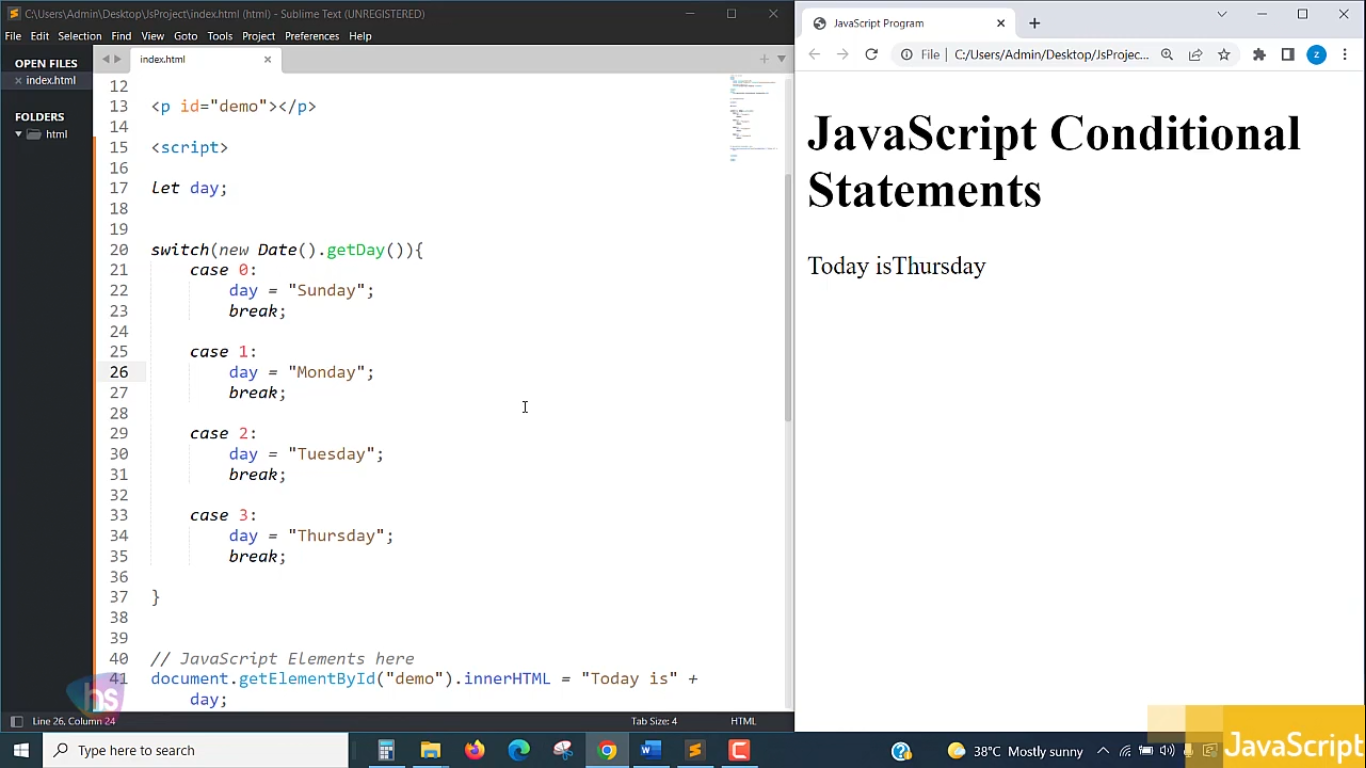
| Switch-case statement | 00:09:00 | ||
| Summary | 00:01:00 | ||
| Control Flow Statements | |||
| Introduction | 00:02:00 | ||
| While loop | 00:09:00 | ||
| Do-while loop | 00:03:00 | ||
| For loop | 00:08:00 | ||
| Break | 00:02:00 | ||
| Continue | 00:03:00 | ||
| Coding Exercise | 00:02:00 | ||
| Solution for Coding Exercise | 00:02:00 | ||
| Summary | 00:02:00 | ||
| Functions | |||
| Introduction | 00:02:00 | ||
| Creating a Function | 00:07:00 | ||
| Function Call() | 00:07:00 | ||
| Function with parameters | 00:05:00 | ||
| Function Bind() | 00:06:00 | ||
| Summary | 00:01:00 | ||
| Data Visualization(Google Chats) | |||
| Introduction | 00:01:00 | ||
| How to Use Google chart script | 00:04:00 | ||
| Line Graph chart | 00:14:00 | ||
| Scatter plots chart | 00:02:00 | ||
| Bar chart | 00:04:00 | ||
| Pie chart | 00:02:00 | ||
| 3D Pie chart | 00:02:00 | ||
| Summary | 00:01:00 | ||
| Error Handling | |||
| Introduction | 00:01:00 | ||
| Try-catch | 00:05:00 | ||
| Try-catch-finally | 00:17:00 | ||
| Summary | 00:01:00 | ||
| Client-side Validations | |||
| Introduction | 00:11:00 | ||
| On Submit Validation | 00:09:00 | ||
| Input Numeric Validation | 00:12:00 | ||
| Login Form Validation | 00:05:00 | ||
| Password Strength Check Validation | 00:04:00 | ||
| Summary | 00:01:00 | ||
| Publish Your Website for Live | |||
| Introduction | 00:02:00 | ||
| Installing Free FTP Solution (FileZilla) | 00:04:00 | ||
| Setting Up FTP (File Transfer Protocol) | 00:03:00 | ||
| Publish Website to Hosting Server | 00:04:00 | ||
| Summary | 00:01:00 | ||
| Order Your Certificate | |||
| Order Your Certificate | 00:00:00 | ||
| Order Your QLS Certificate | |||
| Order Your QLS Certificate | 00:00:00 | ||
Related Courses