

This course is designed for learners with basic Excel knowledge. However, if you are comfortable with simple formulas and spreadsheets, you can progress confidently. Moreover, the structured modules support gradual skill improvement.





Course Curriculum
| Working with Multiple Worksheets and Workbooks | |||
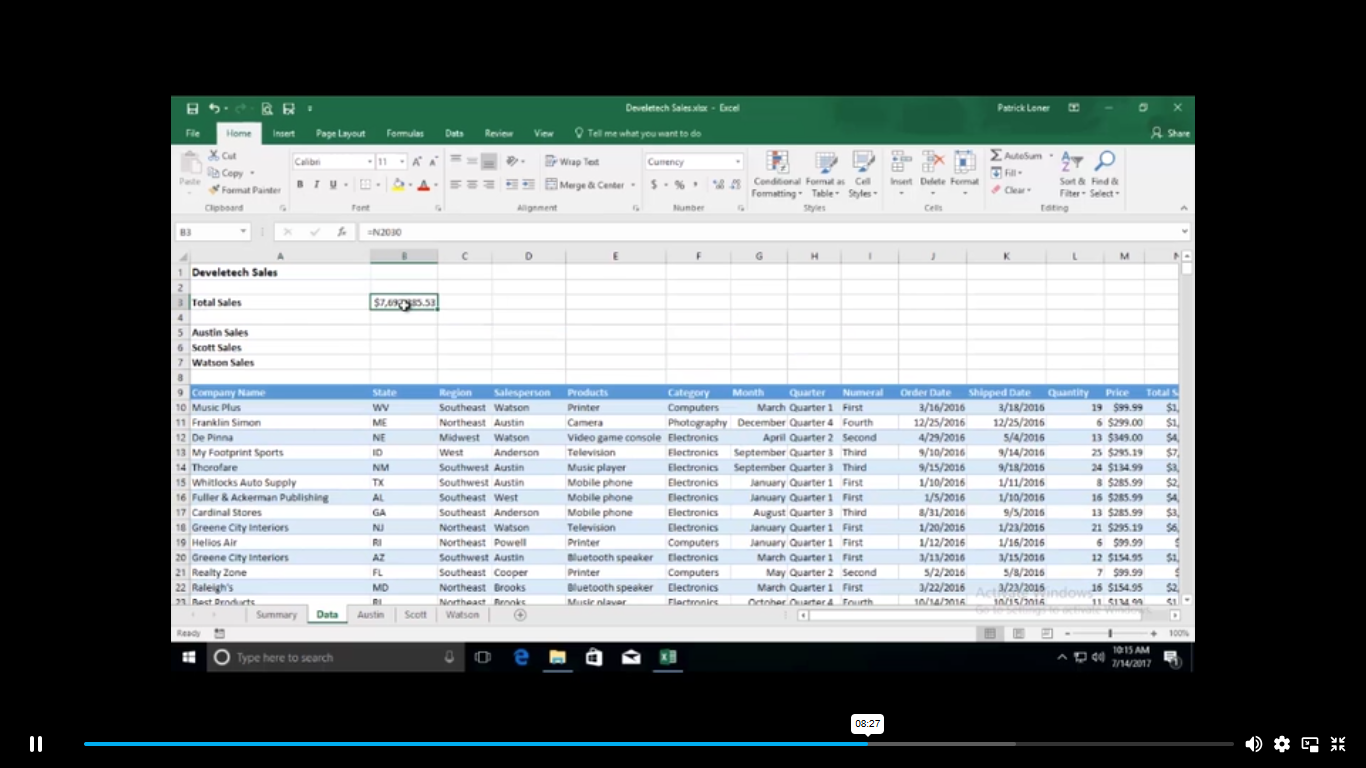
| Use Links and External References | 00:12:00 | ||
| Use 3-D References | 00:06:00 | ||
| Consolidate Data | 00:05:00 | ||
| Using Lookup Functions and Formula Auditing | |||
| Use Lookup Functions | 00:12:00 | ||
| Trace Cells | 00:09:00 | ||
| Watch and Evaluate Formulas | 00:08:00 | ||
| Sharing and Protecting Workbooks | |||
| Collaborate on a Workbook | 00:19:00 | ||
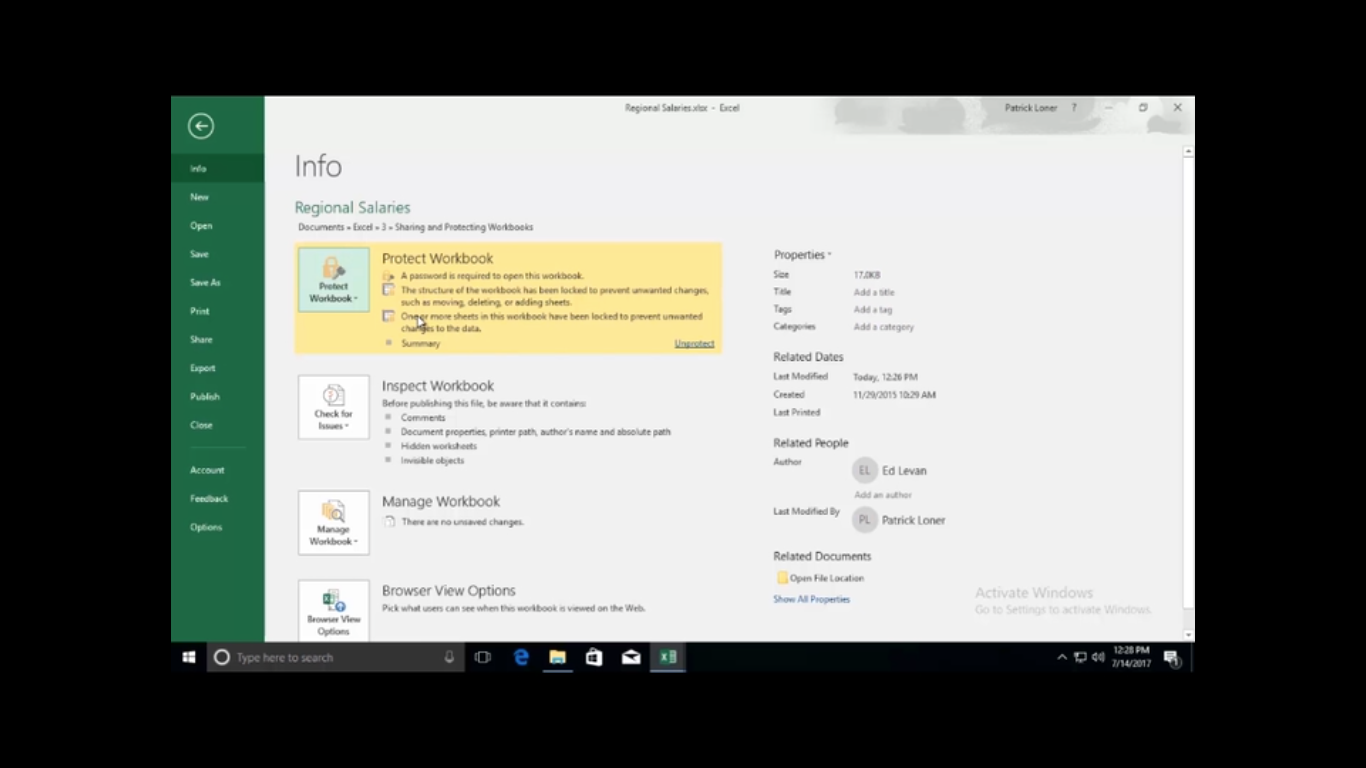
| Protect Worksheets and Workbooks | 00:08:00 | ||
| Automating Workbook Functionality | |||
| Apply Data Validation | 00:13:00 | ||
| Search for Invalid Data and Formulas with Errors | 00:04:00 | ||
| Work with Macros | 00:18:00 | ||
| Creating Sparklines and Mapping Data | |||
| Create Sparklines | 00:07:00 | ||
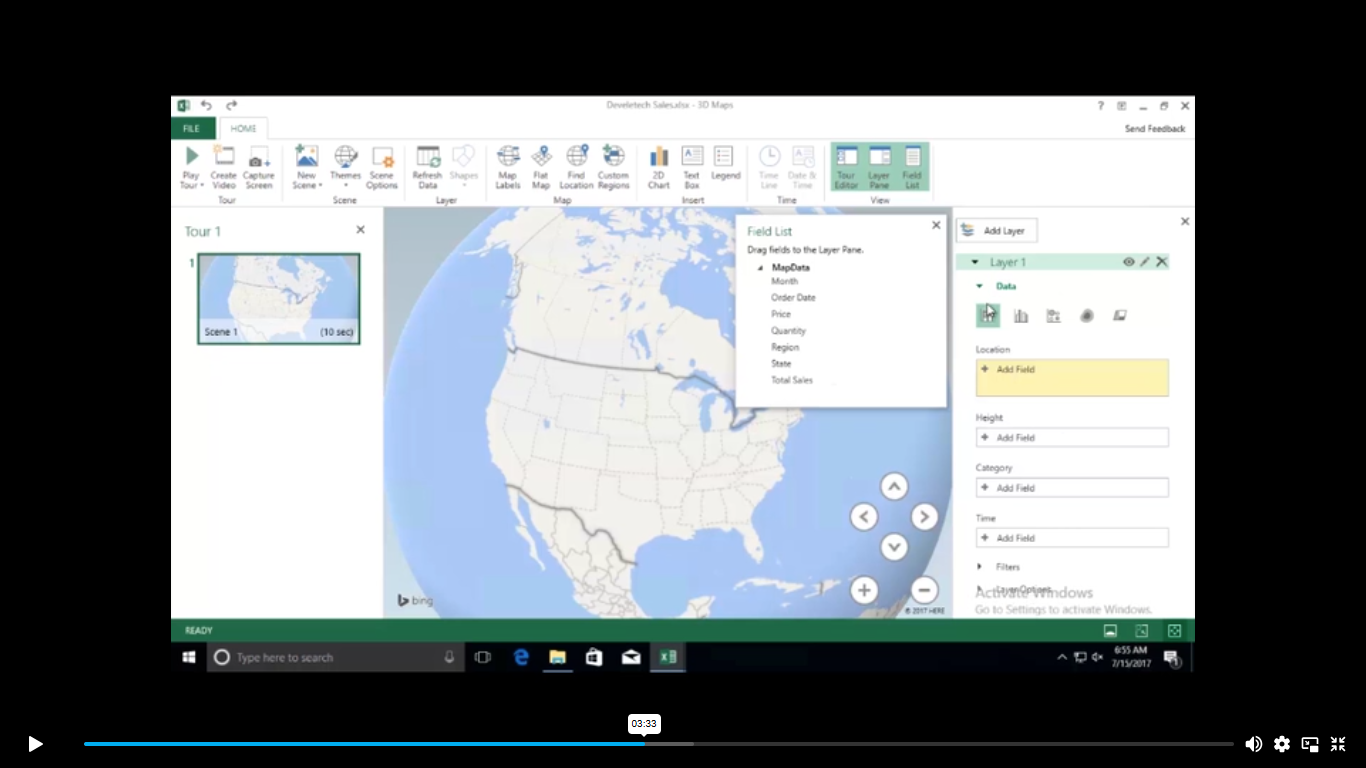
| MapData | 00:07:00 | ||
| Forecasting Data | |||
| Determine Potential Outcomes Using Data Tables | 00:08:00 | ||
| Determine Potential Outcomes Using Scenarios | 00:09:00 | ||
| Use the Goal Seek Feature | 00:04:00 | ||
| Forecasting Data Trends | 00:05:00 | ||
| Mock Exam | |||
| Mock Exam – Advanced MS Office Excel Course | 00:20:00 | ||
| Final Exam | |||
| Order Your Certificate | |||
| Order Your Certificate | 00:00:00 | ||
Related Courses