Popular Courses

Brand
Awarding body image

Overview of Unity 3D Game Development Course

This Unity 3D Game Development Course guides learners through the complete production of a focused game project. You will begin with Shader Graph materials, line drawing and sampling before combining these elements into interactive tickets and game-board components. Moreover, the course explains how to manage winning conditions, scores, buttons and saved player data. You will then create a custom animation system and apply motion to menus, sections, scoreboards and winning panels. As a result, learners can develop stronger project-planning skills, practical Unity confidence and a clearer understanding of how individual game systems work together.

By completing this course, you will be able to:

  • Create interface effects using Unity Shader Graph
  • Develop vignette, pattern and scratching materials
  • Use line drawing and sampling within a game project
  • Build game-board images and ticket sections
  • Integrate interactive scratching functionality
  • Configure winning settings and outcome panels
  • Create button controls and image-management systems
  • Develop a complete gameplay loop
  • Build and update a functional scoreboard
  • Save and load player or game information
  • Manage individual and grouped ticket behaviour
  • Create menus and customised animation systems
  • Apply animations to major game-interface elements
  • Prepare and build a completed game for mobile use

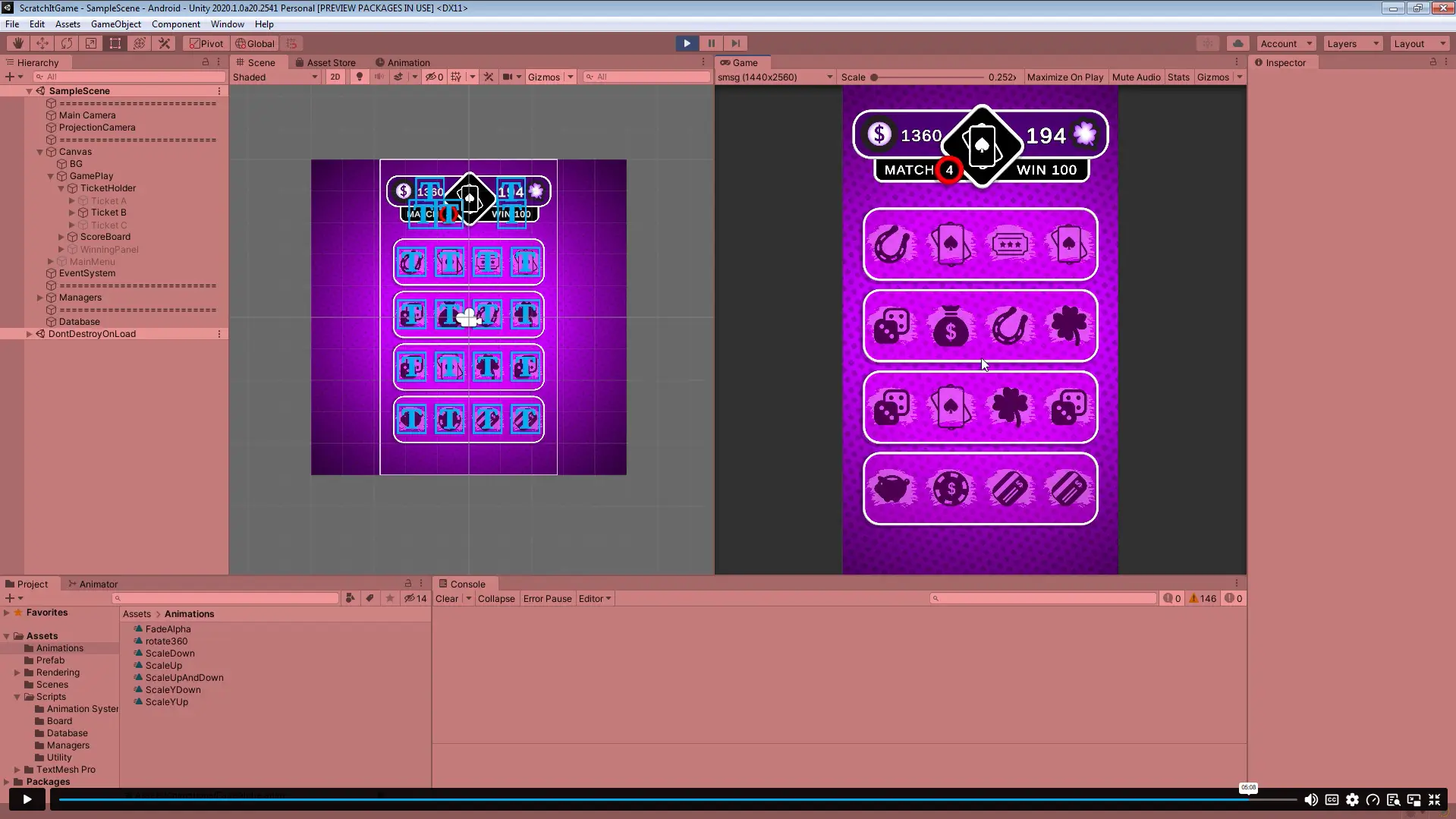
Exclusive Course Glimpse

Learning Outcomes

After completing the training, learners will confidently understand how to:

  • Organise a Unity project into connected gameplay systems
  • Use materials and shaders to control visual presentation
  • Coordinate interactive elements through manager components
  • Define game states, rewards and winning conditions
  • Maintain scores and persistent player information
  • Control user-interface feedback through animations
  • Structure menu and ticket-provider functionality
  • Move a game from development towards a mobile build

Why Choose This Unity 3D Course?

This course provides focused, project-based training for learners who want to develop practical Unity skills.

  • Complete game project: Build a working game from initial effects to final build
  • Visual development: Create dynamic materials through Shader Graph
  • Gameplay systems: Develop scores, outcomes, tickets and save functions
  • Animation training: Build and apply a custom animation system
  • Mobile focus: Learn how to prepare the finished project for a phone
  • Flexible online study: Progress around professional and personal commitments
  • Portfolio relevance: Produce a project that demonstrates practical ability
  • Structured learning: Follow the development process section by section

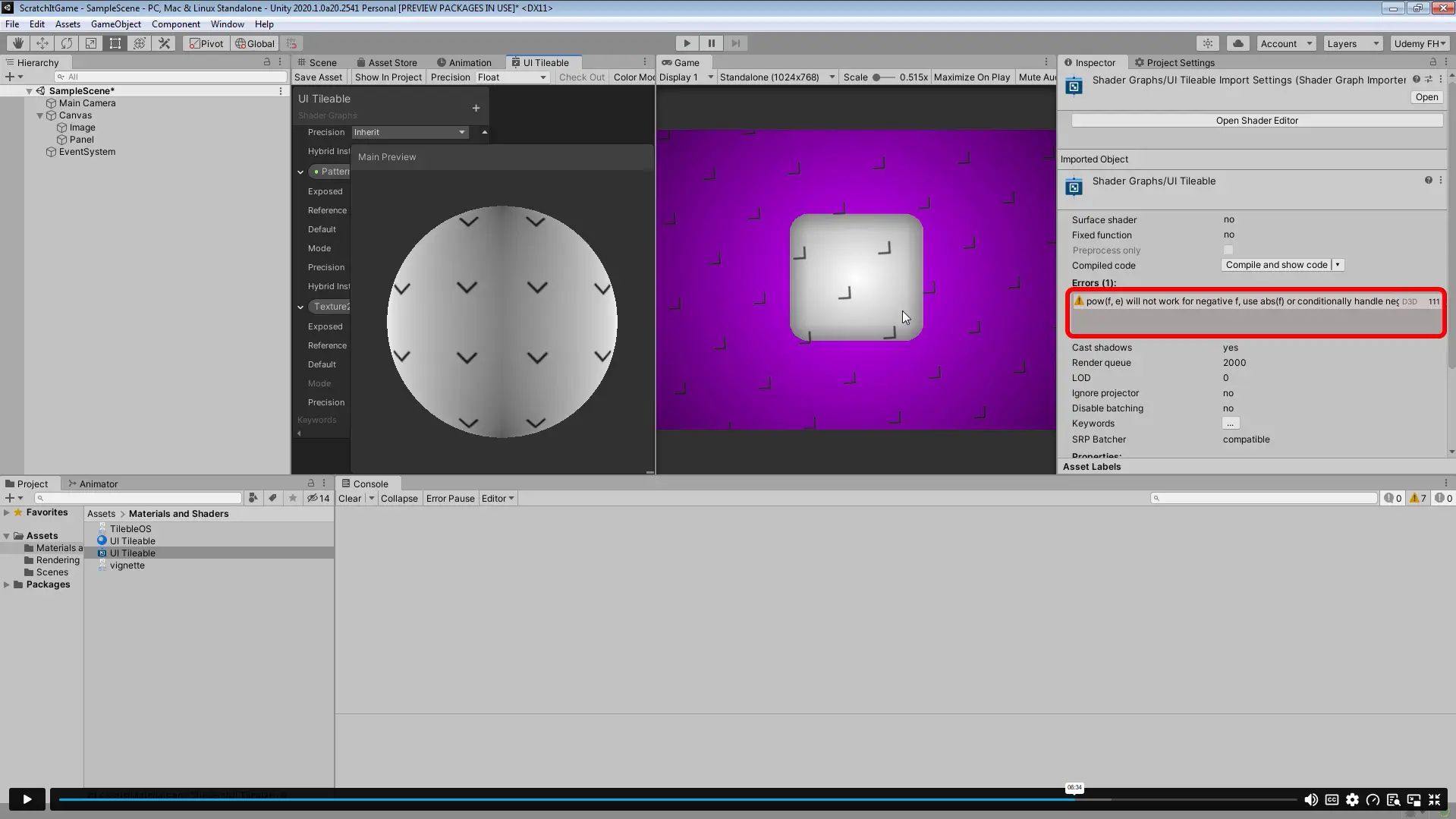
Shader Graph works through connected nodes, material properties and data types, allowing developers and technical artists to create dynamic visual effects. Unity also highlights materials and shaders as core parts of real-time 3D rendering and mobile optimisation.

Certificate of Achievement

  • CPD Accredited Certificate
  • Digital Certificate
  • Professional Recognition
  • CV and LinkedIn Enhancement
  • Proof of Professional Skills
Nextgen Certificate

Who Is This Course For?​

This course is suitable for:

  • Beginners with some basic Unity familiarity
  • Aspiring Unity and game developers
  • Mobile game-development learners
  • Independent and hobbyist game creators
  • Digital artists exploring interactive projects
  • Programmers expanding into game development
  • Students building a development portfolio
  • Career changers entering the games industry

Career Opportunities in the UK

The Unity 3D Game Development Course can support progression towards gaming, software and interactive-media roles. However, employers normally expect a strong portfolio, practical programming ability and experience with complete game projects.

Computer Games Developer

Computer games developers create games for phones, tablets, PCs and consoles. They may specialise in gameplay systems, user interfaces, mobile development or virtual reality.

Average UK Salary: £27,000 – £71,000 per year

Unity Developer

Unity developers create interactive applications and games using the Unity engine. Their responsibilities may include implementing gameplay mechanics, integrating assets, fixing errors and optimising projects for different devices.

Average UK Salary: £25,000 – £50,000 per year

Game Programmer

Game programmers write and maintain the code that controls gameplay, interfaces, scoring and player interaction. They work with designers and artists to turn game concepts into functioning systems.

Average UK Salary: £24,000 – £50,000+ per year

Mobile Game Developer

Mobile game developers create games designed for smartphones and tablets. They focus on touch interaction, screen layouts, device performance and publishing requirements.

Average UK Salary: £26,000 – £50,000 per year

Game Designer

Game designers develop gameplay concepts, rules, challenges and player experiences. They may create design documents, test mechanics and collaborate with developers throughout production.

Average UK Salary: £24,000 – £45,000 per year

Game Artist

Game artists create characters, environments, interfaces, textures and other visual assets. Unity and Shader Graph knowledge can help artists understand how visuals will appear and behave inside the engine.

Average UK Salary: £22,000 – £45,000 per year

Software Developer

Software developers design, build and test digital applications. Unity experience can support progression into broader software development, although further programming knowledge is usually required.

Average UK Salary: £30,000 – £75,000 per year

Entry Requirements

  • No formal qualifications are required
  • Suitable for learners with basic Unity awareness
  • Basic written English is recommended
  • A computer capable of running Unity is required
  • Internet access is needed for online learning
  • An interest in games and interactive development is helpful

Order Your Certificate

To order your Certificate, we kindly invite you to visit the following link

Frequently Asked Questions -

A Unity 3D Game Development Course teaches learners how to build interactive games using the Unity engine. This programme covers shaders, gameplay systems, menus, scoring, saving and animation. It also guides learners through preparing a game for mobile devices.

The course introduces the project clearly and builds it section by section. However, basic familiarity with the Unity interface and simple scripting concepts may make the training easier to follow. Complete beginners may benefit from learning introductory Unity fundamentals first.

You will create an interactive scratch-style game involving tickets, board images and winning outcomes. The project includes scoring, save and load functionality, menus and animations. Therefore, it provides experience across both gameplay and user-interface development.

Yes, the curriculum includes several Shader Graph-based interface effects. You will explore vignette, tileable-pattern and scratching materials. Shader Graph allows developers to create customised visual effects through connected nodes and configurable material properties.

Yes, the course covers a custom animation system and several game animations. These include menu, section, scoreboard, sprite and winning-panel animations. Consequently, learners can understand how movement and feedback improve the player experience.

Yes, one lecture focuses on creating a save and load manager. This system supports the preservation of relevant player or game information. Persistent information can make a game feel more complete and user-friendly.

Yes, the curriculum includes a lesson dedicated to building the game for a mobile phone. However, final publishing requirements vary between platforms and app stores. Further testing and platform-specific configuration may therefore be necessary.

The course can strengthen practical skills and provide a useful portfolio project. However, professional Unity roles usually require additional projects, programming knowledge and evidence of debugging or optimisation ability. Regular development practice will therefore remain essential.

Course Curriculum

Section 01: Introduction
Course Trailer 00:02:00
Lecture 01: Course Introduction 00:01:00
Section 02: Basic Building Blocks
Lecture 02: Shader Graph UI Shader: Vignette 00:06:00
Lecture 03: Shader Graph UI Shader: Tileable Pattern 00:08:00
Lecture 04: Line Drawing 00:10:00
Lecture 05: Shader Graph UI Shader: Scratching Material 00:12:00
Lecture 06: Sampling 00:12:00
Section 03: Putting Blocks Together
Lecture 07: Creating Board Image 00:08:00
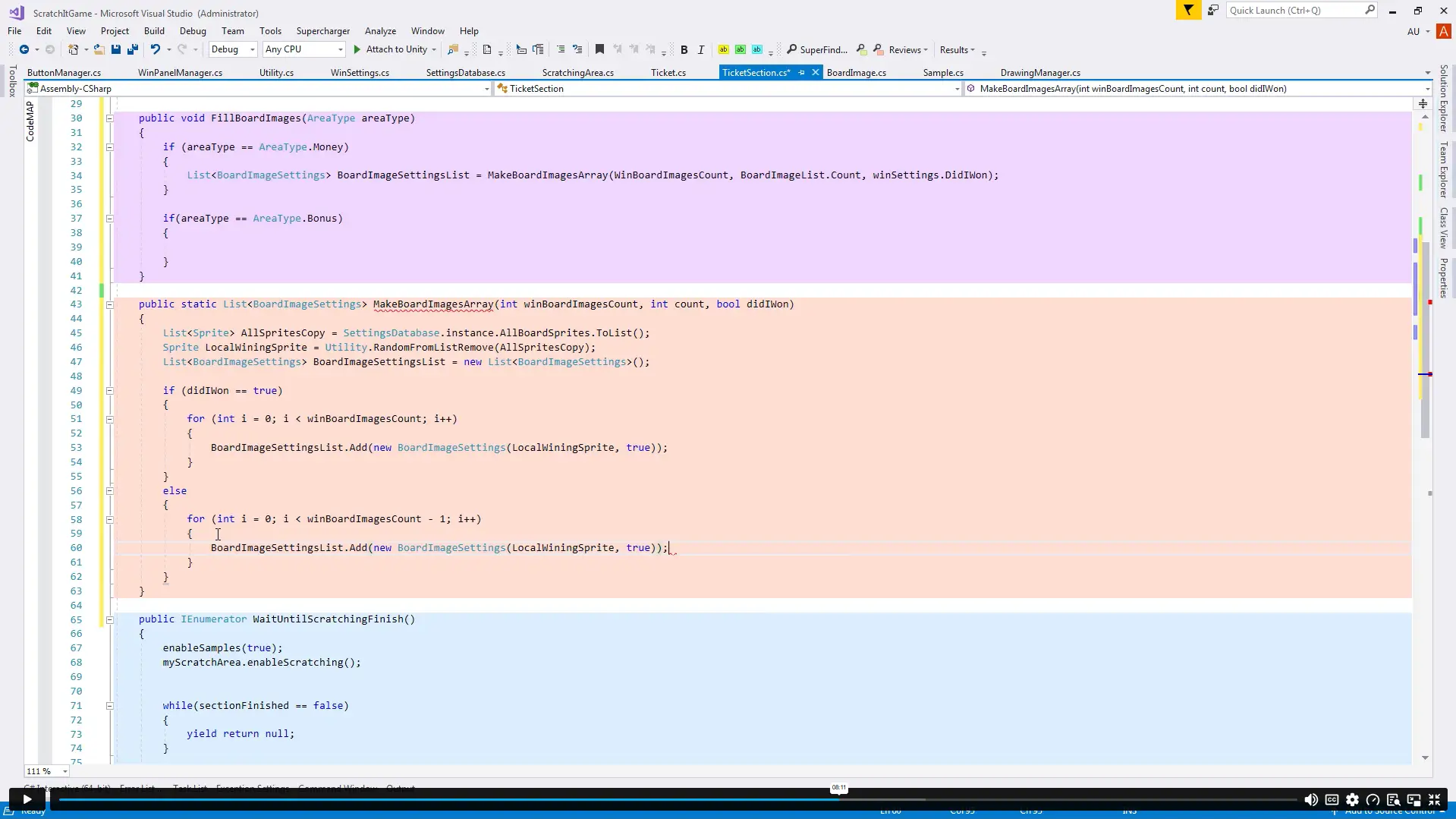
Lecture 08: Creating Ticket Section 00:08:00
Lecture 09: Creating Ticket 00:07:00
Lecture 10: Scratching Integration Part 1 00:12:00
Lecture 11: Scratching Integration Part 2 00:03:00
Section 04: Winning Managers
Lecture 12: Win Settings 00:07:00
Lecture 13: Winning Panel Manager 00:07:00
Lecture 14: Button Manager 00:06:00
Lecture 15: Filling Board Images Part 1 00:13:00
Lecture 16: Filling Board Images Part 2 00:08:00
Lecture 17: Finish by Winning Images 00:06:00
Section 05: Creating Basic Game
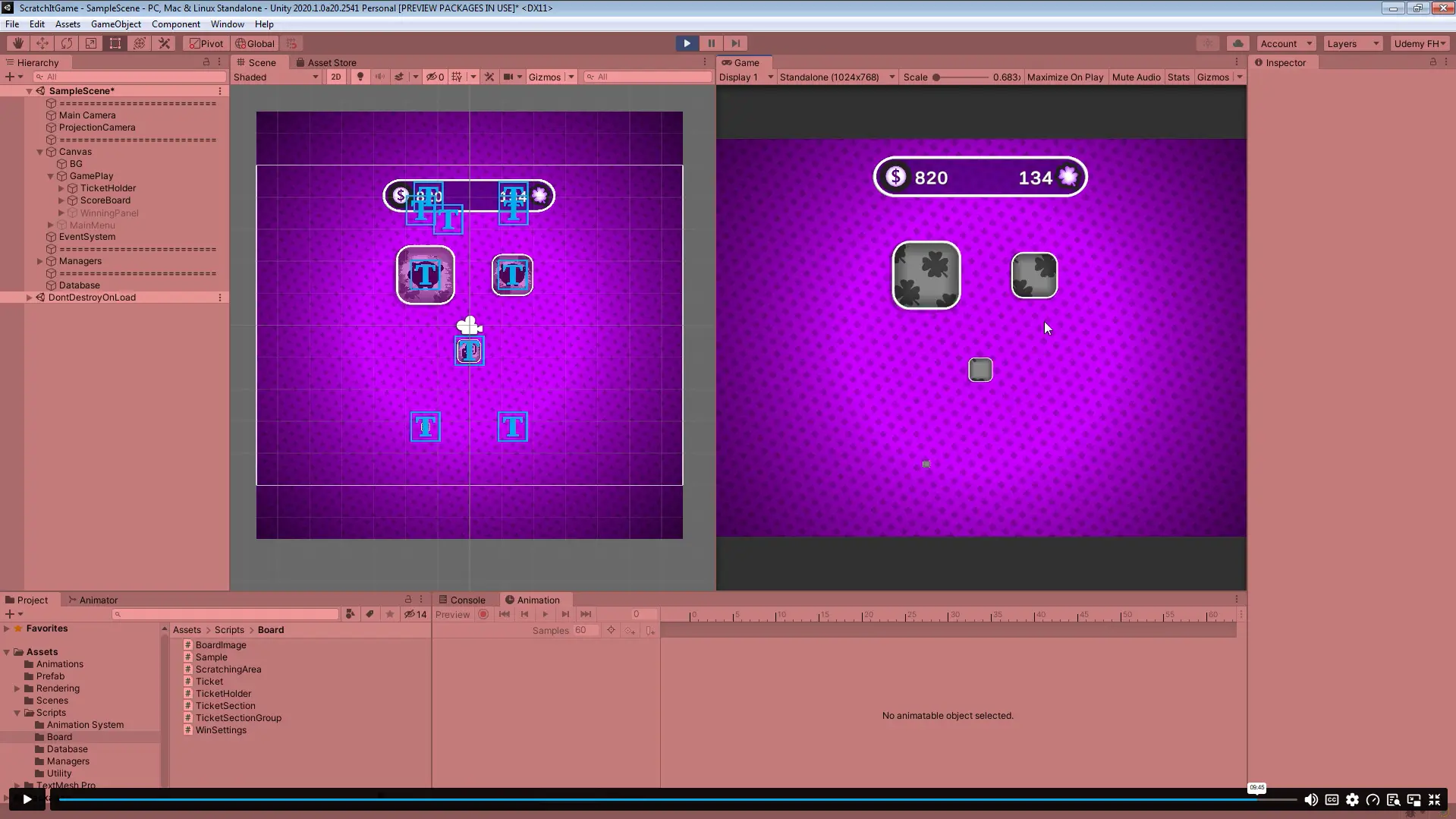
Lecture 18: Game Loop 00:06:00
Lecture 19: Creating Scoreboard 00:12:00
Lecture 20: Creating Save and Load Manager 00:07:00
Section 06: Advanced Scratching And Winning Options
Lecture 21: Ticket Section Group One By One Ticket 00:20:00
Lecture 22: Ticket Section Group All At Once Ticket 00:11:00
Lecture 23: Any Sprite 00:08:00
Section 07: Finishing The Game
Lecture 24: Section Random Color 00:03:00
Lecture 25: Ticket Provider 00:07:00
Lecture 26: Creating Main Menu 00:06:00
Section 08: Creating Custom Animation System
Lecture 27: Custom Animation System Part 1 00:14:00
Lecture 28: Custom Animation System Part 2 00:13:00
Section 09: Creating Game Animations
Lecture 29: Main Menu Animation 00:04:00
Lecture 30: Sections Animation 00:08:00
Lecture 31: Scoreboard Animation 00:14:00
Lecture 32: Winning Sprites Animation 00:10:00
Lecture 33: Scratching Finished Animation 00:08:00
Lecture 34: Winning Panel Animation 00:19:00
Section 10: Building Your Game
Lecture 35: Build the game For Mobile Phone 00:05:00
Section 11: Initial Scratching
Lecture 36: Initial Scratching Animation 00:12:00
Resources
Resource – Developing Game in Unity 3D 00:00:00
Order Your Certificate
Order Your Certificate 00:00:00

Related Courses

A product of

© 2026 NextGen Learning. All rights reserved

Home Search Cart Offers