Popular Courses

Brand
Awarding body image

Microsoft Excel: Master Power Query in 120 Minutes!

Overview of Microsoft Excel: Master Power Query in 120 Minutes! Course

Managing large amounts of data efficiently is an essential skill in modern workplaces. This Excel Power Query course is designed to help learners understand how to use Power Query in Microsoft Excel to clean, transform, and prepare data quickly and accurately.

The course explains how Power Query simplifies data management by automating repetitive tasks and improving reporting processes. You will learn how to import data, transform datasets, combine information from multiple sources, and prepare data for analysis.

Moreover, this Microsoft Excel Power Query training introduces important concepts related to data preparation, workflow efficiency, reporting accuracy, and business intelligence support.

In addition, the training focuses on helping learners understand how Power Query can reduce manual work and improve productivity.

Furthermore, the course highlights practical approaches used to organise complex datasets and streamline data processing activities.

The course also explains how Power Query supports faster decision-making through accurate and reliable information.

By the end of the course, learners will have a strong understanding of Power Query training techniques and Excel data transformation methods.

Exclusive Course Glimpse

Description of Microsoft Excel: Master Power Query in 120 Minutes! Course

This Excel data analysis course explains how to use Power Query tools to import, clean, shape, and organise data for reporting and analysis.

You will also explore Excel automation course topics related to data transformation, query creation, data merging, filtering, data modelling preparation, and reporting workflows.

Each lesson is written in simple language so learners can easily understand Power Query features and practical Excel applications.

What You Will Learn

  • Understand Power Query fundamentals
  • Learn how to import data into Excel
  • Explore data cleaning techniques
  • Understand data transformation methods
  • Learn how to merge and combine datasets
  • Improve reporting efficiency
  • Understand workflow automation principles
  • Develop practical Excel data management skills

Why Choose Us?​

  • Fast and focused learning format
  • Beginner-friendly explanations
  • Flexible online study access
  • Practical Excel applications
  • Step-by-step demonstrations
  • Supports workplace productivity
  • Focus on real-world data tasks

Certificate of Achievement

Upon successful completion, you will qualify for the UK and internationally-recognised CPD certificate.

This helps you:

  • Improve your CV
  • Demonstrate advanced Excel skills
  • Support professional development
  • Build confidence in data management
  • Strengthen workplace productivity skills
Nextgen Certificate

Who Is This Course For?​

  • Excel users
  • Business professionals
  • Data analysts
  • Office administrators
  • Finance professionals
  • Anyone working with data

Requirements​ of Microsoft Excel: Master Power Query in 120 Minutes! Course

  • Basic Microsoft Excel knowledge
  • Internet connection
  • Any digital device
  • Interest in data management
  • No Power Query experience required

Career Path​ of Microsoft Excel: Master Power Query in 120 Minutes! Course

Completing this Excel Power Query course can support opportunities across business analysis, administration, finance, operations, reporting, and data management environments.

Common roles include:

  • Data Analyst
  • Reporting Assistant
  • Business Analyst Assistant
  • Administrative Officer
  • Finance Assistant
  • Operations Support Coordinator

Career opportunities may vary depending on qualifications, experience, and industry requirements.

Order Your Certificate

To order your Certificate, we kindly invite you to visit the following link

Frequently Asked Questions - of Microsoft Excel: Master Power Query in 120 Minutes! Course

An Excel Power Query course teaches how to import, clean, transform, and automate data preparation tasks in Microsoft Excel. It helps users manage large datasets more efficiently and improve reporting accuracy.

Yes, the course is designed for beginners and explains Power Query features in a simple, practical, and easy-to-follow format. No advanced Excel knowledge is required.

You will learn data importing, data cleaning, transformation techniques, query management, automation methods, data consolidation, and reporting processes using Power Query.

Power Query helps automate repetitive data tasks, reduce manual work, improve accuracy, save time, and simplify the process of preparing data for analysis and reporting.

Yes, Power Query helps prepare, organise, and transform data efficiently, making it easier to perform accurate analysis and create reliable reports.

This course is suitable for Excel users, data analysts, administrators, accountants, finance professionals, business users, and anyone who regularly works with data.

Course Curriculum

Microsoft Excel: Master Power Query in 120 Minutes!
Power Query Intro and Excel version 00:03:00
Excel Power Query – Introduction 00:03:00
Excel Power Query – Query Editor Ribbon 00:09:00
Transform Data – Trim in Excel Power Query 00:05:00
Transform Data – Format Dates and Values in Excel Power Query 00:02:00
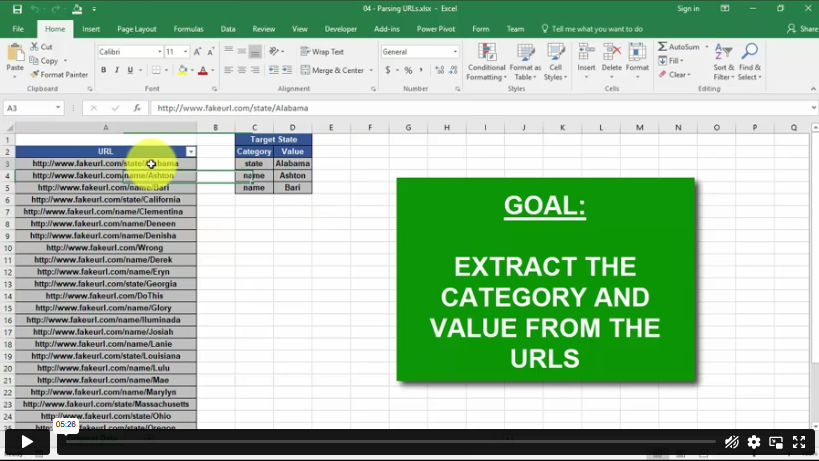
Transform Data – Parsing URLs in Excel Power Query 00:05:00
Transform Data – Split Text Fields in Excel Power Query 00:10:00
Transform Data – Group By in Excel Power Query 00:03:00
Transform Data – Unpivoting Columns in Excel Power Query 00:05:00
Transform Data – Pivoting Columns in Excel Power Query 00:02:00
Transform Data – Split Columns into Other Columns in Excel Power Query 00:04:00
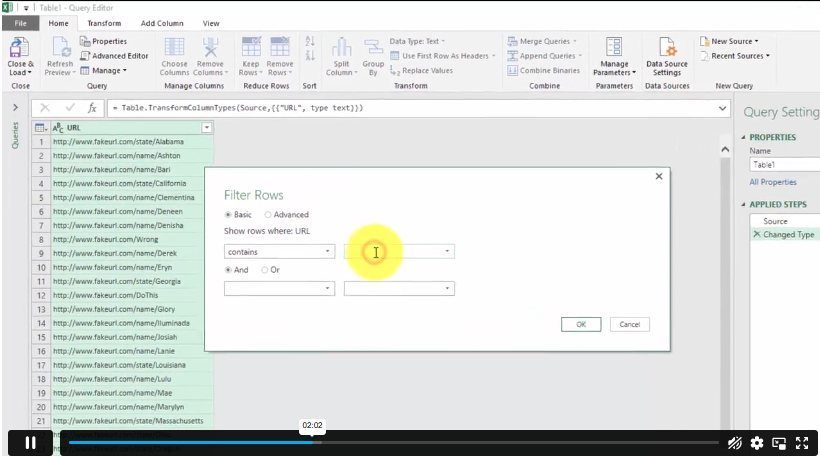
Transform Data – Filtering Rows in Excel Power Query 00:05:00
Transform Data – Sorting Columns in Excel Power Query 00:02:00
Transform Data – Transform and Add Columns in Excel Power Query 00:07:00
From Folder – Import From Folder in Excel Power Query 00:07:00
From Folder – Doing Auto Cleanup in Excel Power Query 00:13:00
From Folder – Extract Data from Forms in Excel Power Query 00:13:00
From Workbook – Extract Multiple Criteria in Excel Power Query 00:05:00
From Workbook – Extract Multiple Worksheets in Excel Power Query 00:04:00
Joins – Intro to Joins 00:04:00
Joins – Merging 00:08:00
Joins – Full Outer Join 00:06:00
Joins – Right Anti Join 00:09:00
Power Query – Convert Reports into Pivot Tables 00:05:00
Modulo 00:06:00
Order Your Certificate
Order Your Certificate 00:00:00

Related Courses

A product of

© 2026 NextGen Learning. All rights reserved

Home Search Cart Offers