

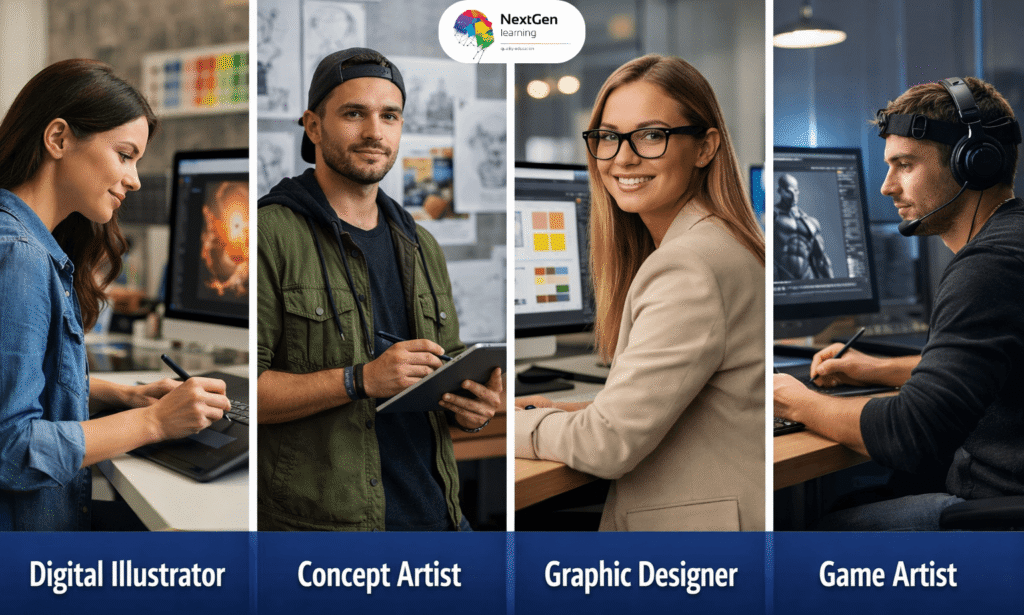
Yes, Photoshop digital painting is widely used by professional artists and illustrators. The software provides powerful brush tools, layers, and blending modes that help artists create detailed digital artwork. Moreover, Photoshop supports drawing tablets, making it ideal for digital painting workflows. Therefore, many concept artists and illustrators prefer Photoshop for professional digital art creation.



Course Curriculum
| Module 01: Introduction and Welcome | |||
| Introduction | 00:02:00 | ||
| Module 02: Diving Into Photoshop and Its Painting Tools | |||
| Setting Up a New File | 00:03:00 | ||
| Tools, and Brushes in Photoshop | 00:09:00 | ||
| Mixer Brush Tool | 00:04:00 | ||
| Average Eraser | 00:03:00 | ||
| Module 03: Time For Action. Let's Make a Digital Painting Together! | |||
| Placing a Photo | 00:06:00 | ||
| Underpainting | 00:05:00 | ||
| Overpainting | 00:03:00 | ||
| Black Line Drawing | 00:03:00 | ||
| Erase | 00:07:00 | ||
| Polishing and Finishing Up | 00:05:00 | ||
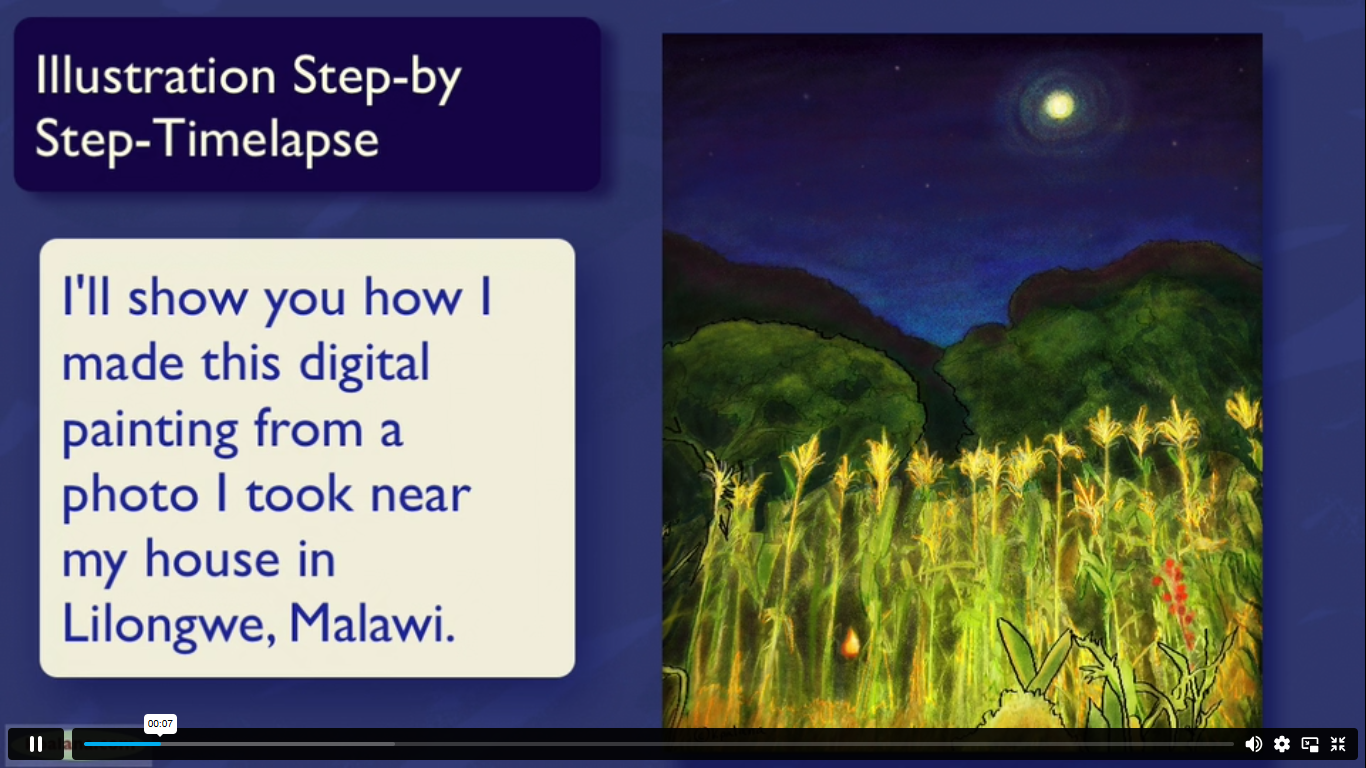
| Timelapse Illustration | 00:02:00 | ||
| Module 04: Intermediate and Advanced Ways You Can Use These Techniques (Case Study) | |||
| Inside a Lori Leak Illustration (Case Study) | 00:05:00 | ||
| Cut, Paste, and Collage | 00:08:00 | ||
| Power of Time Case Study | 00:05:00 | ||
| Liquify Tools | 00:15:00 | ||
| Module 05: The only tools you need to know in Photoshop & Starting Your Own E-Store | |||
| Evergreen Tools | 00:07:00 | ||
| Keeping Sketchbooks | 00:06:00 | ||
| Module 06: Conclusion, Thank You, and Bonuses | |||
| Thank You For Taking This Course! | 00:02:00 | ||
| Assignment | |||
| Assignment – Photoshop Digital Painting | 00:00:00 | ||
| Order Your Certificate | |||
| Order Your Certificate | 00:00:00 | ||
Related Courses