Popular Courses

Brand
Awarding body image

SolidWorks CSWA Complete Preparation Course

Overview of SolidWorks CSWA Preparation Course

The SolidWorks CSWA Preparation Course is designed for learners who want to build strong computer-aided design (CAD) skills and prepare confidently for the Certified SolidWorks Associate (CSWA) certification exam. The course focuses on practical and structured learning, helping you understand SolidWorks tools and mechanical design concepts in a simple and beginner-friendly way.

Many learners find CAD software difficult because of technical tools, complex modelling features, and engineering terminology. Therefore, this course breaks everything down into clear and manageable steps so you can learn without confusion. It explains important design concepts in an easy-to-follow format that helps build confidence gradually.

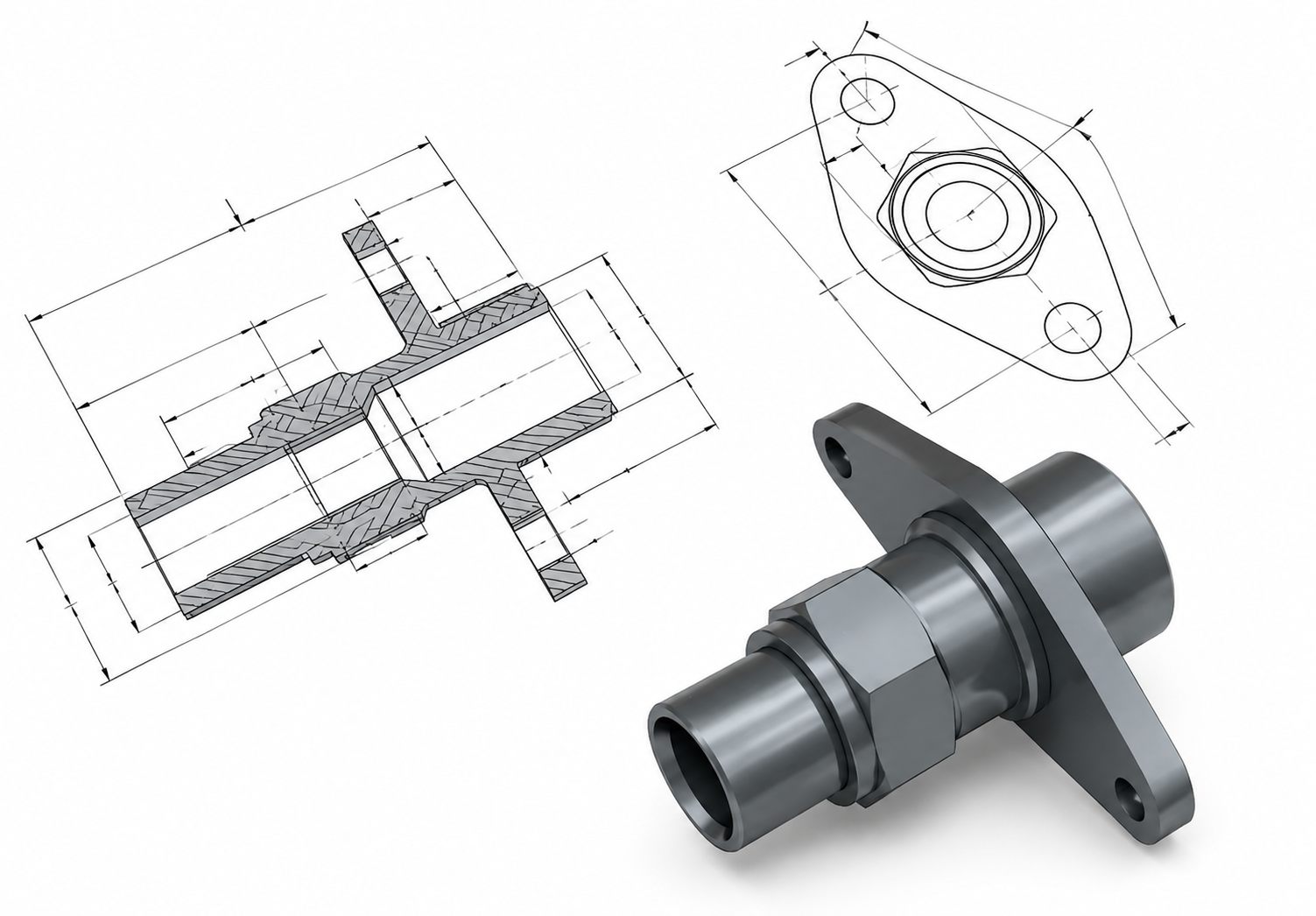
Moreover, you will learn how to create and modify 3D models, work with sketches, apply dimensions, and understand engineering drawings using SolidWorks software. The course also introduces key modelling techniques and design workflows commonly used in mechanical and product design environments.

In addition, you will explore how SolidWorks is used in real engineering and manufacturing settings. This helps learners connect theoretical concepts with practical design applications while improving problem-solving and technical thinking skills.

Furthermore, the course is structured to support CSWA exam preparation by helping learners understand the types of design tasks and modelling challenges commonly included in certification assessments. Practical exercises and guided explanations make learning more engaging and easier to apply.

By the end of the course, you will have a solid understanding of SolidWorks fundamentals, 3D modelling techniques, and engineering drawing basics. You will also feel more prepared to take the CSWA certification exam and apply your CAD skills in academic, engineering, or professional environments.

Exclusive Course Glimpse

Description of SolidWorks CSWA Preparation Course

This CSWA certification preparation course focuses on real exam-style practice and essential SolidWorks skills. It teaches you how to approach modeling tasks, solve design problems, and improve accuracy in CAD work.

You will also explore key SolidWorks features used in engineering industries, helping you understand how professionals design mechanical parts and assemblies.

Each lesson is structured to improve your confidence so you can perform well in the CSWA exam and real-world design tasks.

What You Will Learn

  • Understand SolidWorks interface and tools
  • Learn 3D part modeling techniques
  • Practice engineering drawing creation
  • Develop assembly modeling skills
  • Improve design accuracy and efficiency
  • Learn CSWA exam structure
  • Solve practice design problems
  • Build CAD confidence for certification

Why Choose Us?​

  • Beginner-friendly SolidWorks training
  • Step-by-step CSWA exam preparation
  • Real practice-based learning
  • Clear and simple explanations
  • Focus on certification success
  • Flexible online access
  • Industry-relevant CAD skills

Certificate of Achievement

Upon successful completion, you will qualify for the UK and internationally-recognised CPD certificate and you can choose to make your achievement formal by obtaining your PDF Certificate at a cost of £9.99.

Nextgen Certificate

Who Is This Course For?​

This SolidWorks CSWA preparation course is suitable for learners who want to develop CAD design knowledge and prepare for certification in a structured and practical way. It is ideal for:

  • Mechanical engineering students interested in CAD and product design
  • Beginners who want to learn SolidWorks from the basics
  • Learners preparing for the CSWA certification exam
  • Individuals exploring careers in mechanical or industrial design
  • CAD users looking to improve modeling and drafting skills
  • Professionals upgrading technical software knowledge
  • Anyone interested in 3D modeling and engineering design principles

Requirements of SolidWorks CSWA Preparation Course

  • Basic computer knowledge
  • Interest in mechanical design
  • Installed SolidWorks software (recommended)
  • Internet access
  • No prior CAD experience required

Career Path of SolidWorks CSWA Preparation Course

After completing this SolidWorks CSWA preparation course, learners can explore roles such as:

  • CAD Design Assistant
  • Mechanical Design Trainee
  • Product Design Support Role
  • Engineering Drafting Assistant
  • Junior CAD Operator
  • Design Engineering Intern

These roles depend on skill level, practice, and industry demand.

Order Your Certificate

To order your Certificate, we kindly invite you to visit the following link

Frequently Asked Questions - Of SolidWorks CSWA Preparation Course

A SolidWorks CSWA preparation course is designed to help learners understand the fundamentals of CAD modeling and prepare for the Certified SolidWorks Associate examination. It focuses on practical design skills, engineering drawings, and problem-solving techniques used in real SolidWorks projects. Moreover, the course provides step-by-step guidance to help learners build confidence before taking the certification exam.

CSWA certification is considered beginner to intermediate level, making it achievable for learners who practice consistently. The exam mainly tests understanding of SolidWorks tools, sketching, part creation, and assembly concepts. In addition, structured preparation and regular modeling practice can significantly improve your chances of passing successfully.

Yes, beginners can learn SolidWorks for the CSWA exam without prior CAD experience. Most SolidWorks training courses start with simple modeling exercises before moving into more advanced design tasks. Therefore, learners can gradually build technical understanding and become comfortable using the software step by step.

To prepare for CSWA certification, learners should understand basic sketching, 3D part modeling, assembly creation, and engineering drawing concepts. The exam also requires problem-solving ability and familiarity with SolidWorks tools. Furthermore, practicing design accuracy and time management helps improve overall exam performance.

The time needed for CSWA preparation depends on your learning speed and practice routine. Some learners become ready within a few weeks, while others may take a few months to feel fully confident. Regular practice with modeling exercises and mock projects can help strengthen understanding more effectively.

Yes, SolidWorks CSWA certification can support career opportunities in mechanical design, CAD drafting, manufacturing, and engineering support roles. Many employers value certification because it demonstrates practical software knowledge and technical ability. As a result, it can help improve your professional profile and increase job prospects in design-related industries.

Course Curriculum

Introduction
Introduction 00:05:00
Overview of Solidworks
Creating a New Document 00:01:00
User Interface 00:02:00
Mouse Movements in Sketch 00:02:00
Mouse Movements in Part 00:03:00
Sketching
Creating a Sketch File 00:02:00
Basic Sketch Tools 00:07:00
Dimensions and Relations 00:12:00
Mirror Entities 00:02:00
Linear and Circular Sketch Pattern 00:06:00
Sketch Offset Entities 00:02:00
Converting Sketch to 3D Model 00:03:00
Opening and Saving Part Document 00:01:00
Exercises 00:04:00
Part Modeling Basics
Extruded Base 00:03:00
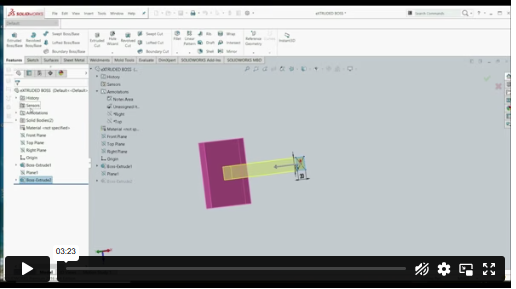
Extruded Boss Additional Techniques 00:04:00
Creating a Sketch on the Part 00:02:00
Creating a Sketch on the New Plane 00:05:00
Convert and Offset Entities 00:02:00
Extruded Cut 00:03:00
Fillet and Chamfer 00:03:00
Rib 00:03:00
Draft 00:04:00
Shell 00:02:00
Part and Sketch Modification 00:02:00
Exercises 00:06:00
Part Modeling Intermediate
3D Sketch 00:03:00
Equation 00:03:00
Mass Properties and Coordinate System 00:03:00
Defining Density and Material 00:02:00
Measuring Tool 00:03:00
Exercises 00:07:00
Part Modeling Advanced
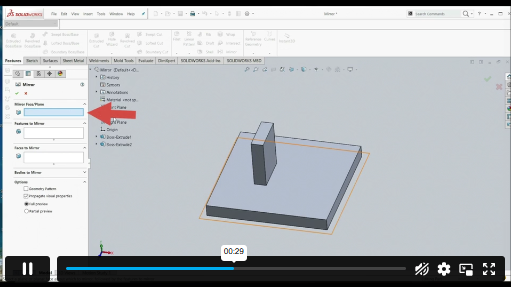
Mirror Feature 00:01:00
Revolved Boss Base 00:02:00
Swept Boss Base 00:05:00
Exercises 00:14:00
Assembly Creation
Inserting Part Relative to Origin 00:02:00
Inserting Part Relative to Planes 00:02:00
Standard Mates 00:04:00
Move Component 00:02:00
Mirror Component 00:01:00
Sketch in Assembly 00:03:00
Exercises 00:08:00
Drawing Tools Basics
Creating Drawing Sheet 00:01:00
Projection Views and Edit Sheet 00:04:00
View Properties 00:02:00
Drawing – View Dimensioning 00:03:00
Bill of Material 00:02:00
Exercises 00:03:00
Drawing Tools - Miscellaneous Views
Auxiliary View 00:01:00
Section View 00:02:00
Aligned Section View 00:02:00
Detail View 00:02:00
Broken-out Section View 00:02:00
Break View 00:03:00
Crop View 00:01:00
Alternative Position View 00:02:00
Resources
Resources – Solidworks: Complete CSWA Preparation 00:00:00
Assignment
Assignment – Solidworks: Complete CSWA Preparation 00:00:00
Order Your Certificate
Order Your Certificate 00:00:00

Related Courses

A product of

© 2026 NextGen Learning. All rights reserved

Home Search Cart Offers
Select your currency
GBP Pound sterling