Popular Courses

Brand
Awarding body image

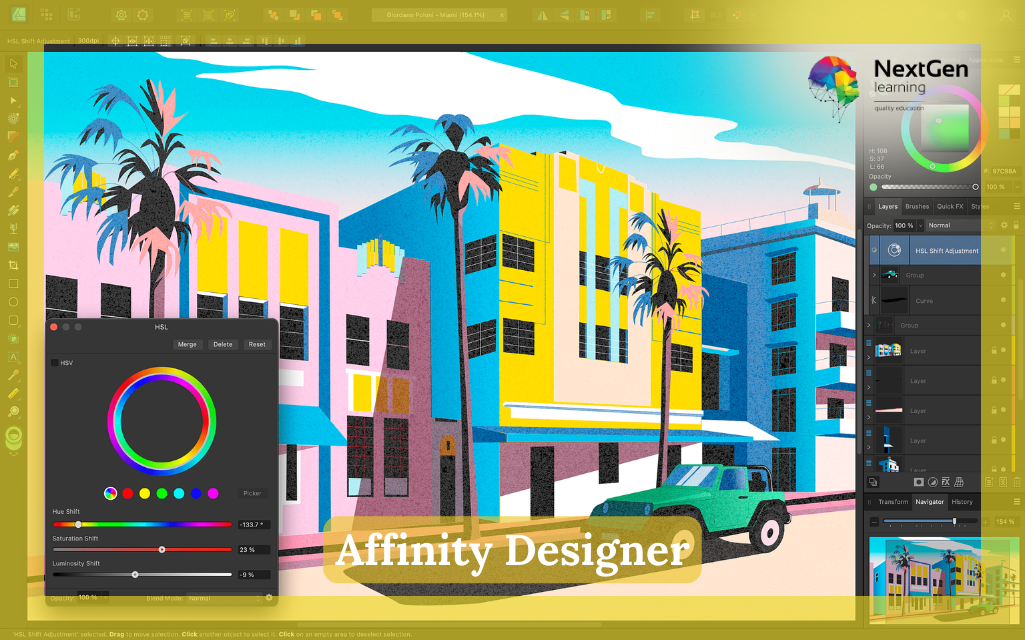
Affinity Designer – CPD Accredited Course

➤ 100% Online Affinity Designer Course UK – Study Anytime
➤ CPD Accredited Affinity Designer Training with Certificate
➤ Learn Vector Graphics, Logo Design & Digital Illustration
➤ Master Typography, UI Design & Creative Artwork Skills
➤ Beginner-Friendly Affinity Designer Course – No Experience Needed
➤ Flexible Online Learning with Lifetime Access
➤ Industry-Relevant Graphic Design Skills for Career Growth

Overview of Affinity Designer Course UK

Looking to start a creative career or upgrade your design skills? This affinity designer course UK is designed to help you learn professional graphic design in a simple and practical way. Whether you are a beginner or switching careers, this affinity designer training gives you everything you need to start confidently.

Moreover, this affinity designer online course covers essential tools like vector graphics, typography, and digital illustration. As a result, you will understand how to create logos, icons, UI designs, and marketing visuals.

In addition, this vector graphics design course affinity designer focuses on real-world applications. Therefore, you will learn how designers create professional artwork using modern tools. Ultimately, this course prepares you for creative roles in graphic design, UI/UX, and digital media.

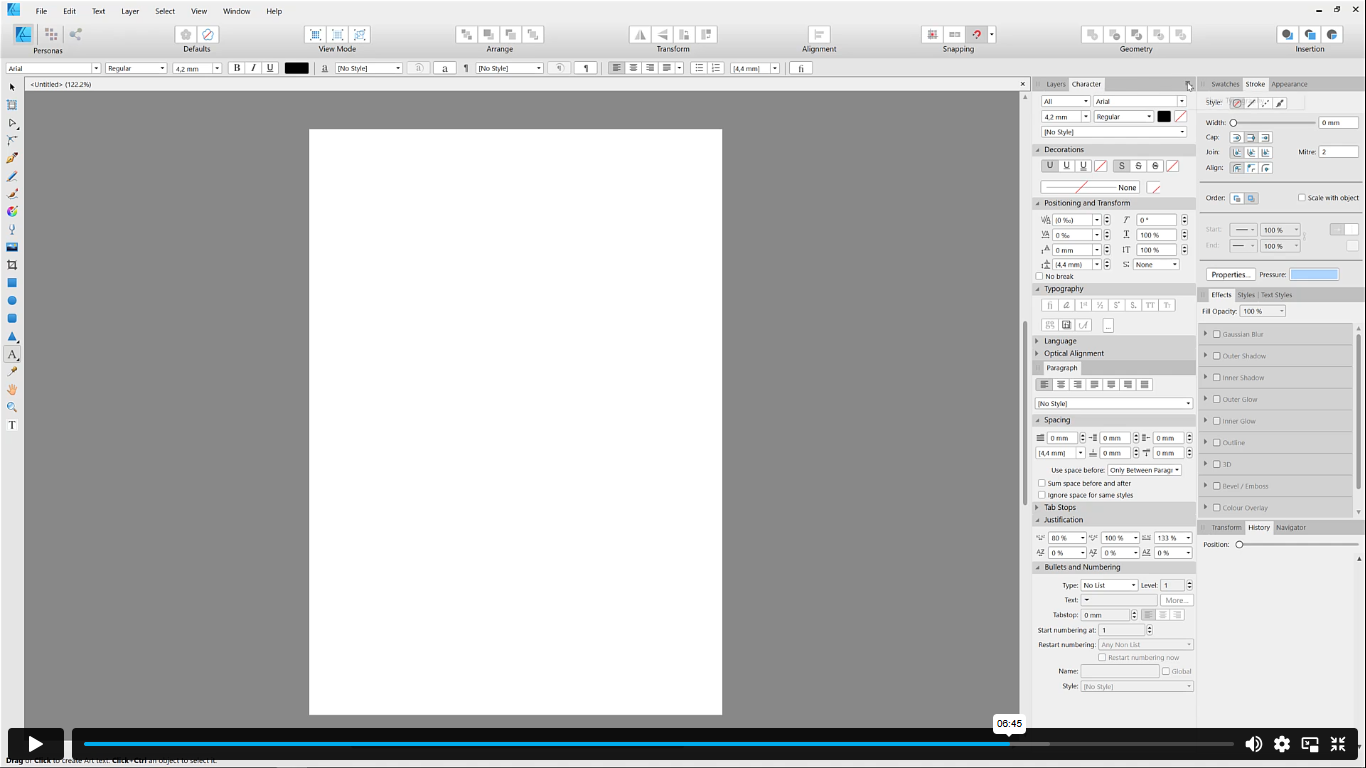
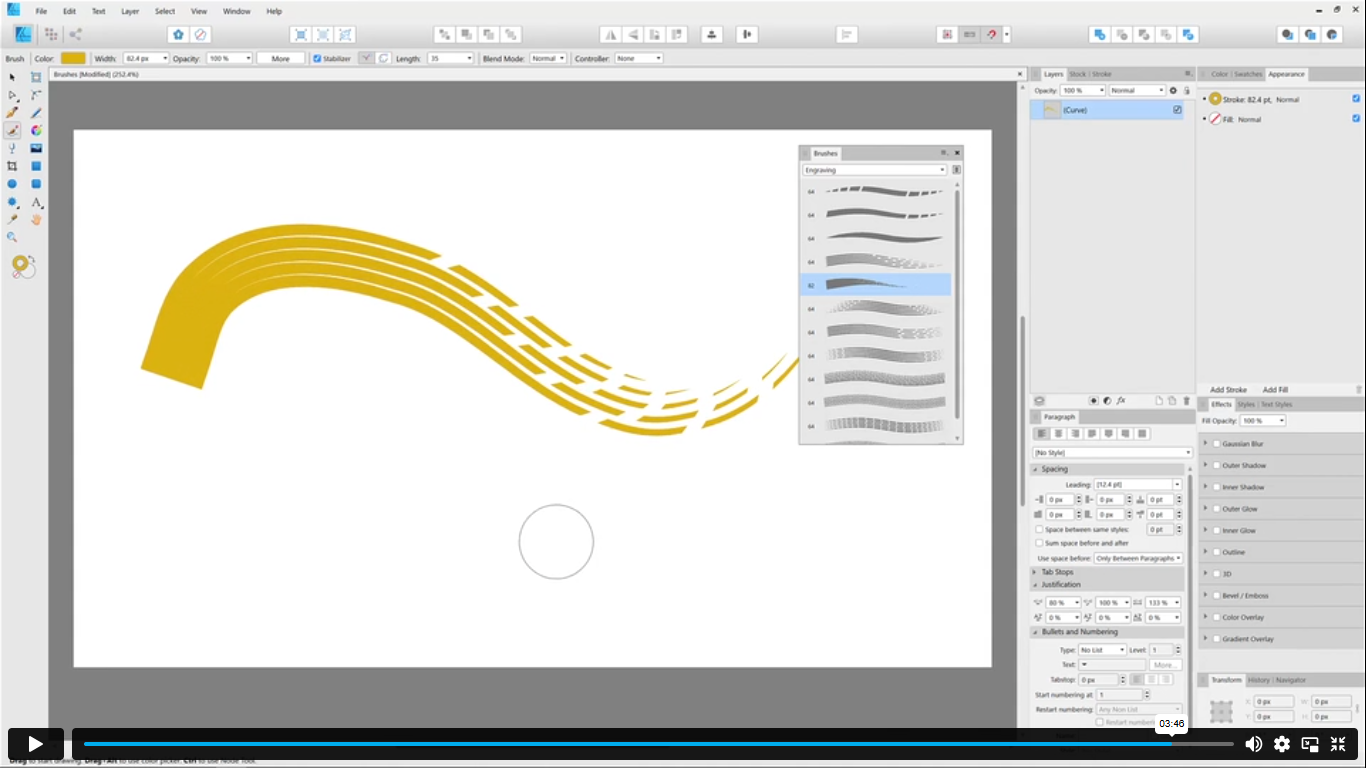
Exclusive Course Glimpse

What You Will Learn in Affinity Designer Training

This affinity designer beginner course is structured to build both creative and technical skills. Moreover, each module focuses on practical design techniques.

By the end of this affinity designer course uk, you will be able to:

Understand vector graphics design – Learn how shapes, lines, and paths create scalable artwork
Create logos and digital illustrations – Design professional logos and creative visuals
Use drawing tools effectively – Master pen tool, brushes, and shape tools
Work with colours and gradients – Apply colour theory and gradient effects professionally
Design typography layouts – Create artistic and readable text designs
Develop UI and icon designs – Build modern UI elements and icons
Edit and enhance images – Combine vector and raster design techniques
Export and manage design files – Prepare artwork for print and digital use

As a result, you gain practical skills required for graphic design careers and digital illustration roles.

Why Choose Us?​

There are many design courses available. However, this best affinity designer course uk focuses on real-world learning and career skills.

In addition, the course includes:

  • Affordable Learning: Structured lessons for smooth progress
  • CPD-Certified: Strengthen your CV with recognised credentials
  • Lifetime Access: Learn anytime at your own pace
  • Instant Certificate: Receive certification upon completion
  • Flexible Scheduling: Study around your work or studies
  • Transparent Pricing: No hidden costs
  • Quick Assessments: Monitor your progress easily
  • 24/7 Support: Assistance via chat or email

Therefore, this affinity designer training with certificate is ideal for building a successful creative career.

Course Curriculum – Affinity Designer Training

Module 01: Introduction – Learn what Affinity Designer is and explore the interface
Module 02: Creating New Documents – Create, manage, and view documents effectively
Module 03: How to Use Artboards – Work with multiple artboards and export designs
Module 04: How to Draw Shapes in Affinity Designer – Use tools like pen, brushes, and gradients
Module 05: How to Customize Your Artwork – Edit shapes, strokes, and vector elements
Module 06: How to Transform Your Artwork – Resize, align, and create complex designs
Module 07: How to Work with Text in Affinity Designer – Design text layouts and typography
Module 08: How to Use the Most Important Panels – Work with layers, effects, and panels
Module 09: How to Save, Print and Export Your Artwork – Export designs for print and digital use
Module 10: Summary – Complete assignment and review learning

Certificate of Achievement

Nextgen Certificate

After completing this affinity designer course uk, you will receive a CPD-accredited certificate to confirm your learning professionally.

You can typically choose:

  • PDF Certificate 
  • Hardcopy Certificate 

Moreover, this affinity designer certification uk helps you:

  • Strengthen your CV and LinkedIn profile
  • Demonstrate graphic design and digital illustration skills
  • Support applications in creative and design roles
  • Show proof of structured professional training

Who Is This Course For?​

This affinity designer course for beginners uk is suitable for a wide range of learners.

This course is ideal for:

  • Graphic design beginners starting a creative career
  • Artists learning digital illustration techniques
  • UI/UX learners exploring design tools
  • Marketing professionals creating visual content
  • Freelancers building design portfolios
  • Anyone interested in affinity designer training online
Affinity Designer course

Requirements​

There are no formal requirements for this affinity designer online course uk. However, you should have:

  • Basic English reading skills
  • A computer, tablet, or smartphone
  • Internet access

Because this is an online course, you can learn at your own pace. Therefore, it fits easily around your schedule.

Career Path of Affinity Designer Training

Career Path of Affinity Designer Training

Completing this affinity designer course uk opens multiple career opportunities in design.

Common career paths include:

  • Graphic Designer – £22,000 to £45,000
    Create visual content for brands and businesses
  • Illustrator – £20,000 to £40,000
    Design artwork for books, media, and digital platforms
  • UI Designer – £30,000 to £60,000
    Create user interface designs for apps and websites
  • Product Designer – £35,000 to £70,000
    Design digital and physical product experiences
  • Freelance Designer – £25,000 to £80,000+
    Work independently on creative projects

Note: Salary figures may vary based on experience and location.

Order Your Certificate

To order your Certificate, we kindly invite you to visit the following link

Frequently Asked Questions -

Yes, Affinity Designer is beginner-friendly. In fact, this affinity designer course for beginners uk starts from the basics. Moreover, step-by-step lessons make learning simple. Therefore, even complete beginners can quickly understand the tools and workflow.

Affinity Designer is a strong alternative to Adobe tools. While InDesign focuses on layout, Affinity Designer excels in vector graphics and illustration. Therefore, many designers use it for logo design and digital artwork.

Affinity Designer offers a one-time payment instead of a subscription. In the UK, it is usually affordable compared to Adobe software. Therefore, it is a popular choice for beginners and professionals.

The best affinity designer course uk is one that offers practical training and certification. This course focuses on real-world projects and hands-on learning. Moreover, it includes key skills like vector graphics and logo design such as at NextGen Learning.

After completing an affinity designer training, you can apply for roles like graphic designer, illustrator, or UI designer. Moreover, freelance opportunities are also available. Therefore, it supports both employment and self-employment paths.

Course Curriculum

Module 01: Introduction
What Is Affinity Designer? 00:03:00
Take A Look Around and Explore the Interface 00:08:00
Module 02: Creating New Documents
Create New Documents 00:03:00
Manage Already Created Documents 00:03:00
View Your Documents 00:05:00
Use the View Modes 00:04:00
Module 03: How to Use Artboards
What Are Artboards 00:02:00
How to Add and Remove Artboards 00:05:00
Manage Your Artboards 00:04:00
Export the Artboards 00:03:00
Module 04: How to Draw Shapes in Affinity Designer
The Drawing Shapes Tools 00:07:00
Use Shape Presets 00:04:00
Use the Pen Tool 00:06:00
Use Brushes in Affinity Designer 00:04:00
Add Gradients Using the Fill Tool 00:03:00
Use Symbols 00:04:00
Use the Drawing Modes to Simulate Masking 00:04:00
Module 05: How to Customize Your Artwork
Use the Corner Tool 00:04:00
Use the Point Transform Tool 00:07:00
Add Multiple Strokes and Fills 00:06:00
Use the Vector Crop Tool 00:02:00
Module 06: How to Transform Your Artwork
Rotate, Reflect Move and Resize Objects 00:04:00
Align and Distribute Objects 00:04:00
Create Complex Shapes from Simple Objects 00:05:00
Module 07: How to Work with Text in Affinity Designer
Create Artistic Text 00:04:00
Create Paragraphs 00:04:00
Create Text on A Path 00:04:00
Add Guides and Column Guides 00:04:00
Module 08: How to Use the Most Important Panels
Working with Layers and The Layers Panel 00:03:00
Layer Clipping and Masking 00:04:00
Use the Stroke Panel 00:03:00
Use the Effects Panel 00:04:00
Use the History Panel 00:03:00
Module 09: How to Save, Print and Export Your Artwork
Saving and Printing Your Artwork 00:04:00
Saving by Exporting 00:04:00
Using the Export Persona 00:04:00
Module 10: Summary
Thanks for Taking This Course 00:01:00
Assignment
Assignment -Affinity Designer 00:00:00
Order Your Certificate
Order Your Certificate 00:00:00

Related Courses

A product of

© 2026 NextGen Learning. All rights reserved

Home Search Cart Offers
Select your currency
GBP Pound sterling