Popular Courses

Brand
Awarding body image

Overview of Cocos2d-x JavaScript Game Development Course Online

This Cocos2d-x JavaScript game development course helps learners understand how game logic, scenes, animation, inputs and interface components work together. Furthermore, it explains how JavaScript can be used to control movement, touch, keyboard, mouse, audio and UI behaviour across different platforms. Learners will gain practical awareness of positioning, repeated actions, scene management, scheduling and interface controls. Consequently, the course is useful for aspiring game developers, JavaScript learners, web developers, mobile app learners and anyone interested in interactive game development.

By completing this course, you will be able to:

  • Understand what Cocos2d-x JavaScript is.
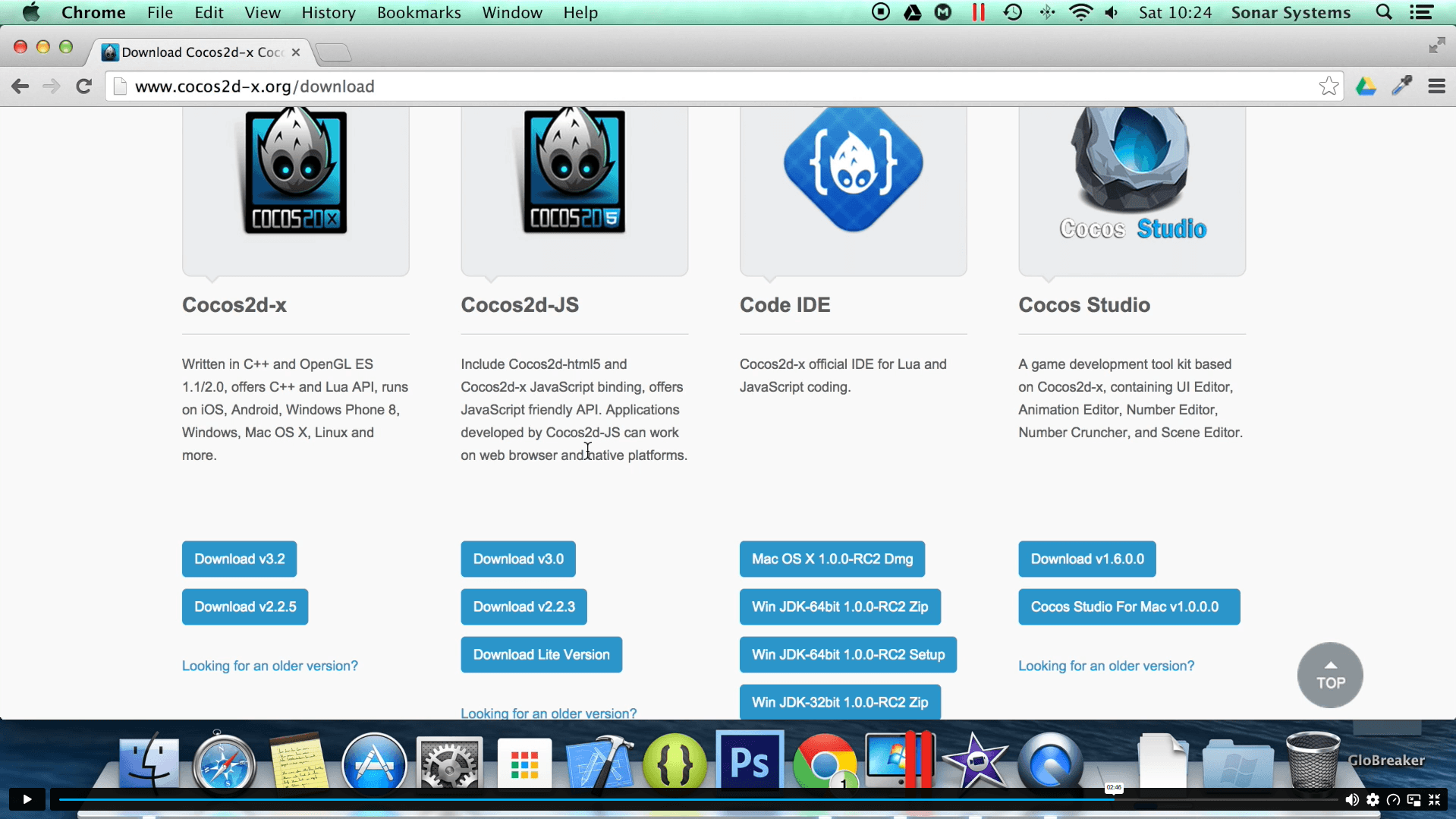
  • Set up projects for iOS, Android and web.
  • Add sprites and manage multi-resolution support.
  • Use MoveTo, MoveBy, JumpTo and JumpBy actions.
  • Apply Bezier, scale, tint, fade, skew and rotate actions.
  • Use repeat and repeat-forever actions.
  • Play, stop, pause and control sound and music.
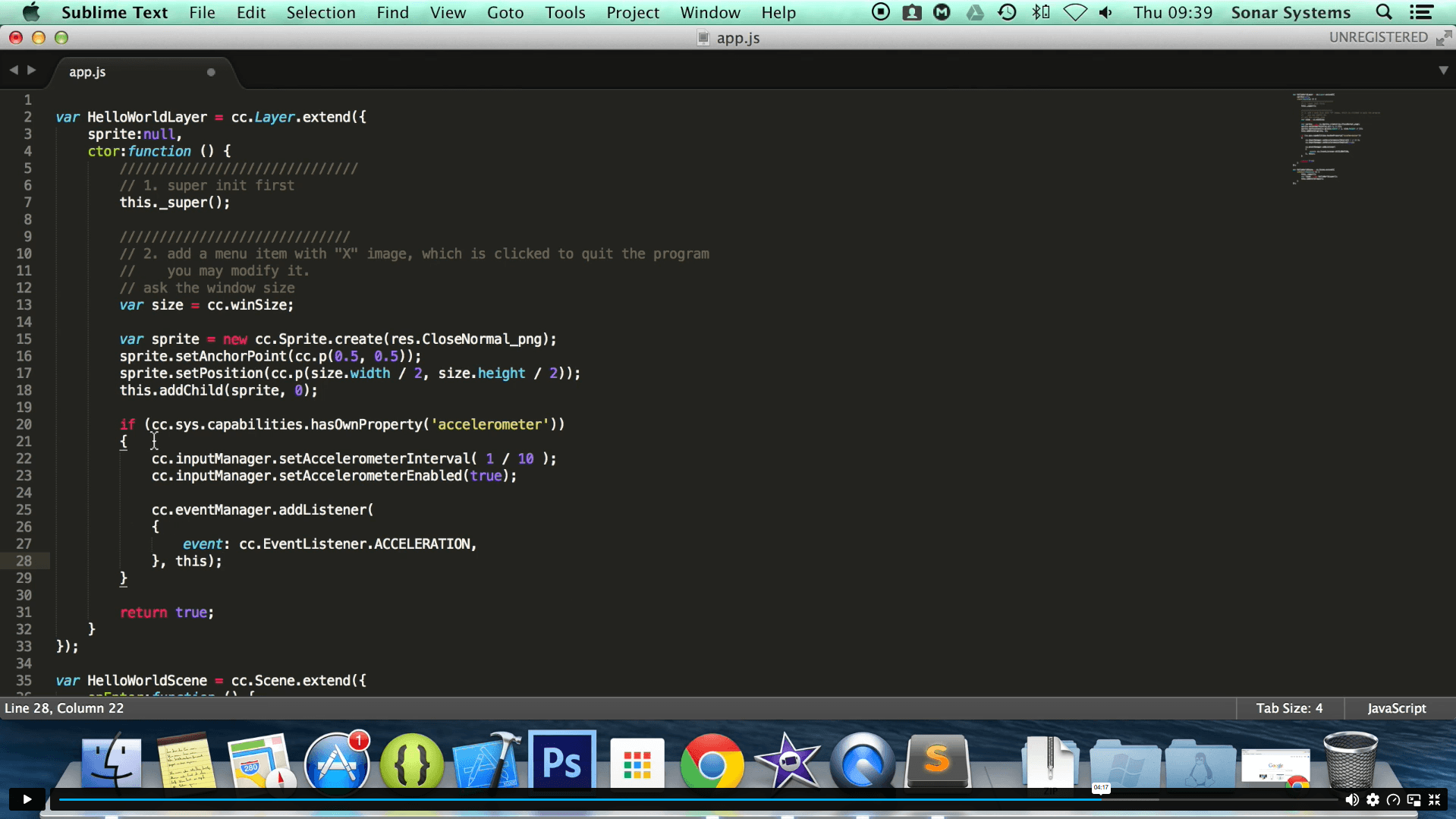
  • Handle touch, mouse, keyboard and accelerometer events.
  • Create menus, scenes and scene transitions.
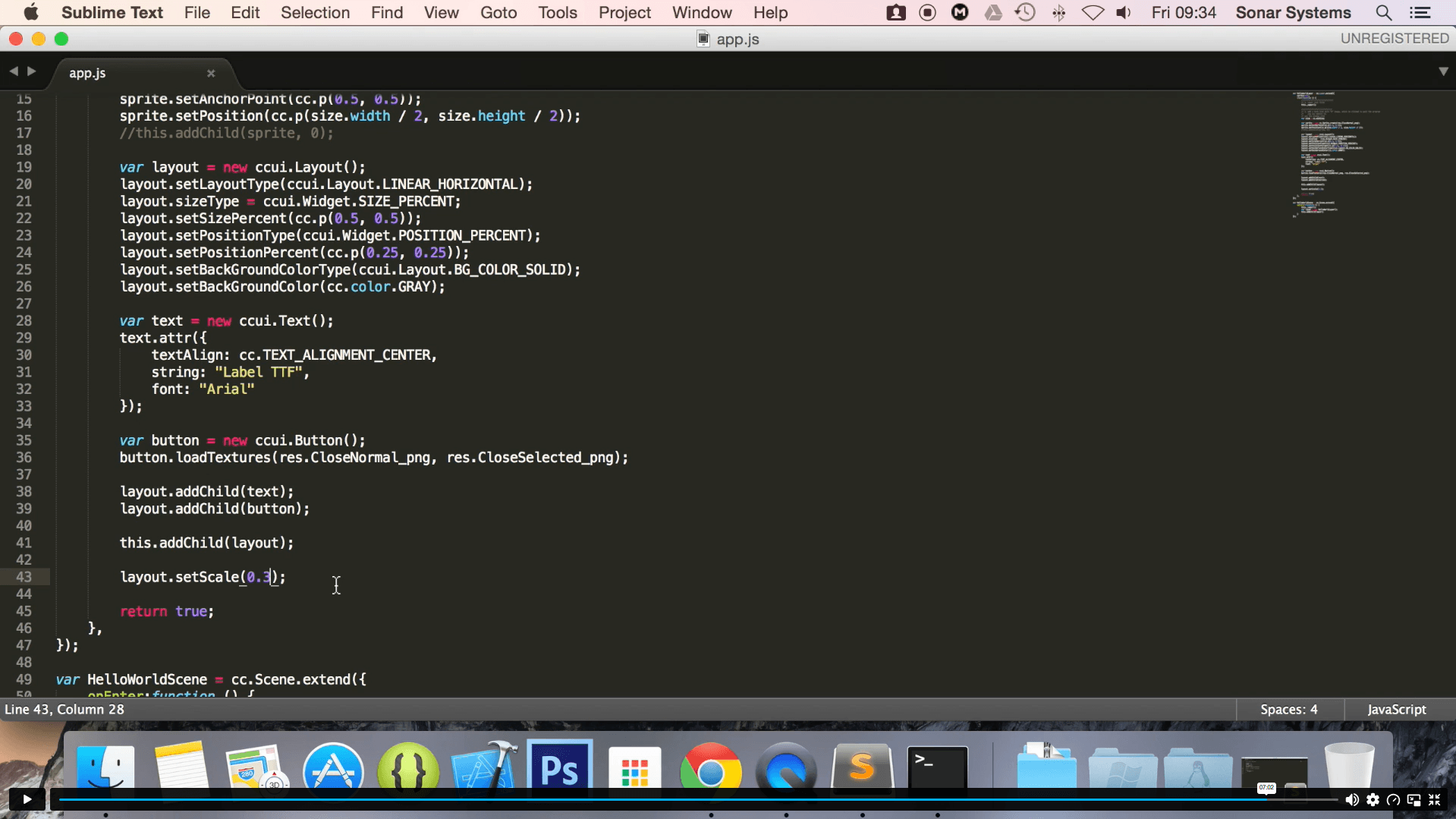
  • Use labels and UI components in game projects.

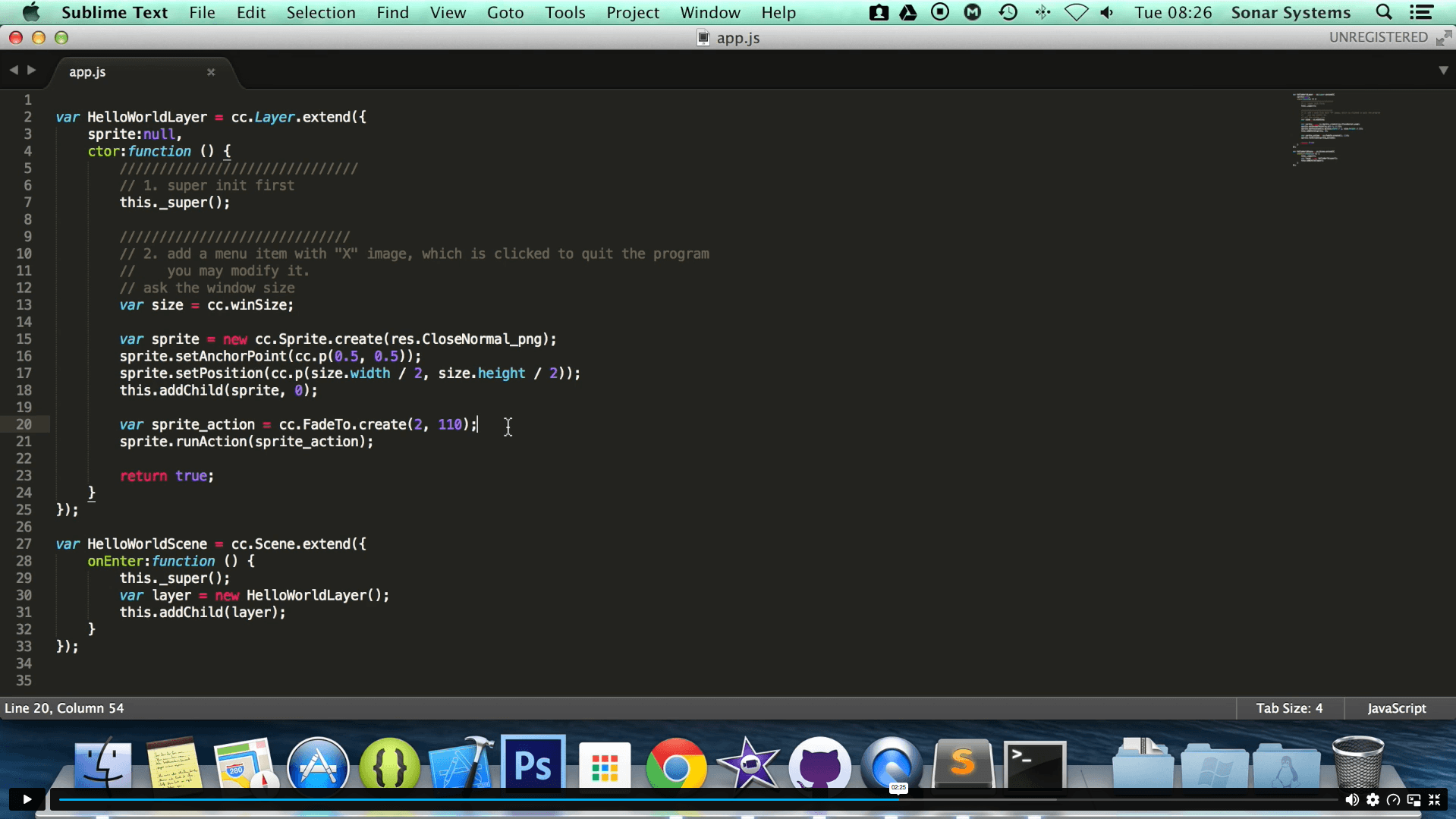
Exclusive Course Glimpse

Learning Outcomes

After completing this course, learners will confidently understand key JavaScript and Cocos2d-x game development principles.

  • Understand Cocos2d-x setup across multiple platforms.
  • Recognise how sprites support visual game objects.
  • Build awareness of movement and positioning actions.
  • Understand how advanced actions create visual effects.
  • Recognise how audio improves game interaction.
  • Understand input handling for different devices.
  • Build awareness of scene and menu systems.
  • Understand how UI components support game interfaces.

Why Choose This Course

  • This course is designed for learners who want flexible, project-focused game development training.

    • Study a Cocos2d-x JavaScript game development course online.
    • Learn through structured, bite-sized modules.
    • Build skills relevant to mobile, web and desktop games.
    • Explore sprites, audio, actions, scenes and UI.
    • Improve confidence with JavaScript game programming.
    • Strengthen your CV with CPD-focused learning.
    • Suitable for learners with basic programming knowledge.
    • Learn at your own pace from any device.

Certificate of Achievement

  • CPD Accredited Certificate
  • Digital Certificate
  • Professional Recognition
  • CV & LinkedIn Enhancement
  • Proof of Professional Skills
Nextgen Certificate

Who Is This Course For?​

The Dermatology & Skincare Level 5 course is ideal for:

  • Aspiring Dermatologists especially those pursuing a career in dermatology or skin health.
  • Beauty Therapists, moreover, seeking to deepen their skincare expertise.
  • Skincare Enthusiasts, in particular, keen to master facial care techniques.
  • Healthcare Professionals such as Nurses or clinicians, additionally, expanding into dermatology.
  • Spa and Salon Owners, likewise, looking to enhance their service offerings.

Career Opportunities (UK)

This Cocos2d-x JavaScript game development course can support career development in game programming, JavaScript development, mobile app development, web development and interactive software projects. Furthermore, it provides useful knowledge of sprites, actions, input events, scenes, audio and UI components.

Game Developer

Game developers create interactive games for mobile, desktop, web and console platforms. They work on gameplay systems, user input, scenes, audio and performance. This course supports foundation knowledge of JavaScript-based game mechanics.
Average UK Salary: £24,000 – £80,000+ per year

JavaScript Developer

JavaScript developers build interactive websites, apps and digital features using JavaScript technologies. Game development knowledge can strengthen their understanding of events, animation, interface behaviour and user interaction.
Average UK Salary: £30,000 – £75,000 per year

Mobile App Developer

Mobile app developers design and build applications for smartphones, tablets and other devices. Cocos2d-x JavaScript knowledge can support learners interested in mobile games and cross-platform interactive apps.
Average UK Salary: £31,000 – £65,000 per year

Web Developer

Web developers create and maintain websites and web applications. This course can support their wider JavaScript knowledge, especially around events, UI behaviour and interactive web-based game features.
Average UK Salary: £27,000 – £60,000 per year

Gameplay Programmer

Gameplay programmers focus on the rules, controls, actions and interaction systems inside games. This course supports awareness of movement actions, touch controls, keyboard input, scenes and game UI components.
Average UK Salary: £24,000 – £80,000+ per year

Game Tester

Game testers check gameplay, controls, audio, interface behaviour and technical issues before release. Understanding how games are built can help testers report bugs more clearly and communicate with development teams.
Average UK Salary: £22,000 – £36,000 per year

Indie Game Developer

Indie game developers often plan, build, test and publish small games independently or with small teams. This course can help them understand cross-platform game creation using JavaScript and Cocos2d-x.
Average UK Salary: Income varies depending on projects, clients, sales and publishing success.

Entry Requirements

  • No formal qualifications required.
  • Suitable for motivated beginners.
  • Basic English understanding recommended.
  • Internet and device access required.
  • Basic JavaScript knowledge is helpful.
  • Basic computing confidence recommended.
  • Interest in game development, coding or mobile games.

Order Your Certificate

To order your Certificate, we kindly invite you to visit the following link

Frequently Asked Questions -

A Cocos2d-x JavaScript game development course teaches learners how to create game features using Cocos2d-x and JavaScript. It covers setup, sprites, actions, audio, input events, scenes, labels and UI components. Moreover, it helps learners understand cross-platform game development principles.

This Cocos2d-x course is suitable for aspiring game developers, JavaScript learners, web developers and mobile game creators. It is also useful for students building a coding portfolio. In addition, indie creators can use it to understand interactive game systems.

Yes, this course is suitable for motivated beginners. However, basic JavaScript knowledge will make the lessons easier to follow. Therefore, it is ideal for learners who already understand simple programming concepts.

This JavaScript game development course covers setup for iOS, Android, Windows and the web. Furthermore, it teaches positioning, repeated actions, advanced actions, audio, touch events, mouse events, keyboard events, scenes and UI components. As a result, learners build practical game programming confidence.

Yes, this course includes a CPD Accredited Certificate. This can support your CV, LinkedIn profile and professional development record. Moreover, it shows your commitment to improving JavaScript game development skills.

This Cocos2d-x JavaScript game development course can support your first steps towards game development. It helps learners understand sprites, actions, controls, audio, scenes and UI logic. However, professional game developer roles may also require a strong portfolio, advanced programming skills and wider project experience.

Yes, this game development course online is delivered fully online. Learners can study flexibly using a suitable device and internet connection. Consequently, it is suitable for students, working professionals and independent learners.

This course can help you build JavaScript game programming and cross-platform development knowledge. These skills are useful in game development, mobile app development, web development and interactive software projects. Therefore, it can support portfolio growth and future career progression.

Course Curriculum

Section 01: Introduction & Setup
What Is Cocos2d-x JavaScript? 00:03:00
Setting Up For iOS 00:09:00
Setting Up For Android on Mac 00:12:00
Setting For Android on Windows 00:13:00
Setting Up For the Web 00:07:00
Multi Resolution Support 00:18:00
Adding a Sprite 00:07:00
Section 02: Positioning
Positioning Using MoveTo 00:05:00
Positioning Using MoveBy 00:06:00
Positioning Using JumpTo 00:03:00
Positioning Using JumpBy 00:04:00
Positioning Using BezierTo 00:04:00
Positioning Using BezierBy 00:04:00
Positioning Using Place 00:04:00
Section 03: Repeating Actions
Repeat 00:04:00
RepeatForever 00:04:00
Section 04: Advanced Actions
Scaling Using ScaleTo 00:04:00
Scaling Using ScaleBy 00:04:00
Tinting Using TintTo 00:04:00
Tinting Using TintBy 00:04:00
Fading Using FadeTo 00:04:00
Fading Using FadeIn 00:03:00
Fading Using FadeOut 00:03:00
Skewing Using SkewTo 00:05:00
Skewing Using SkewBy 00:04:00
Rotating Using RotateTo 00:03:00
Rotating Using RotateBy 00:03:00
Sequence 00:04:00
Section 05: Playing Audio
Playing Sound Effects 00:07:00
Playing Sound Effects Repeatedly 00:03:00
Setting Sound Effect Volume 00:03:00
Stopping Sound Effects 00:05:00
Playing Music 00:05:00
Stopping Music 00:05:00
Pausing and Resuming Music 00:05:00
Setting Music Volume 00:03:00
Section 06: Touch Events
Setting Up Single Touch Events 00:05:00
Single Touch Began 00:06:00
Single Touch Moved 00:04:00
Single Touch Ended 00:04:00
Setting Up Multi Touch Events 00:03:00
Multi Touch Began 00:04:00
Multi Touch Moved 00:03:00
Multi Touch Ended 00:04:00
Section 07: Mouse Events
Setting up Mouse Events 00:03:00
Mouse Button Pressed 00:03:00
Mouse Button Released 00:03:00
Mouse Moved 00:03:00
Mouse Wheel Scrolled 00:03:00
Section 08: Keyboard Events
Setting up Keyboard Events 00:03:00
Keyboard Key Pressed 00:04:00
Keyboard Key Released 00:04:00
Section 09: Accelerometer Events
Setting up Accelerometer Events 00:05:00
Using the Accelerometer 00:04:00
Section 10: Menu Systems
Setting up A Menu 00:02:00
Adding a Menu Font Item 00:07:00
Adding a Menu Image Item 00:05:00
Menu Alignment 00:03:00
Section 11: Scenes
Creating a New Scene 00:03:00
Pushing a Scene 00:06:00
Popping a Scene 00:04:00
Replacing a Scene 00:04:00
Scene Transitions 00:05:00
Section 12: Extras
Node Action Animations 00:05:00
Scheduling 00:07:00
Debug Information 00:05:00
Remove Child 00:05:00
Section 13: Labels
LabelTTF 00:05:00
LabelAtlas 00:05:00
LabelBMFont 00:07:00
Section 14: UI Components
UIButton 00:07:00
UICheckBox 00:09:00
UIImageView 00:04:00
UILabelAtlas 00:06:00
UILabelBMFont 00:06:00
UILabel 00:04:00
UIListView 00:10:00
UILoadingBar 00:09:00
UIRichText 00:08:00
UIScrollView 00:08:00
UISlider 00:09:00
UITextField 00:10:00
UILayout 00:07:00
UIPageView 00:11:00
Assignment
Assignment – Cocos2d-x v3 JavaScript: Game Development 00:00:00
Order Your Certificate
Order Your Certificate 00:00:00

Related Courses

A product of

© 2026 NextGen Learning. All rights reserved

Home Search Cart Offers