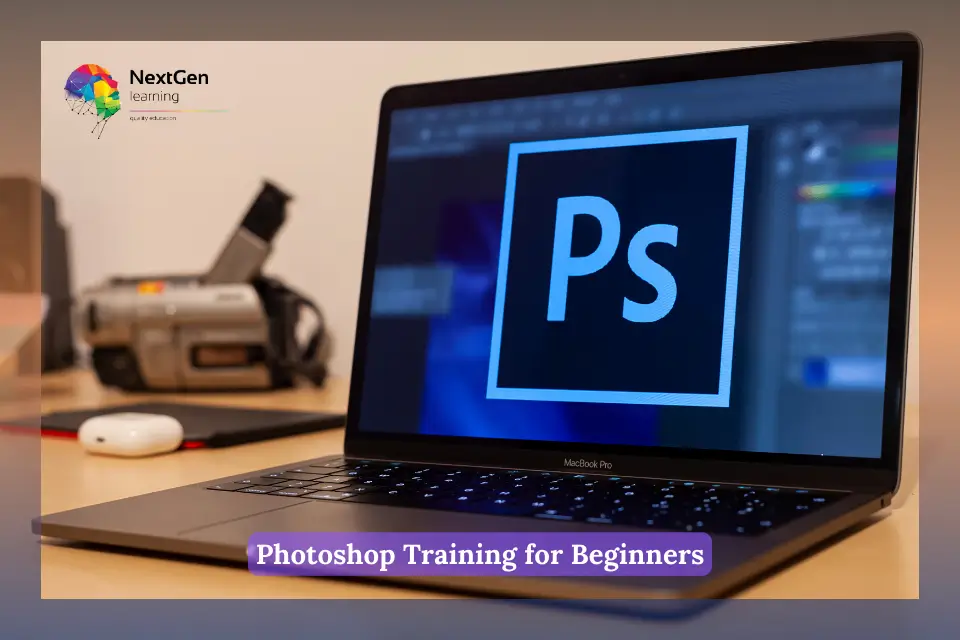


The Photoshop Training for Beginners UK course is a structured online learning program designed specifically for individuals who are completely new to Adobe Photoshop. It introduces you step by step to essential tools, functions, and creative techniques so that you can gradually build your confidence. Instead of overwhelming you with advanced concepts at the beginning, the course starts from the basics and slowly progresses into more practical and professional-level editing skills. As a result, you gain a strong foundation in Photoshop that can be applied to real design and photo editing projects.



Course Curriculum
| Photoshop Training for Beginners | |||
| Overview | 00:02:00 | ||
| Pricing and Licensing Options | 00:02:00 | ||
| Basic File Types and Options | 00:02:00 | ||
| Working with the Interface | 00:02:00 | ||
| Working with A Basic Canvas | 00:03:00 | ||
| Working with Layers | 00:03:00 | ||
| Working with the Move Tool | 00:03:00 | ||
| Working with Shapes | 00:04:00 | ||
| Working with the Marquee Tool | 00:03:00 | ||
| Working with Colors | 00:02:00 | ||
| Working with the Paint Bucket | 00:03:00 | ||
| Working with the Eraser Tool | 00:03:00 | ||
| Working with the Text Tool | 00:04:00 | ||
| Working with Images | 00:03:00 | ||
| Working with Sizing | 00:03:00 | ||
| Working With Transparent Layers | 00:03:00 | ||
| Using the Crop Tool | 00:03:00 | ||
| Working with Layer Styles | 00:02:00 | ||
| Working with Rotation of Images and Layers | 00:03:00 | ||
| Conclusion | 00:01:00 | ||
Related Courses