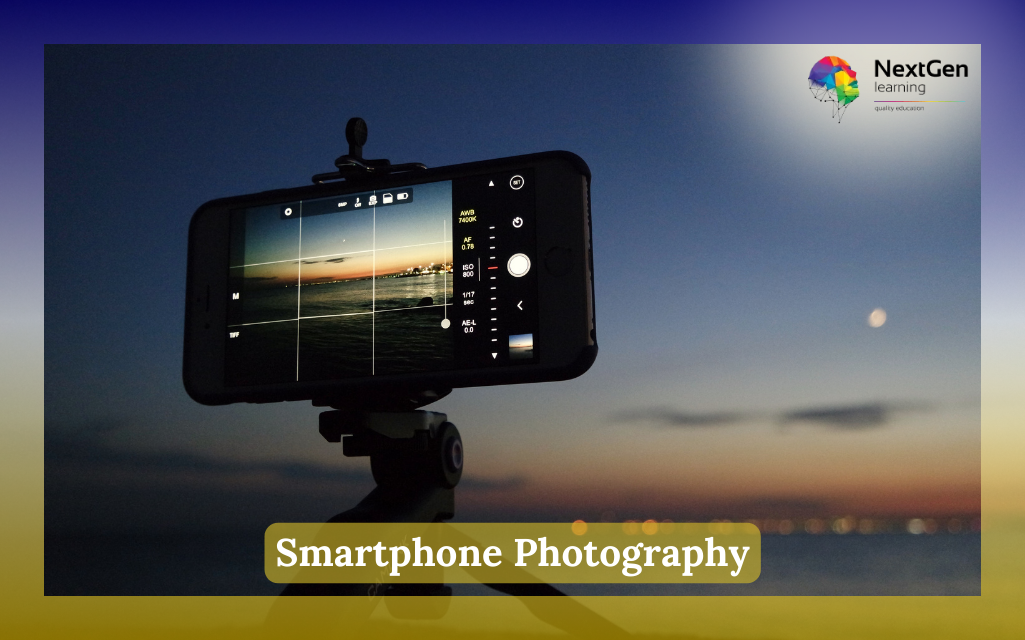


To get started in smartphone photography, you should first understand your phone camera settings such as exposure, focus, and lighting. Then, practise basic composition techniques like framing and angles. In addition, using editing apps can significantly improve your results. Over time, consistent practice will help you develop confidence and creativity.



Course Curriculum
| Smartphone Photography | |||
| Module 01: Introduction | |||
| Introduction | 00:32:00 | ||
| Module 02: Smartphone Photography Basics | |||
| Smartphone Photography Basics | 00:31:00 | ||
| Module 03: Lighting | |||
| Lighting | 00:21:00 | ||
| Module 04:Camera Modes and Features | |||
| Camera Modes and Features | 00:31:00 | ||
| Module 05: Camera Settings | |||
| Camera Settings | 00:33:00 | ||
| Module 06: Using Add on Lenses | |||
| Using Add on Lenses | 00:26:00 | ||
| Module 07: Photography Tricks and Effects | |||
| Photography Tricks and Effects | 00:19:00 | ||
| Module 08: Editing Your Photos and Useful Photo Apps | |||
| Editing Your Photos and Useful Photo Apps | 00:32:00 | ||
| Module 09: Smartphone Photography for Instagram Success | |||
| Smartphone Photography for Instagram Success | 00:27:00 | ||
| Mock Exam | |||
| Mock Exam – Smartphone Photography | 00:20:00 | ||
| Final Exam | |||
| Final Exam – Smartphone Photography | 00:20:00 | ||
| Order Your Certificate | |||
| Order Your Certificate | 00:00:00 | ||
| Order Your QLS Certificate | |||
| Order Your QLS Certificate | 00:00:00 | ||
Related Courses